Chapter 6, Using Vitals Mobile-HC (HC-100 Controller): Starting Vitals Mobile
E.H. Wachs Part No. 79-MAN-04, Rev. I 97
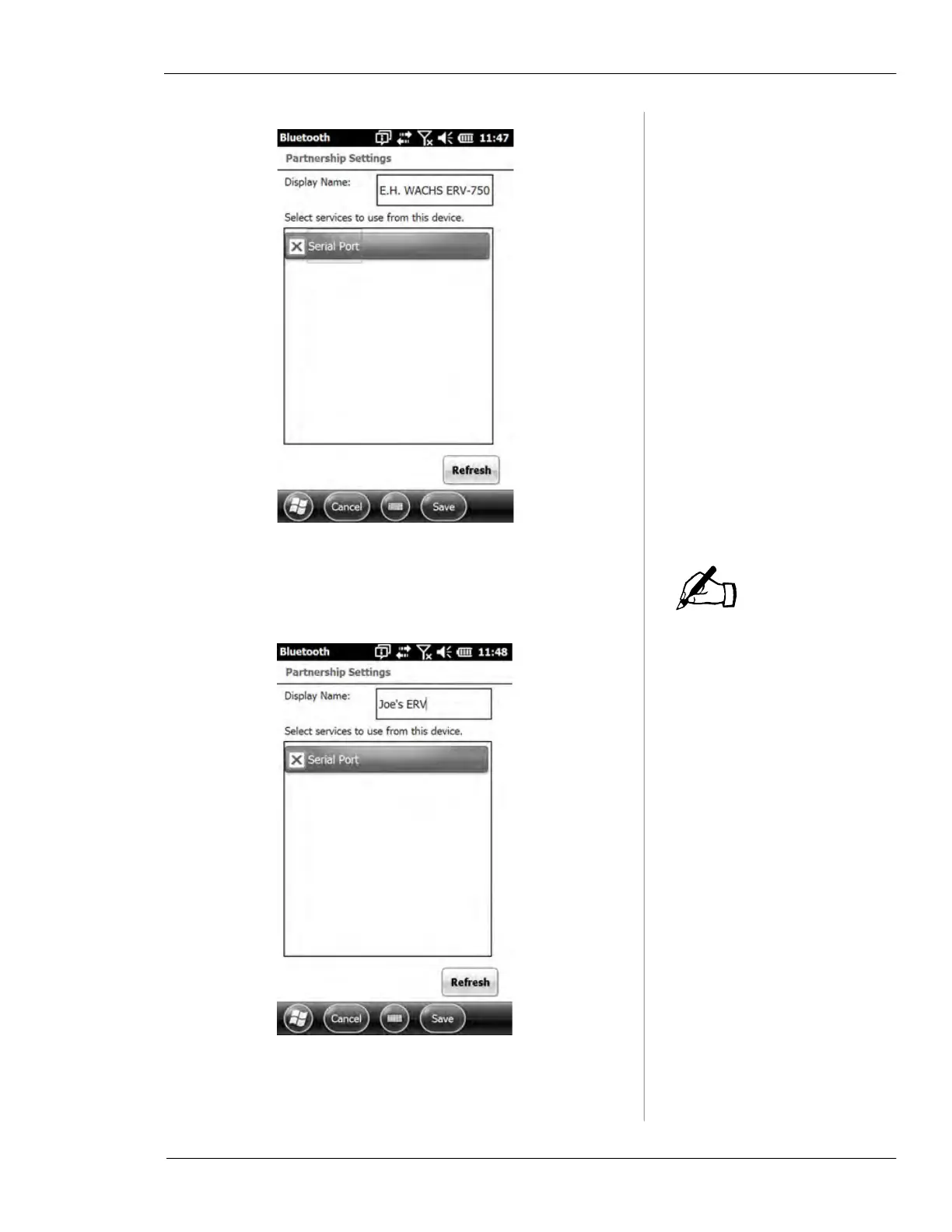
Figure 6-23.
The Display Name must
include one of the following
text strings: “ERV”, “TM7”, or
“Wachs Machine”.
6.
Type the new Display Name. Tap Save at the bottom of
the screen.
Figure 6-24.
7.
The new name now appears on the Bluetooth screen.
NOTE



 To Next Page