Chapter 6, Using Vitals Mobile-HC (HC-100 Controller): Starting Vitals Mobile
E.H. Wachs Part No. 79-MAN-04, Rev. I 101
7.
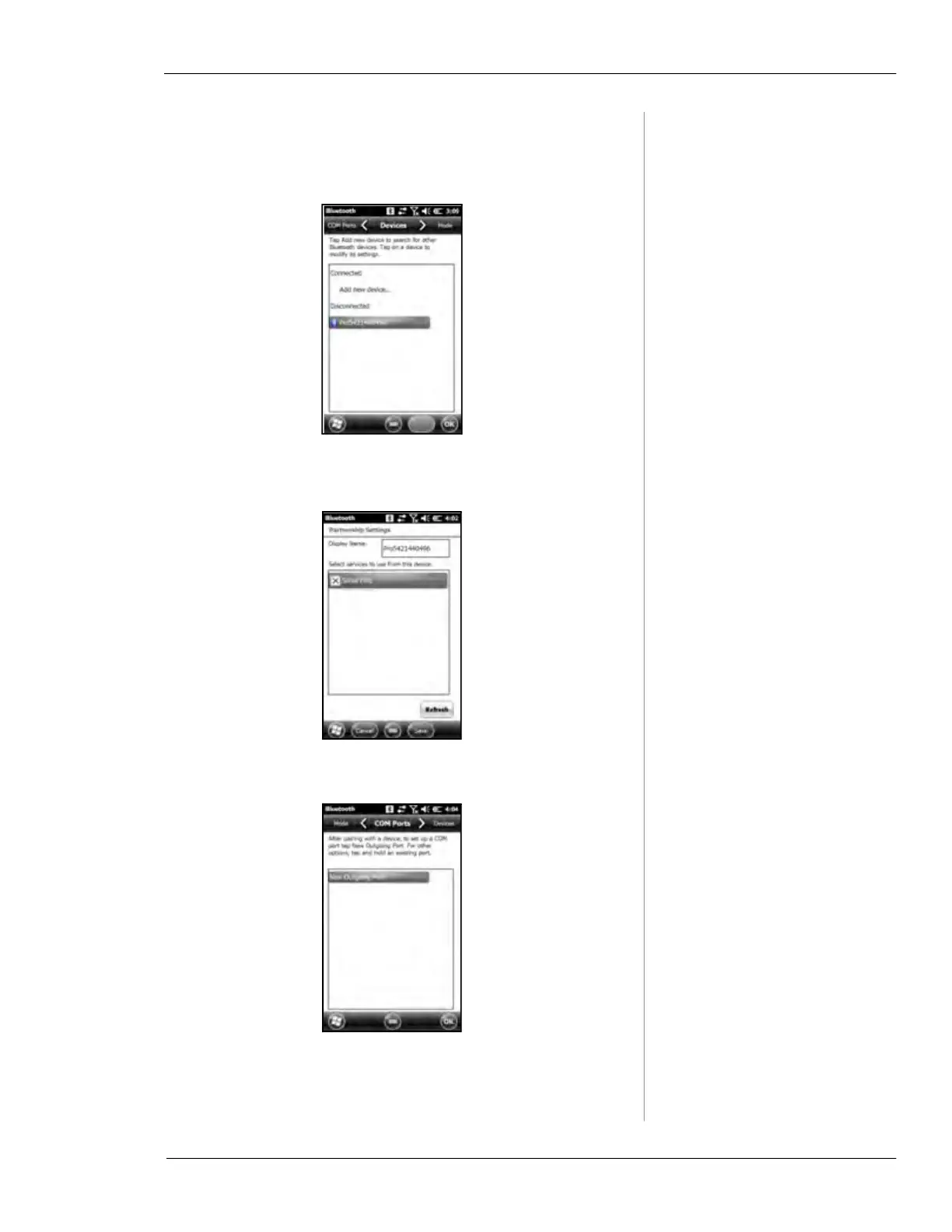
Tap Pro device again.
8.
You have the option to change the Display Name.
Check the
Serial Port box and tap Save.
9.
Tap on the COM Ports tab and tap New Outgoing Port.



 To Next Page