Chapter 7, Using Vitals Desktop: Printing
E.H. Wachs Part No. 79-MAN-04, Rev. I 147
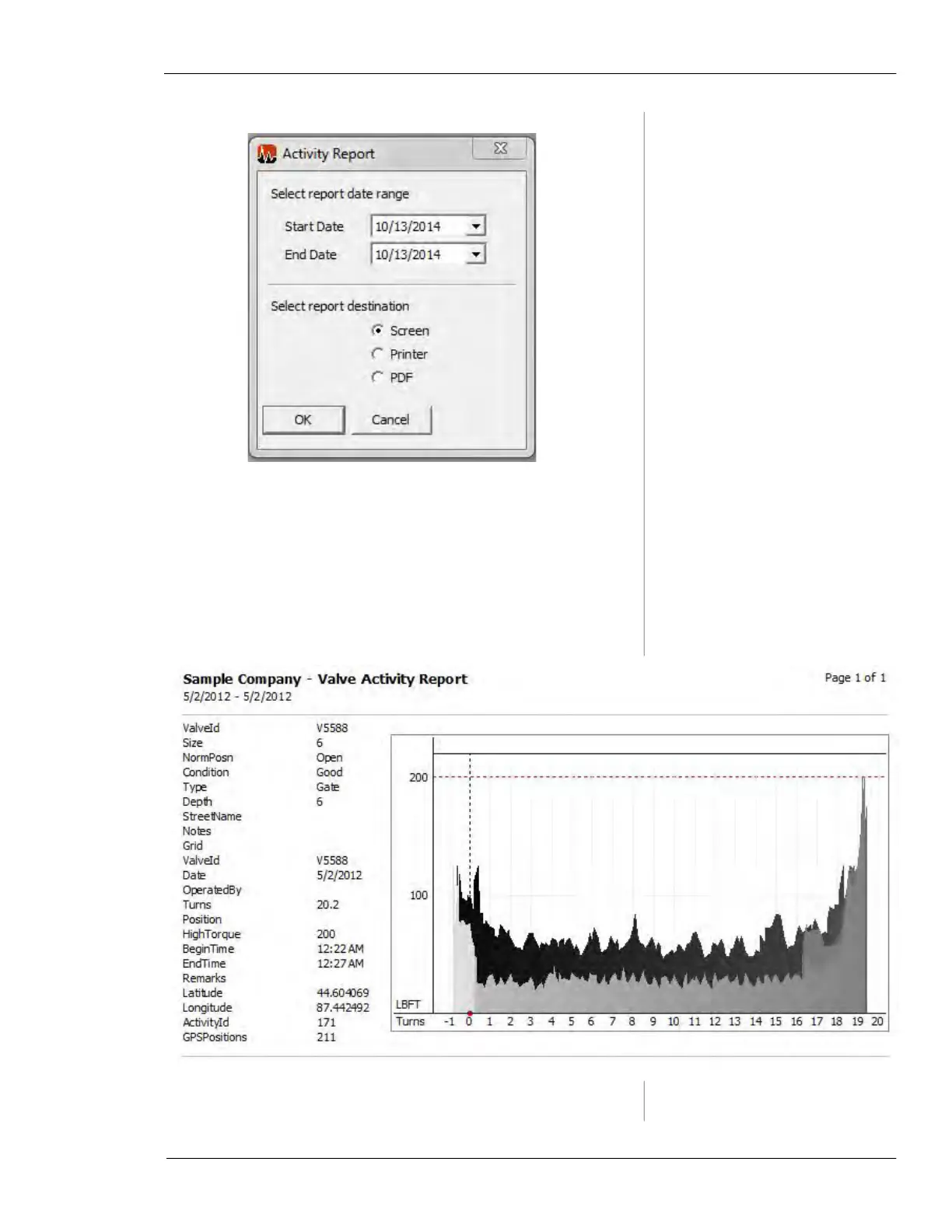
Figure 7-16. Activity Report
• Click the dropdown boxes next to Start Date and End
Date to choose a date range of valves or activities for
which you would like to produce a report.
• Click a radio button titled Screen, Printer, or PDF to
choose a location to print.
• Click OK to confirm printing.
Figure 7-17. Sample Activity Report
NEW SCREEN



 To Next Page