Vitals Reference Manual
156 Part No. 79-MAN-04, Rev. I E.H. Wachs
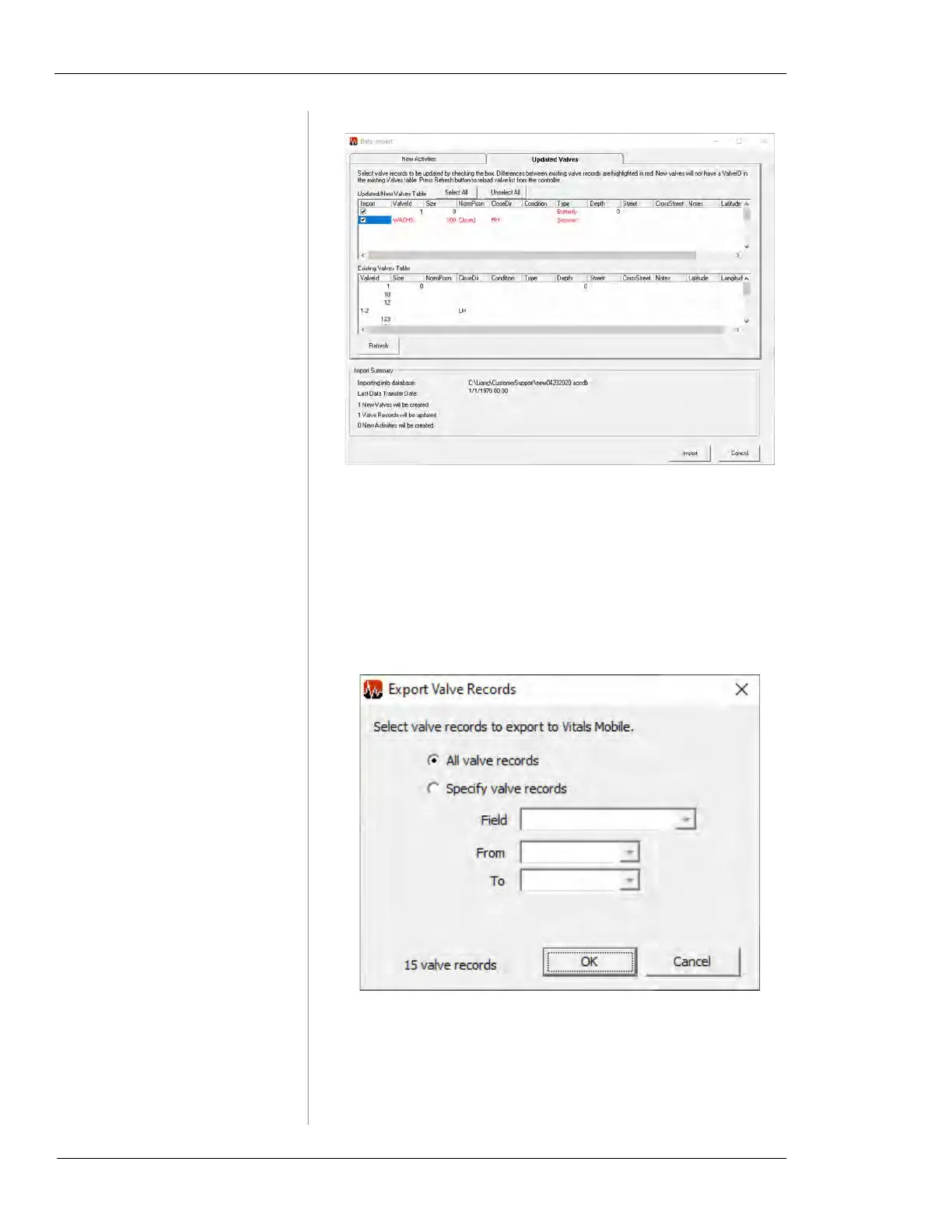
Figure 7-25. Updated Valves import screen.
10.
Click the Import button. The new valve data is
imported from the flash drive.
11.
After the import is complete, export the database back
to the flash drive. This ensures that all valve data on
both Desktop and Mobile is synchronized.
Figure 7-26. Export Valve Records screen.
12.
A Data has been exported message will appear.
Remove the flash drive from the Vitals Desktop com-
puter.



 To Next Page