Chapter 7, Using Vitals Desktop: Transferring Data Between Vitals Desktop and Vitals Mobile
E.H. Wachs Part No. 79-MAN-04, Rev. I 179
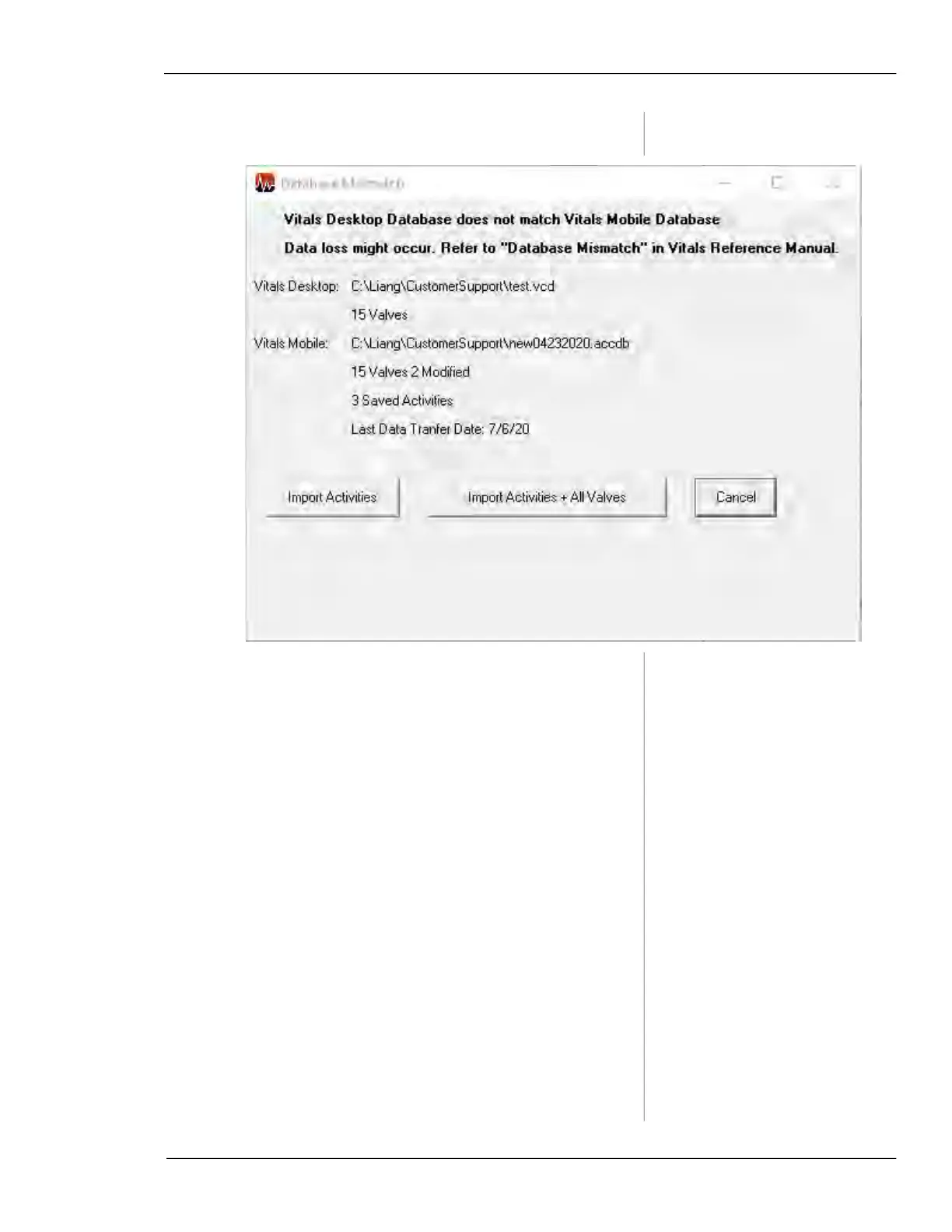
Figure 7-53. The Database Mismatch screen appears
if there is a database error.
If there are activities you don’t want to import, uncheck the
box in the
Import column.
You can edit details of the valve activities on the
New Activ-
ities
tab before completing the import. Click in the field you
want to edit, and change the value or description. (You can-
not change the Valve ID.)



 To Next Page