Appendix B, Vitals Database Reference: Table Structure
E.H. Wachs Part No. 79-MAN-04, Rev. I 217
NOTE: Fields in the Remarks table appear as checkboxes
in Vitals Mobile. The user can select these checkboxes to
add the remarks to the activity record.
NOTE: The Fields table stores pre-defined contents that the
user can select from on the handheld controller.
For example, if you add a record to the table with the fol-
lowing values:
• FieldName:
Size
• Caption: Valve Sizes
• Choices: 4;6;8;10;12;16;24
the user will see the choices in a pull-down list under Valve
Sizes
. Selecting one of the choices will enter it into the valve
record.
You can edit the choices for an existing field, or create new
fields in other tables and specify their content in the Fields
table.
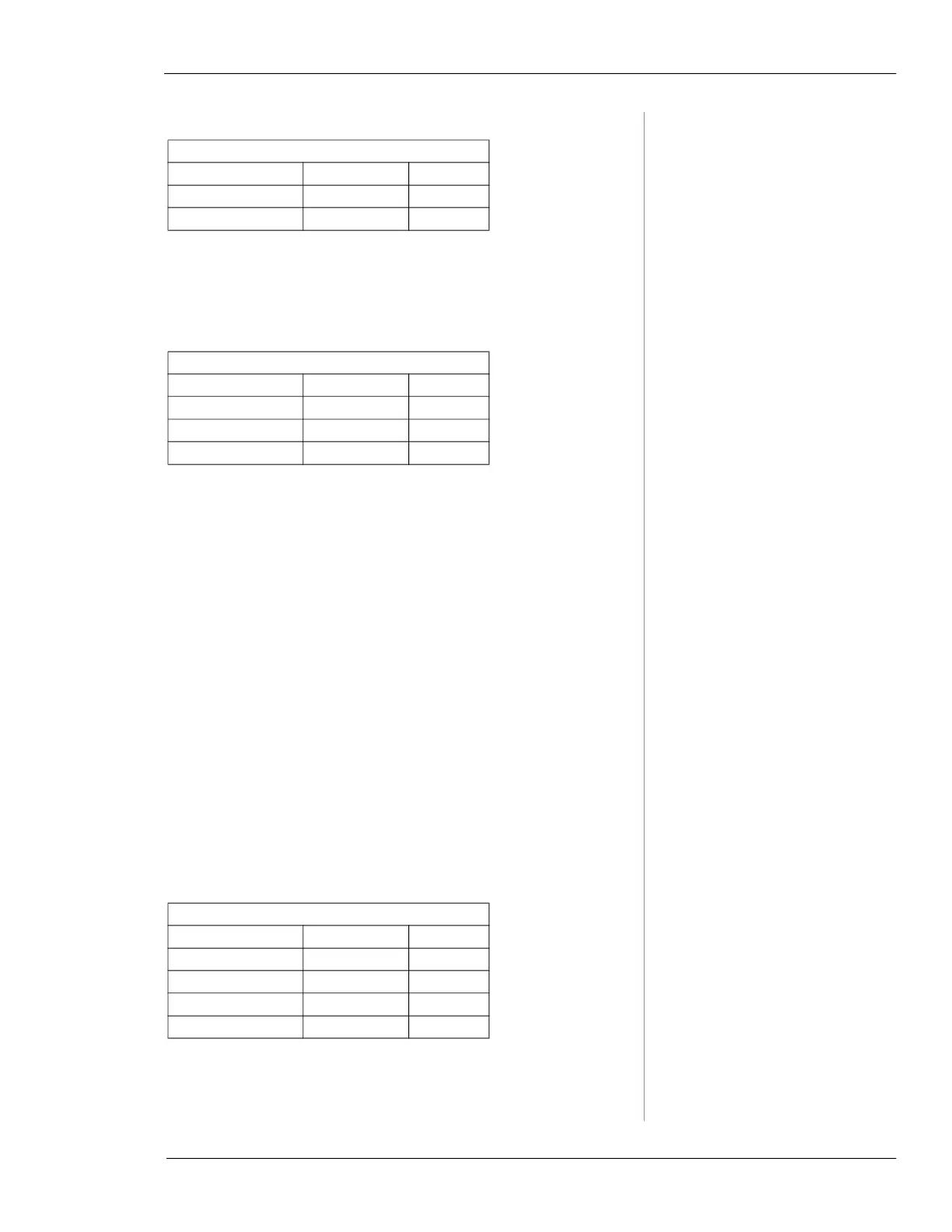
Remarks Table
Field Name Data Type Size
RemarkID* Text 4
Description* Text 20
Fields Table
Field Name Data Type Size
FieldName* Text 50
Caption* Text 50
Choices* Memo 64000
Vitals Table
Field Name Data Type Size
Version* Text 50
CompanyName* Text 50
AdminPassword* Text 50
LockValves* Yes/No 64000



 To Next Page