Chapter 4, Starting Up with Vitals: Installing Vitals Desktop
E.H. Wachs Part No. 79-MAN-04, Rev. I 19
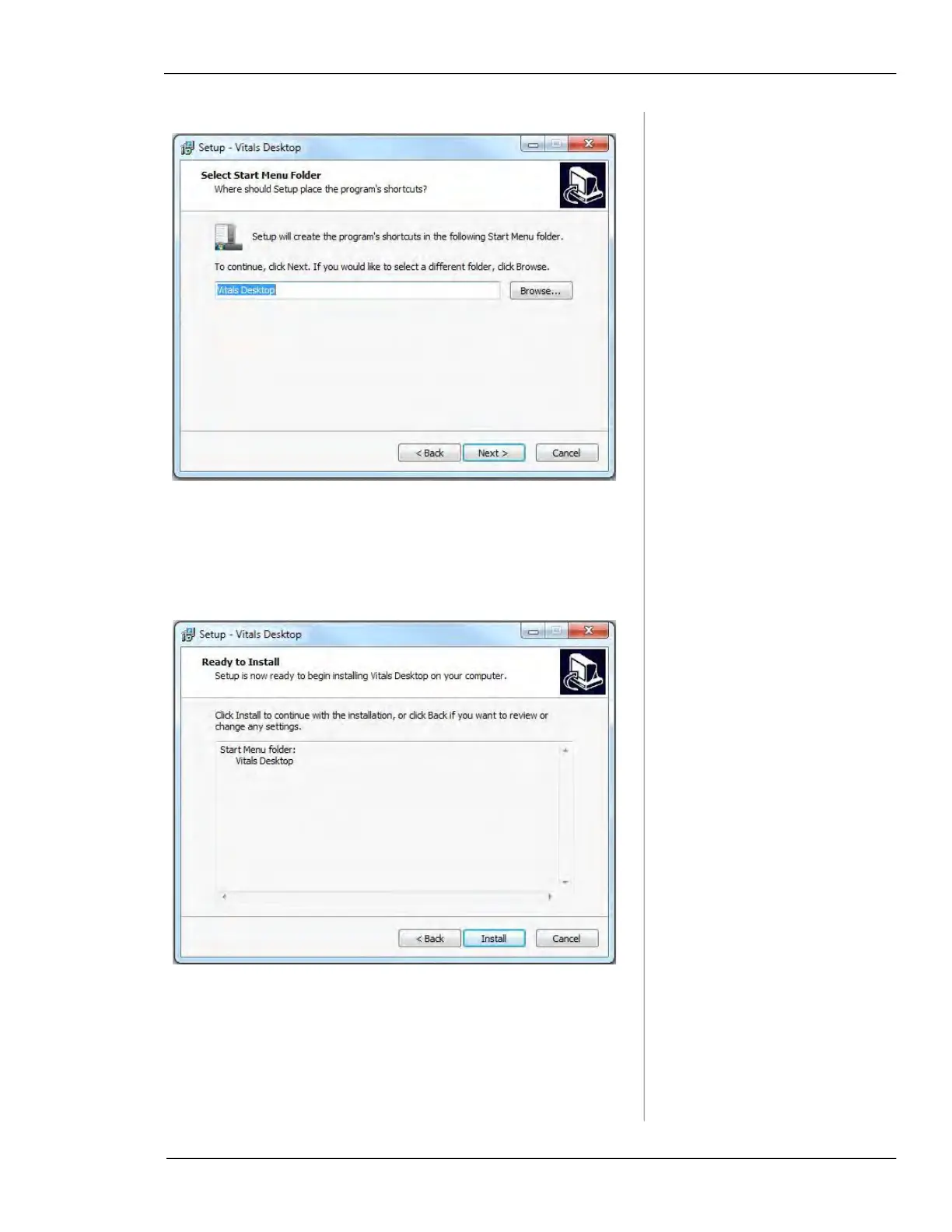
7.
The Ready to Install window appears, showing the
location of the Vitals Desktop Start Menu shortcut.
(Another Vitals Desktop shortcut will be provided on
the user's desktop.) Click
Next.
8.
The Installing window appears, showing the progress
of the installation along with a list of files that are
installed.



 To Next Page