Vitals Reference Manual
30 Part No. 79-MAN-04, Rev. I E.H. Wachs
The TC-100 can be used as a non-networked, standalone
device with a single user account for running the Vitals soft-
ware. However, you will probably want to set up network-
ing features such as wi-fi, file sharing, email, etc, to
incorporate it into your office network.
1.
Press the power button on the TC-100 tablet. You’ll
be prompted for Windows configuration information,
including a user account.
2.
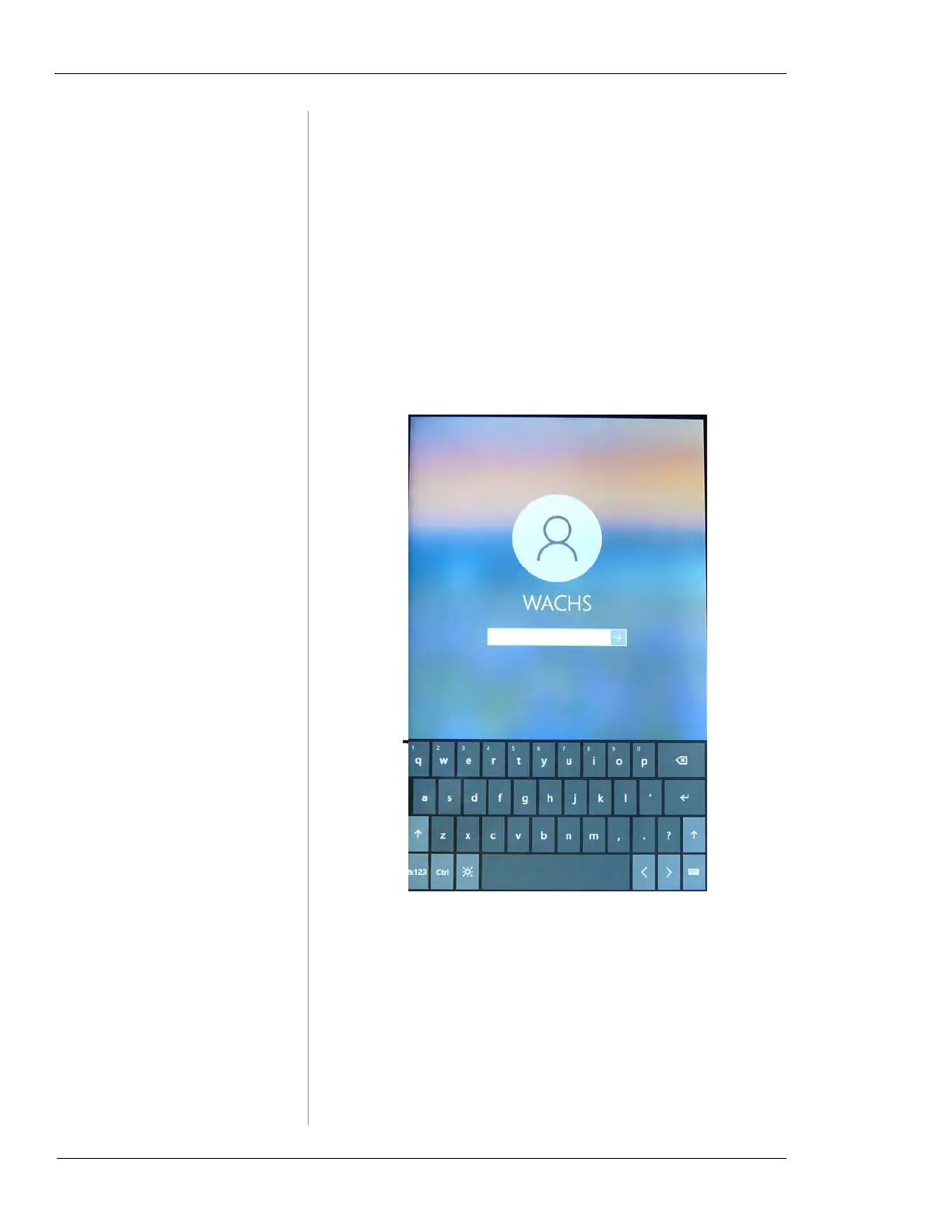
When you login to your account, tap in the Password
field to display the keyboard. Type in your tablet’s
password and tap the forward arrow to log in.
Figure 5-3. Tap the password field and type in the
password to login.
Vitals
Mobile
icon



 To Next Page