Chapter 5, Using Vitals Mobile-TC (TC-100 Controller): Starting Up
E.H. Wachs Part No. 79-MAN-04, Rev. I 41
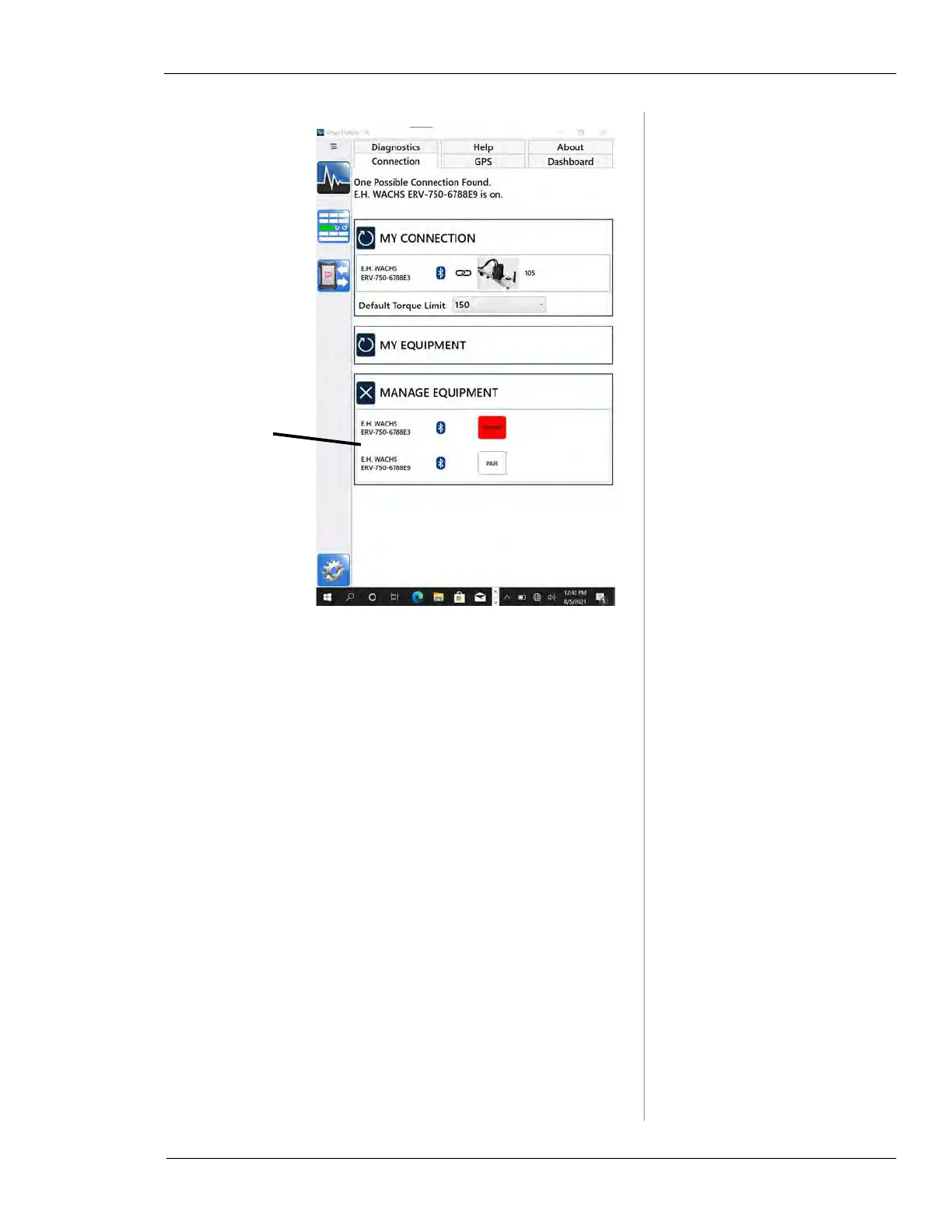
Figure 5-15. Display available valve operators under
MANAGE EQUIPMENT.
3.
Tap the PAIR button for the valve operator you want to
connect to. A
Scanning... message appears on the MY
CONNECTION
and MY EQUIPMENT sections while the
connections are updated.
The MANAGE
EQUIPMENT sec-
tion displays
paired and
unpaired valve
operators within
range.



 To Next Page