Chapter 6, Using Vitals Mobile-HC (HC-100 Controller): Starting Vitals Mobile
E.H. Wachs Part No. 79-MAN-04, Rev. I 83
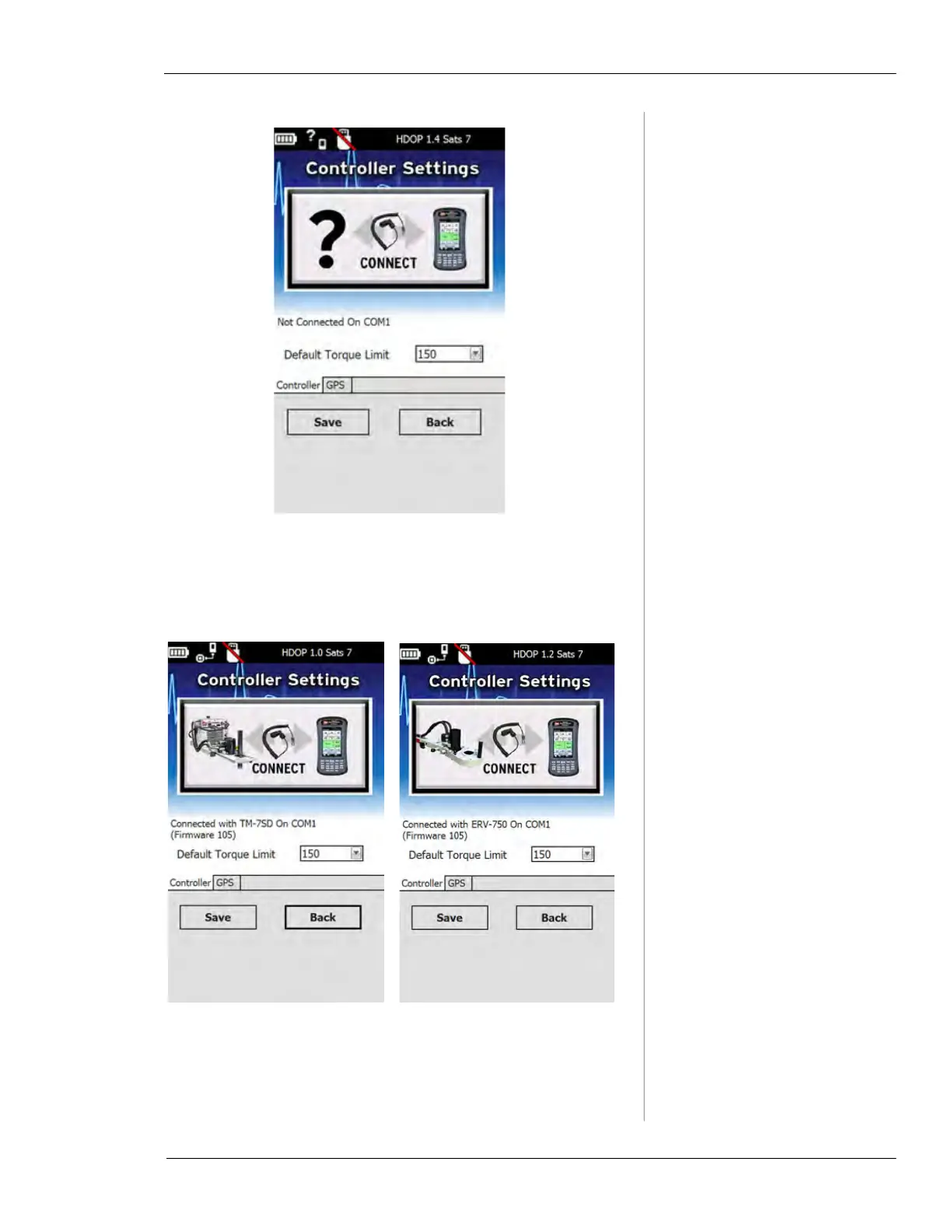
Figure 6-9. Controller Settings screen showing Not
Connected
message.
• If the cable is connected to a device, a
Connected
with...
message will appear.
Figure 6-10. The images show the controller con-
nected to the TM-7 (left) and ERV-750 (right).
6.
To connect to a specific device, tap on its name in the
menu (in this example,
Joe’s ERV).



 To Next Page