Chapter 6, Using Vitals Mobile-HC (HC-100 Controller): Starting Vitals Mobile
E.H. Wachs Part No. 79-MAN-04, Rev. I 87
To go back without saving
settings, click No, then Back.
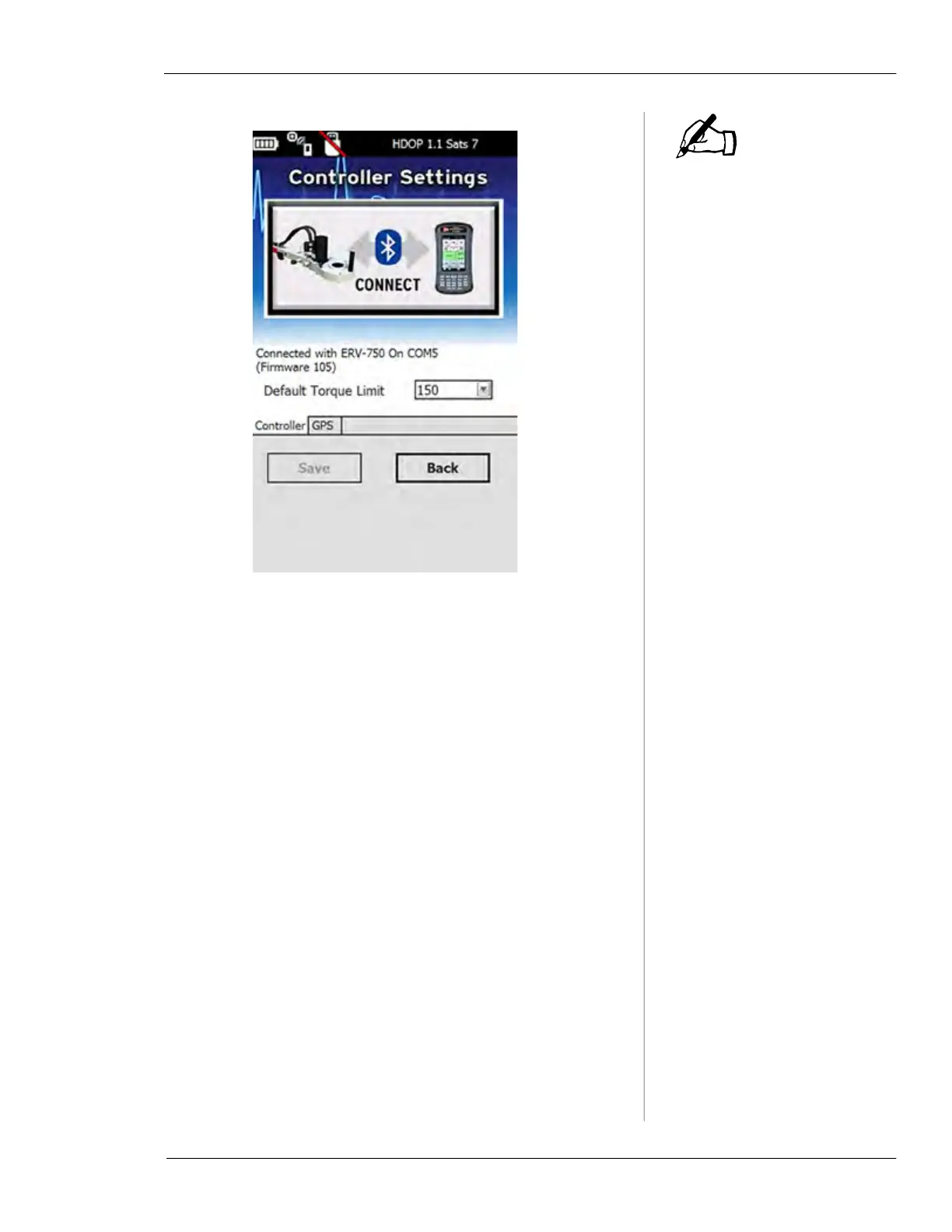
Figure 6-14. Tap Save to save settings, or Back to
leave them unchanged.
8.
To change default torque settings, tap the Default
Torque Limit
menu when connected to the valve opera-
tor.
9.
Tap the torque limit value you want, then tap Save.
NOTE



 To Next Page