Vitals Reference Manual
92 Part No. 79-MAN-04, Rev. I E.H. Wachs
5.
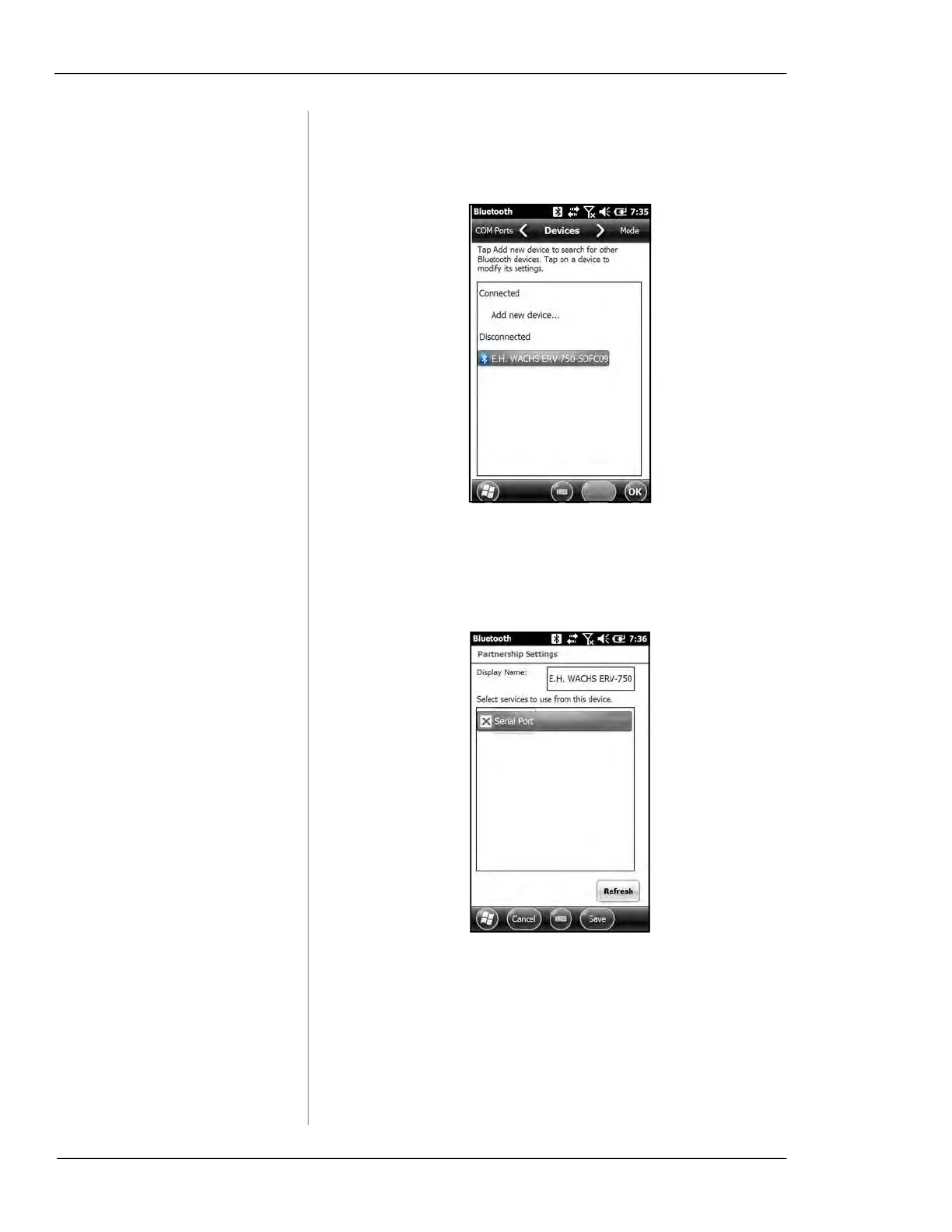
Tap WACHS MACHINE device again.
6.
Check the Serial Port box and tap Save. (NOTE: You
can customize the
Display Name. Be sure to include the
string “
ERV”, “TM7”, or “Wachs Machine” in the dis-
play name.)
7.
Tap on the COM Ports tab and tap New Outgoing Port.



 To Next Page