System Setup WDR Software User Manual
2-2 24-10437-3 Rev. A
This document contains confidential and proprietary information of Weldex Corporation.9/10/08
3. Click Save.
4. Click Save.
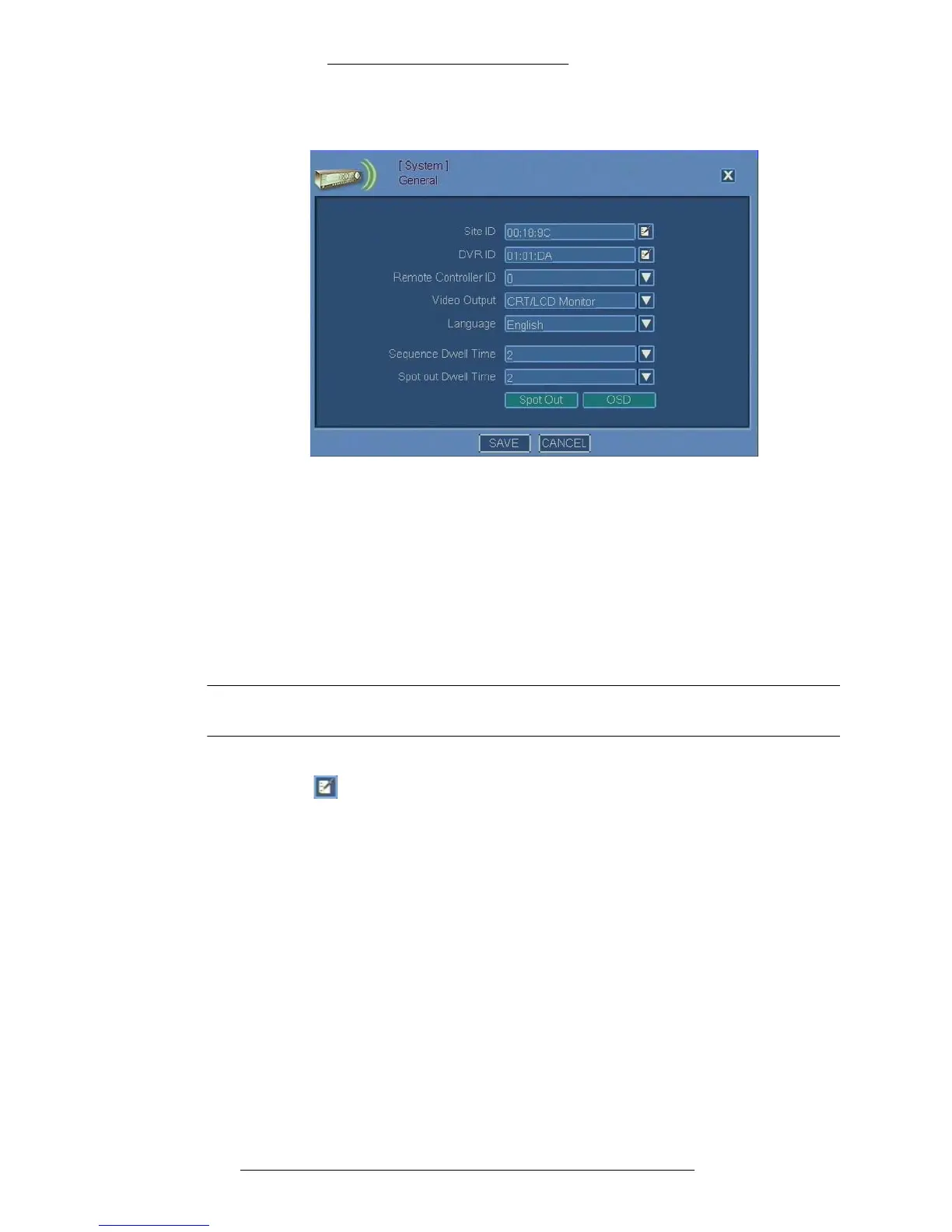
VIRTUAL KEYBOARD/CALENDAR
When the configuration steps require you to enter numerical or alphabetical input, you will
be using a virtual keyboard. In other instances, you will need to use a calendar to select date
and/or time.
NOTE
Only English characters can be entered using the virtual keyboard.
The same icon is used to launch Virtual Keyboard and Calendar. Function of the icon
is specific to context. The kind of application (v
irtual keyboard or calendar) launched when
you click the icon is determined automatically and depends on the kind of input required.



 To Next Page