WDR Software User Manual System Setup
24-10437-3 Rev. A 2-17
This document contains confidential and proprietary information of Weldex Corporation. 9/10/08
HDD Full – Select the recording option (Overwrite or Stop Recording) for
situations when HDD is full.
Format – Click
to begin HDD formatting.
Progress –
Indicates progress of HDD formatting.
Close (icon or button) – Click to close the window.
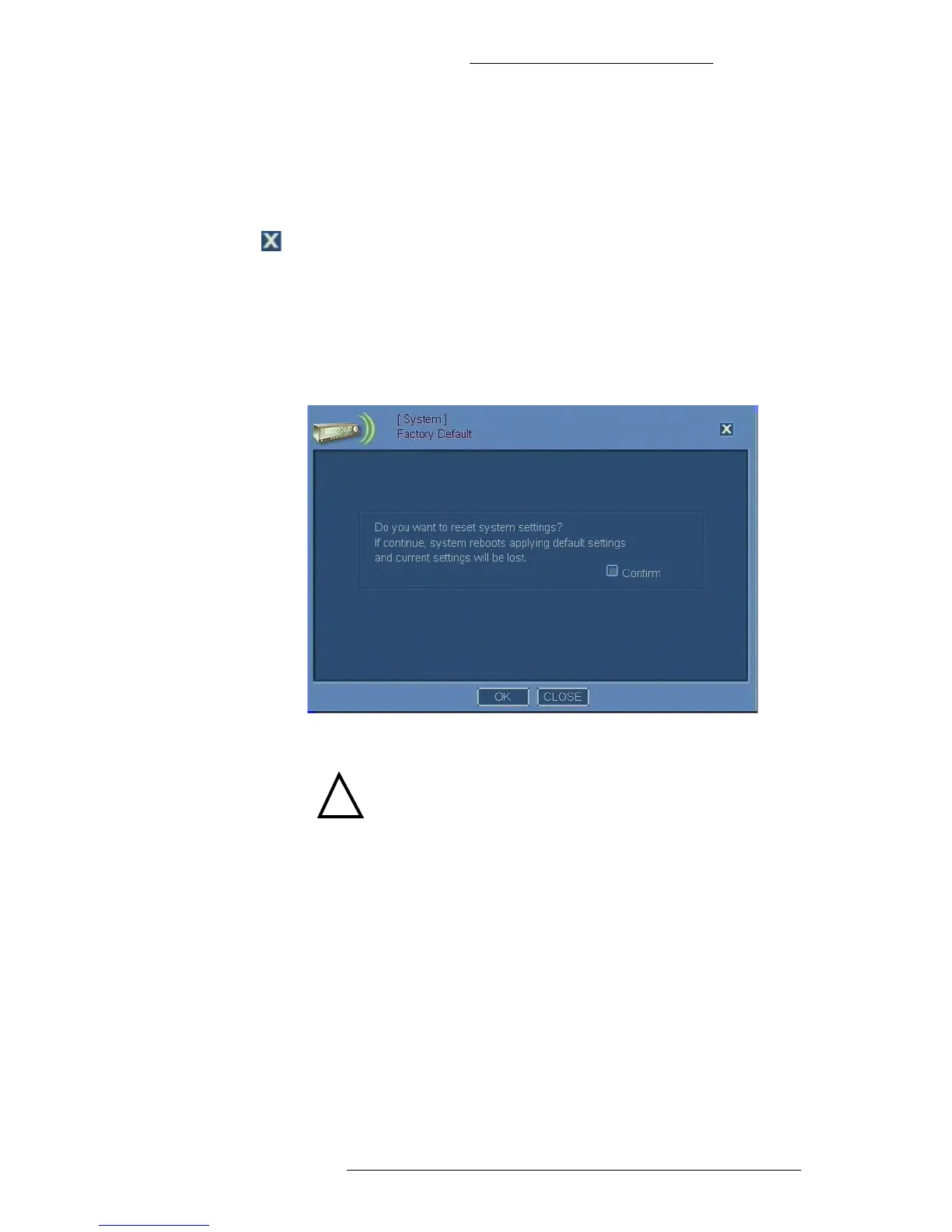
Restoring Factory Default Settings
To restore factory default settings:
1. From the Main menu select System>Factory Default.
2. Read the information and select the Confirm check box.
!
CAUTION
Restoring the factory default settings will erase current
custom system settings.
3. Click OK. The system will reboot and restore factory default settings.
User Management
The User Management window allows you to access configuration windows for
individual system users and user groups. It also allows you to delete existing system
users and/or user groups.
There is a pre-defined “admin” user account in the system. This account cann
ot be
deleted. In addition to the pre-defined “admin” user account you can define 31
additional user accounts to
the total of 32 per system.



 To Next Page