WDR Software User Manual System Setup
24-10437-3 Rev. A 2-51
This document contains confidential and proprietary information of Weldex Corporation. 9/10/08
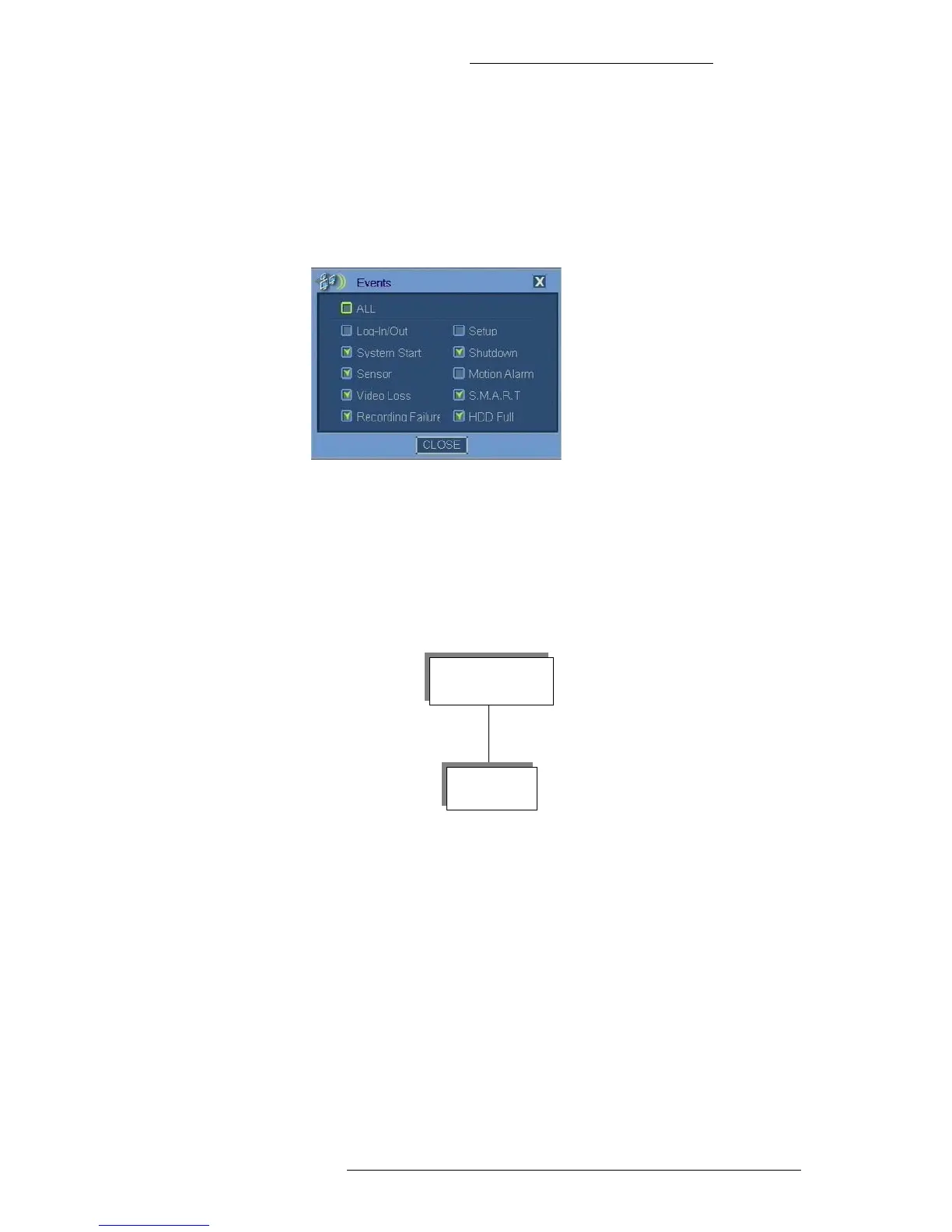
+ Video Loss - Video loss notification.
+ S.M.A.R.T - Notification of alarm triggered by a S.M.A.R.T. system,
a hardware-based indicator that indi
cates hard drive failure risk.
+ Recording Failure - Recording failure notification.
+ HDD Full - Notify when HDD reached pre-defined critical amount of
space used.
4. Click Close.
COPY MENU
This section describes the Copy menu screens. The Copy menu has the following structure:
Copying Files
The following physical media are supported:
+ CD-R and CD-RW
+ DVD+RW
+ USB flash drive formatted to FAT32
+ USB external hard drive formatted to FAT32
Recommended file size is up to 2.5 GB.



 To Next Page