System Setup WDR Software User Manual
2-12 24-10437-3 Rev. A
This document contains confidential and proprietary information of Weldex Corporation.9/10/08
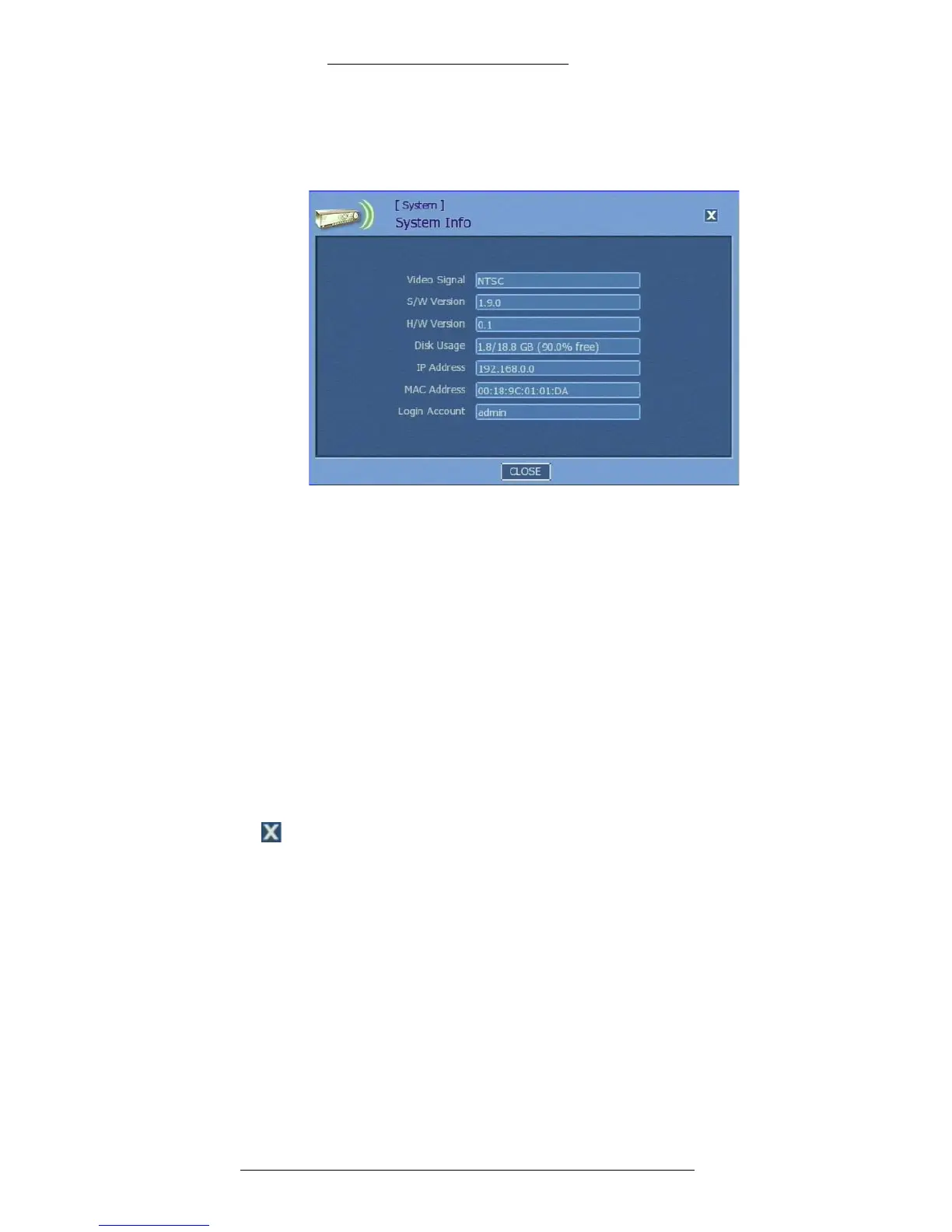
2. In the System Info window, view the information displayed. (Note:
Information in this screen is not editable.) Refer to “System Info Field
Definitions” for details.
3. Click Close.
System Info Field Definitions
Video Signal – Indicates type of video signal (NTSC or PAL).
Software Version – In
dicates software version.
Hardware Version – Indicates hardware version.
Disk Usage – Indicates HDD use
and the remaining available space.
IP Address – Indicates
current IP address.
MAC Address – Indicates
the device’s unique MAC.
Login Account – Indicates user
ID.
Close (icon or button)– Click to close the window.
Viewing System Log
To view system log:
1. From the Main menu select System>Syst
em Log.



 To Next Page