WDR Software User Manual System Setup
24-10437-3 Rev. A 2-19
This document contains confidential and proprietary information of Weldex Corporation. 9/10/08
+ Selecting any entry other than None enables the Auto Log-in feature. The
system will bypass the Login screen and the user can proceed without
entering credentials.
!
CAUTION
If admin is selected for auto log-in and power is cycled to the unit, the
person present when the system comes back up will be automatically
logged on as the administrator and have complete access to the system
(administrator’s rights).
7. Click Save.
Adding/Editing User Groups
To add/edit system user:
1. From the Main menu select System>User Management.
2. In the User Management window click Ad
d Group to define a new user
group.
If you want to modify an existing user
group, select it and click Edit.
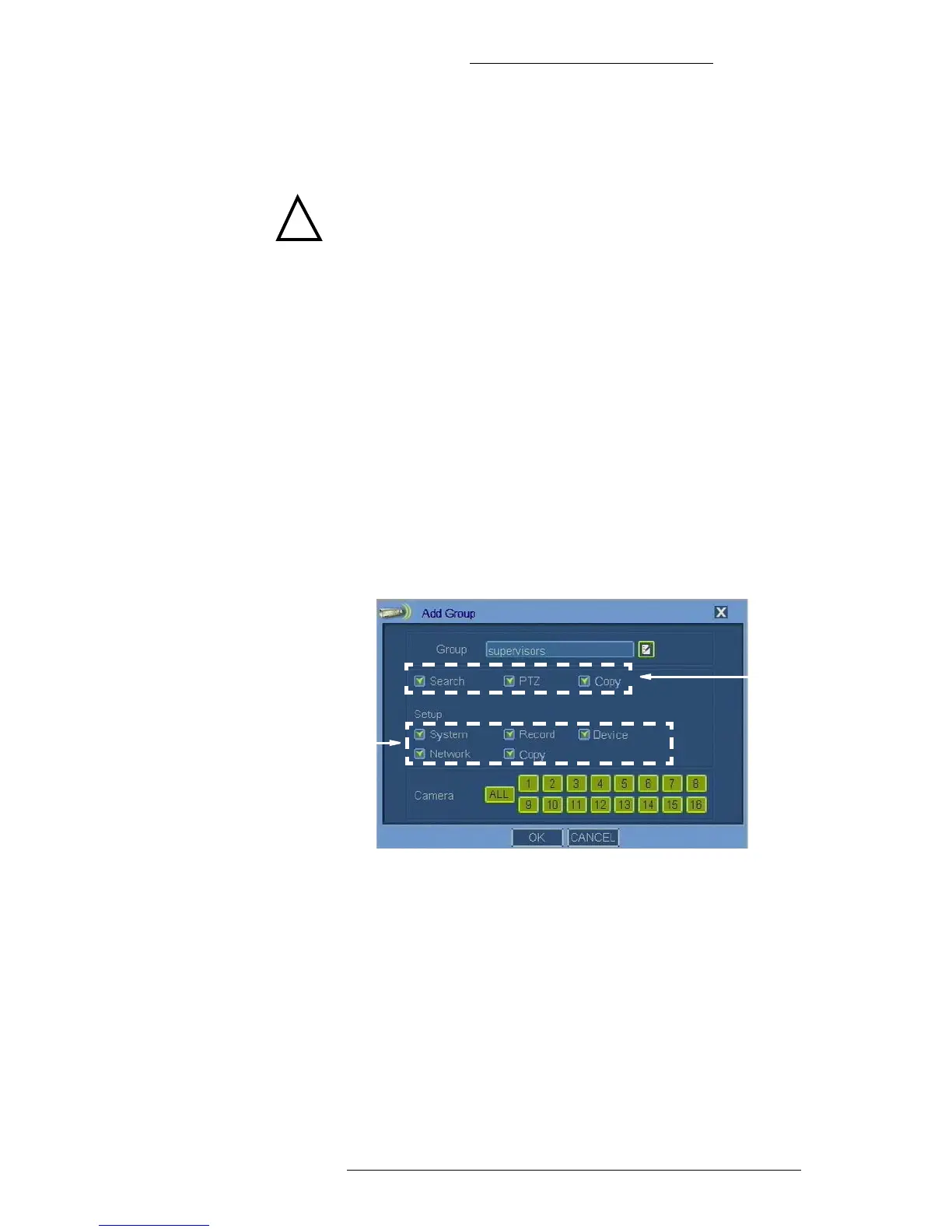
3. If you are defining a new user group, use th
e virtual keyboard to specify the
name. See “Virtual Keyboard/Calendar” on page 2-2 for details.
Enable use of
taskbars
Enable use
of menus
4. Make the remaining selections as required. Refer to “Add Group Field
Definitions” for details.
5. Click OK.



 To Next Page