WDR Software User Manual System Setup
24-10437-3 Rev. A 2-13
This document contains confidential and proprietary information of Weldex Corporation. 9/10/08
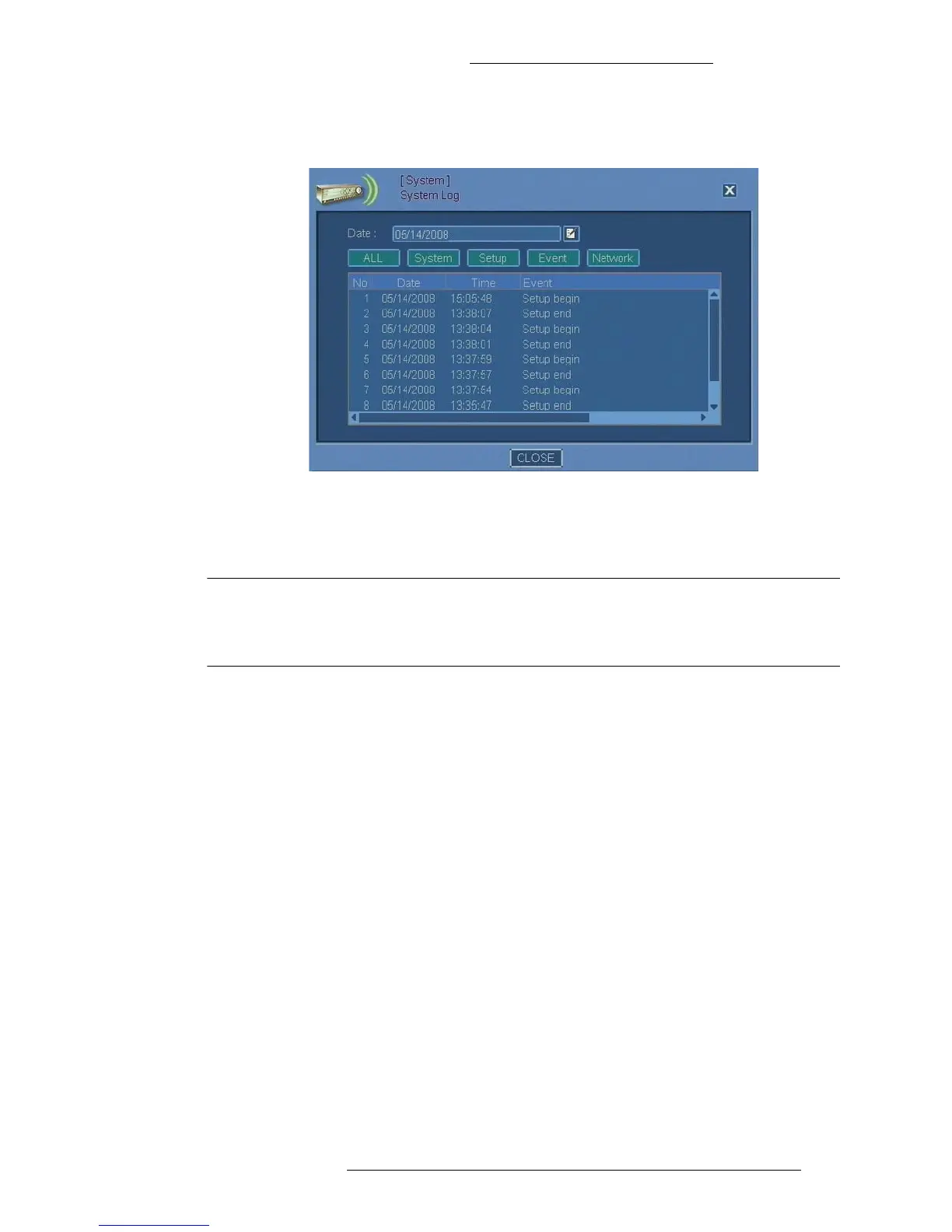
2. The System Log window opens. To retrieve the system for a particular day,
launch the calendar to specify the Date.
3. In the System Log window, view the information displayed (information in
this screen is not editable). Refer to “System Log Field Definitions” for
details.
NOTE
If there is a large number of logged items, the display might take few
minutes to update. The DVR might not respond while the logs are being
retrieved.
System Log Field Definitions
Date – Displays the date for which the system log is retrieved. This value can be
modified in the Calendar window.
All
– Click to display all activities for selected date.
System – Click to display System menu log with information on:
+ System starts
+ System shutdowns
+ Logins
+ Logouts
Setup
– Click to display Setup menu log with information on:
+ The Setup menu being accessed
+ The Setup menu being closed
+ System time changes
Event – Click to
display event log.



 To Next Page