WDR Software User Manual System Setup
24-10437-3 Rev. A 2-45
This document contains confidential and proprietary information of Weldex Corporation. 9/10/08
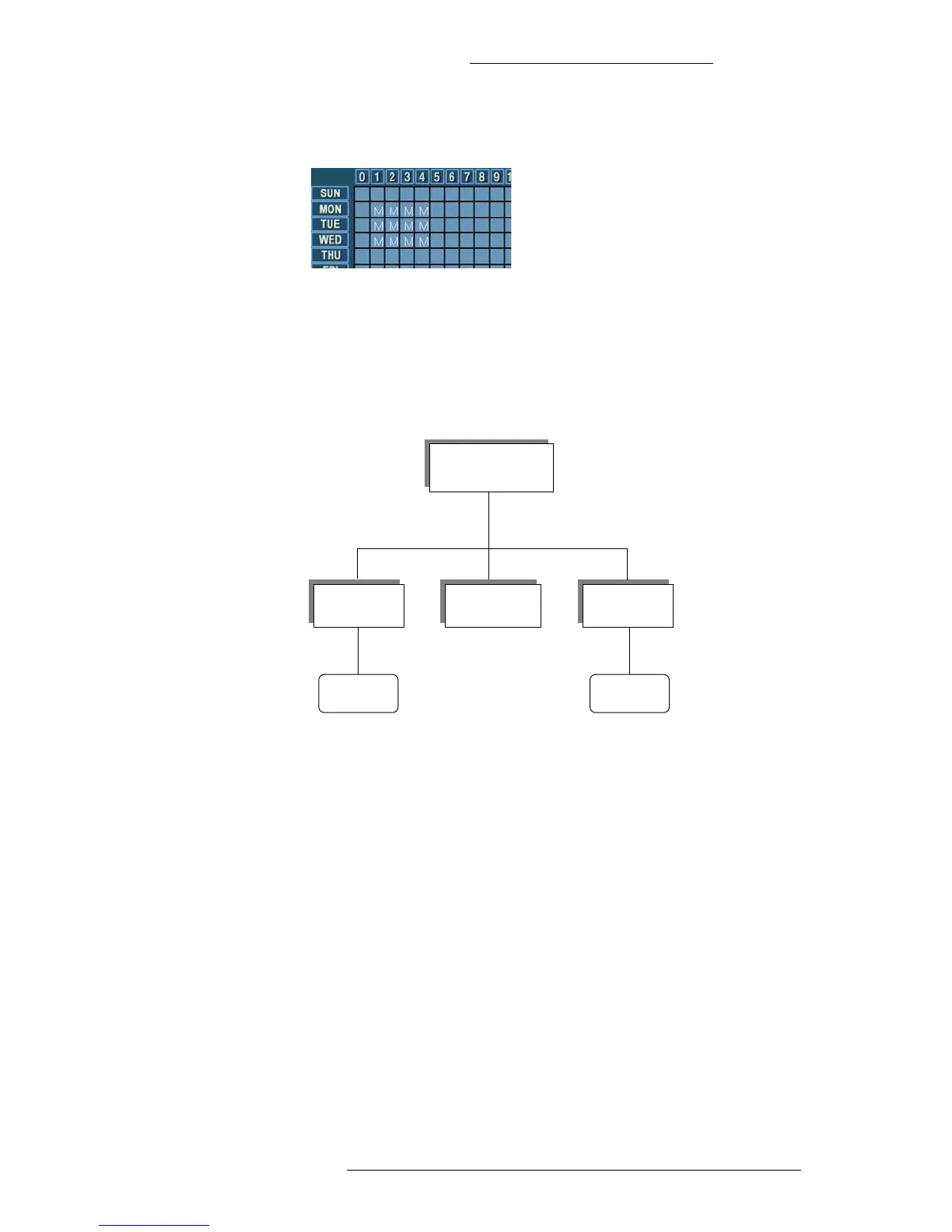
3. Release the mouse button. The type of recording for the selected range will
change to “Motion Detect.”
NETWORK MENU
This section describes options available in the Network menu screens. The Network menu
has the following structure:
Network Menu
Network
Event
Notification
DDNS Server
Port Setup Event
Configuring Network Settings
The DVR can output 16 channels at any given time through the network. These 16
channels can be accessed from multiple network computers. For example, if 2
computers are connected to the DVR, and one of them has access to 14 channels, the
other one can only have access to 2 channels.
It is recommended not to exceed 2 connections per network.
T
o configure the network settings:
1. From the Main menu select Ne
twork>Network.



 To Next Page