System Setup WDR Software User Manual
2-8 24-10437-3 Rev. A
This document contains confidential and proprietary information of Weldex Corporation.9/10/08
Sequence Dwell Time – Defines how long (in seconds) video from each camera will
be displayed on the main viewing screen while this feature is active.
Spot out Dwell Time
– Defines for how long (in seconds) video from each camera in
sequence will be displayed once the spot out feature is activated.
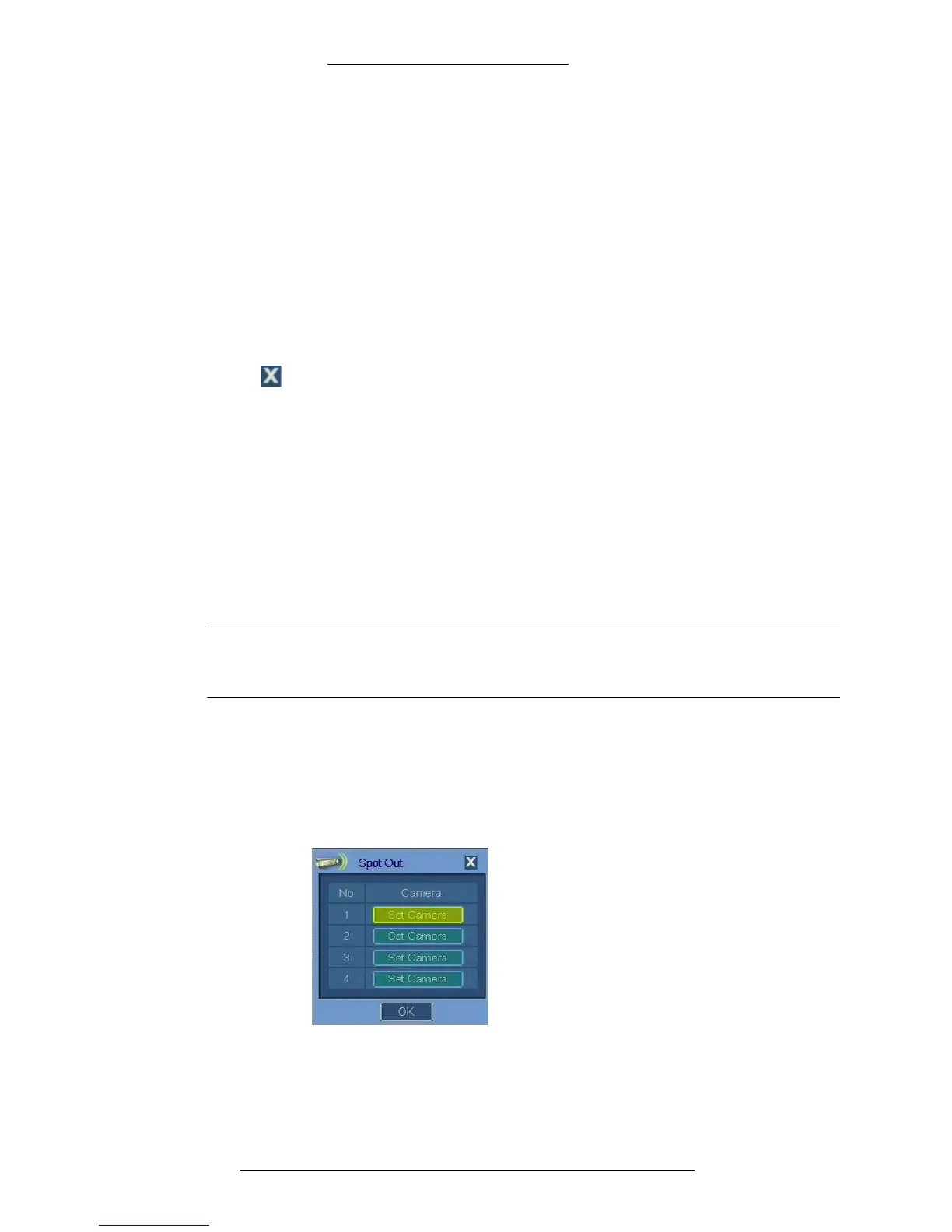
Spot Out – Click to
open the Spot Out window where you can select cameras for spot
out.
OSD – Allows
you to configure on-screen display options. See page 2-9 for details.
SAVE – Click to save the changes.
CANCEL – Click to
cancel the changes.
Close – Click to close the window.
Spot Out
The spot output is a local spot monitor output. The video from a selected camera can
be connected to a local monitor for viewing. When you select all or multiple
cameras, each camera will be visible for the time configured in the Spot out Dwell
Time entry (see page 2-8).
You can configure up to 4 spot out sequences for
9-channel and 16-channel DVRs,
and 1 spot out for 4-channel DVR.
NOTE
When viewing the spot monitor, menu items are not visible or accessible.
Only the video is displayed.
To configure spot out feature:
1. In the General window click the Spot Ou
t button.
2. The Spot Out window opens. Click the Set Cam
era button for the spot out
you want to configure.
3. The Spotout window opens. Select the cameras for the spot out (selected
cameras are highlighted in yellow). The ALL toggle button allows you to



 To Next Page