WDR Software User Manual System Setup
24-10437-3 Rev. A 2-23
This document contains confidential and proprietary information of Weldex Corporation. 9/10/08
3. When the DVR finishes scanning, select a device from the Import From
drop-down list.
4. Click the IMP
ORT button.
5. When the Pr
ogress bar indicates completion of the import process, click
Close.
DEVICE MENU
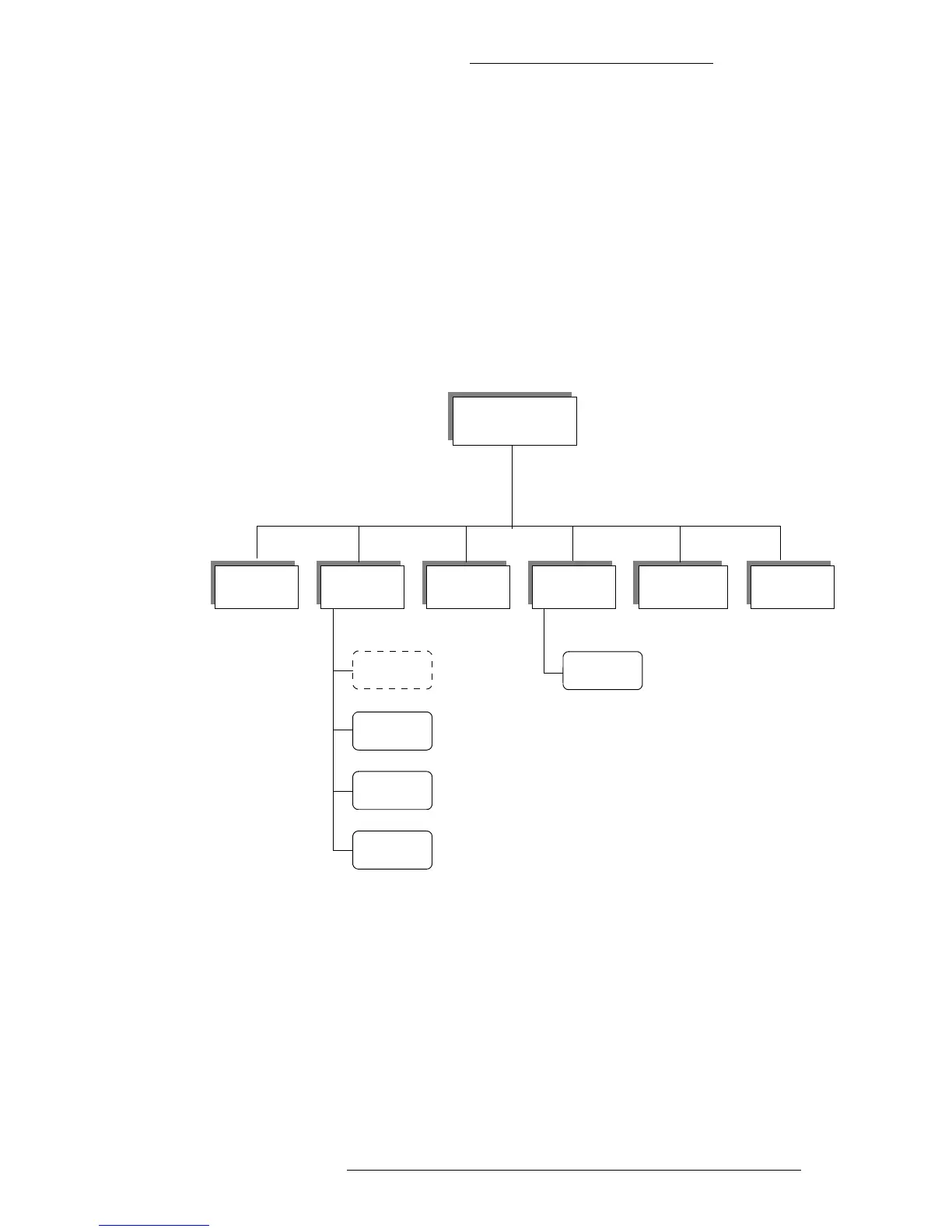
This section describes options available in the Device menu screens. The Device menu has
the following structure:
Device Menu
Camera
PTZ
Audio
AUX**
Guard Tour
Motion Alarm
Guard Tour
Setting
Sensor In
/Relay Out
Extra Alarm
Sensor In
/Relay Out
Camera
Notify
** Currently not supported
Presets*
* Not a separate screen. Presets are
defined from the PTZ screen.



 To Next Page