WDR Software User Manual Operation
24-10437-3 Rev. A 3-3
This document contains confidential and proprietary information of Weldex Corporation. 9/10/08
SYSTEM LOGIN
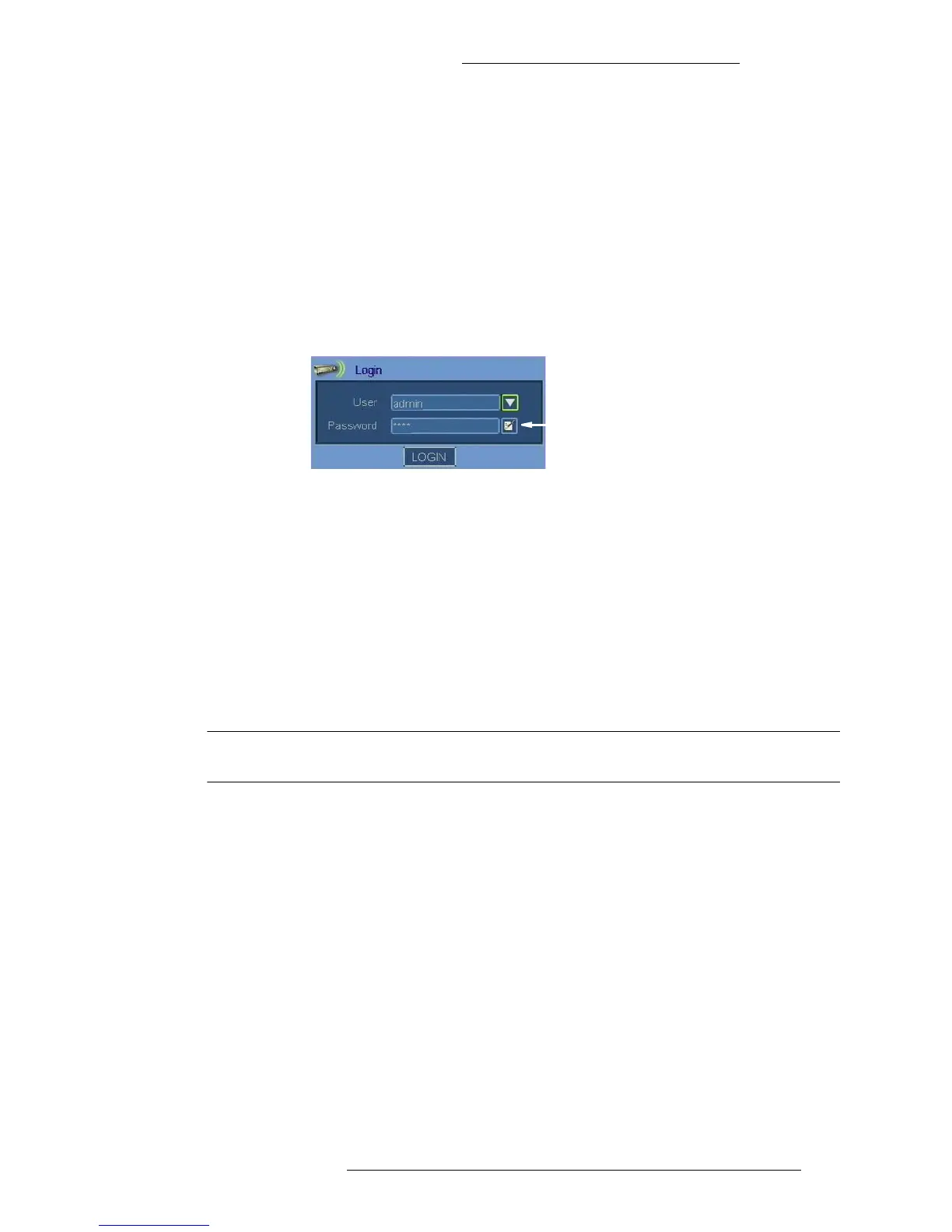
The default login settings are:
+ Login name “admin”
+ Password “0000”
To log in:
1. From the Us
er drop-down list select your login name.
2. Using the virtual keyboard enter the password.
Virtual Keyboard
(see page 2-2 for instructions)
3. Click the Login button.
T
o log off:
1. From the Main menu select System>Log off.
WDR MODES
The WDR operates in one of the following modes: Live, Playback, or PTZ.
NOTE
Recording can also continue during Playback mode.
To switch between modes, press a corresponding button (ESC - for Live Mode, Search, or
PTZ) on the WDR hardware.
Each mode has a taskbar that allows you to acc
ess corresponding features. The taskbar can
be displayed on screen continuously or it can be set up auto-hide when not in use. See
“Channel Indicator” for details.



 To Next Page