Operation WDR Software User Manual
3-6 24-10437-3 Rev. A
This document contains confidential and proprietary information of Weldex Corporation.9/10/08
Multi-split screen – Allows you to change screen display to 1, 4, 9, or 16-channels
(depending on the WDR model).
PIP – Enable
s the PIP (Picture in Picture) display. When you click this button again, it
changes the channel for the inner picture in the PIP mode.
Next channel – Click t
o display live image from the next chanel. When used in PIP mode,
click to change the channel for the background picture.
MENU –
Click to go to access the Main menu.
SEARCH –
Click to open the Search pop-up menu. See page 3-11 for details.
PTZ
– Click to access the PTZ Mode taskbar.
COPY – Click to acc
ess the Manual Copy window.
HDD – Indic
ates the amount of HDD used.
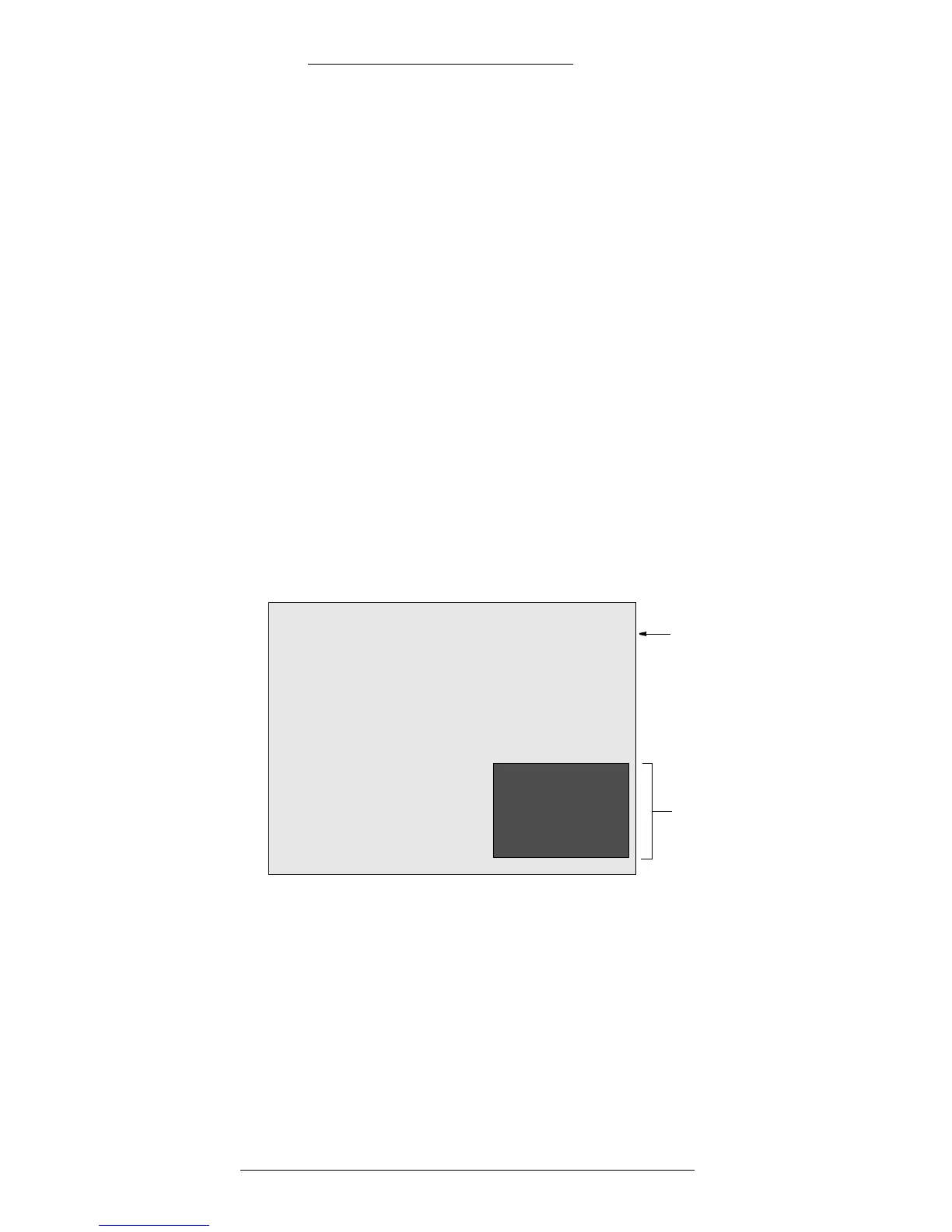
Picture in Picture (PIP)
The PIP feature allows you to view two channels at once.
CH5
Background picture (here:
from camera number 1)
Inner picture (here: from
camera number 5)
CH1
The Live Mode taskbar allows you to control the camera selection:
+ To enable PIP display mode, click the PIP button
+ To change the channel for the background picture, click the Next channel
button
+ To change the channel for the inner picture, click the PIP button
+ To exit from the PIP display mode, click on any Channel button



 To Next Page