System Setup WDR Software User Manual
2-14 24-10437-3 Rev. A
This document contains confidential and proprietary information of Weldex Corporation.9/10/08
Network – Click to display network-related log.
When connected through the SAgent program to
another computer, the network log
will display the IP address of that computer.
Close (icon or button) – Click to close the window.
Upgrading the System
NOTE
It is recommended that you save all custom settings before proceeding.
See “Export/Import Setup” on page 2-21 for details.
To perform firmware upgrade:
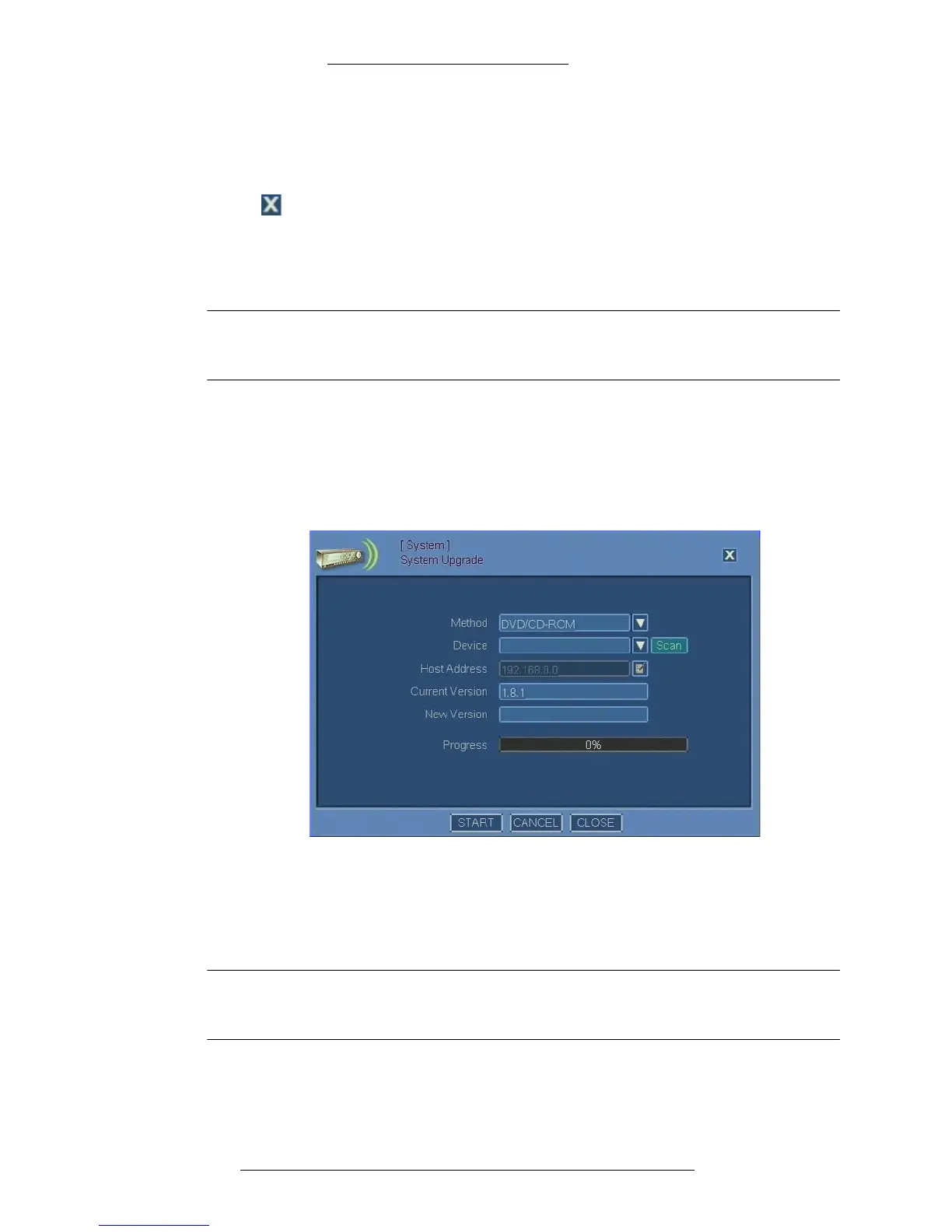
1. From the Main menu select System>Syst
em Upgrade.
2. The System Upgrade window opens. The Curr
ent field displays the current
software version.
3. From the Method drop-down list select one of the following upgrade
methods:
+ DVD/CD-ROM - Select this method if the firmware upgrade is on a
DVD or a CD-ROM.
NOTE
When using the DVD/CD-ROM method, make sure the file is located in the
root directory.



 To Next Page