System Setup WDR Software User Manual
2-4 24-10437-3 Rev. A
This document contains confidential and proprietary information of Weldex Corporation.9/10/08
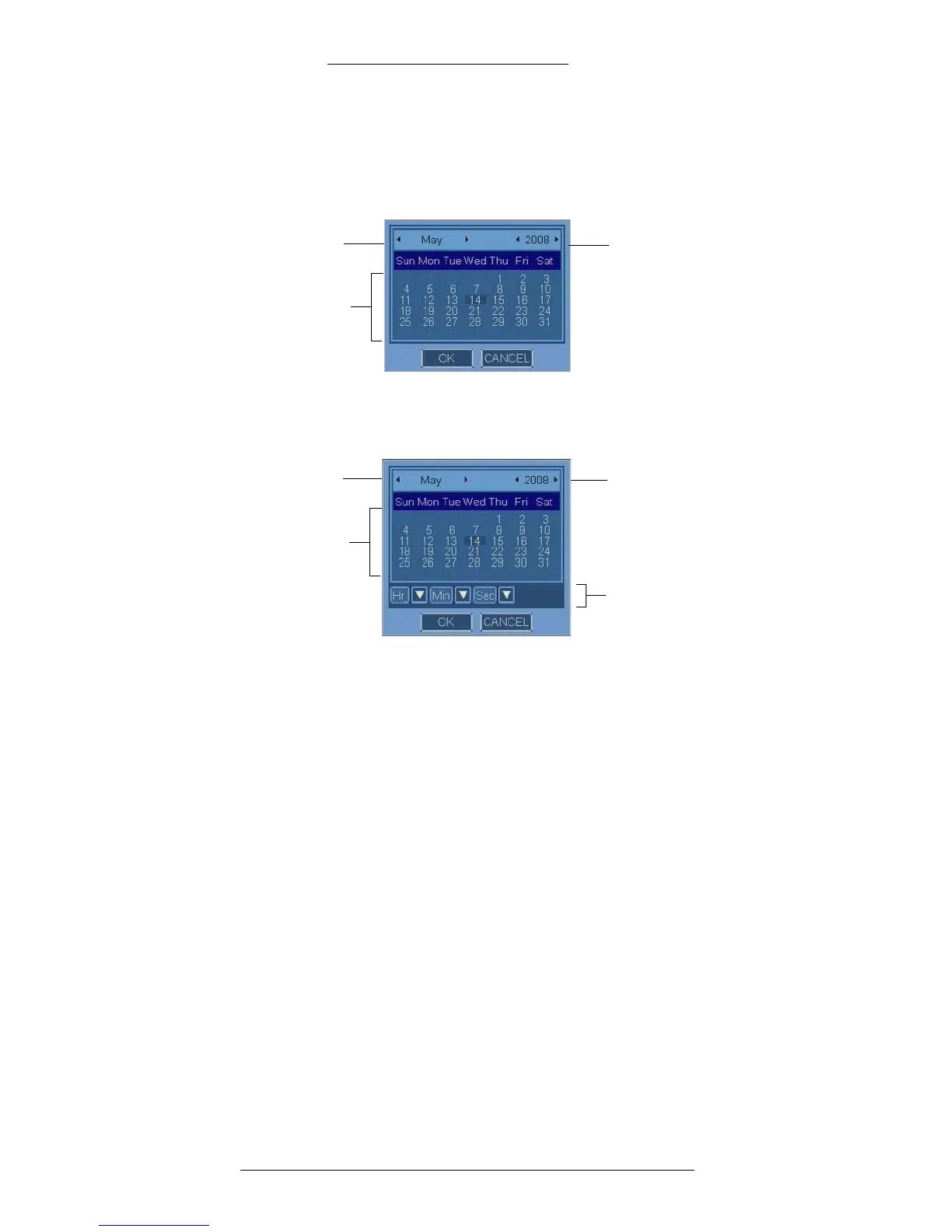
Calendar
There are two types of calendars. When accessed from most windows, the calendar
displays and allows you to specify only the date.
Days of the
month
Year
Month
When accessed from the Date/Time window and from the Manual Copy window, in
addition to the date the calendar allows you to specify the time.
Time in the following format:
HH:MM:SS
Days of the
month
Year
Month
To use the calendar:
1. Use the arrows to select month and year.
2. Move the mouse pointer over a day you want to select and click on it.
3. If applicable, use the drop-down lists to set the time.
4. To save the selection click OK.
5. You can also close the keyboard without saving
by clicking CANCEL.



 To Next Page