System Setup WDR Software User Manual
2-22 24-10437-3 Rev. A
This document contains confidential and proprietary information of Weldex Corporation.9/10/08
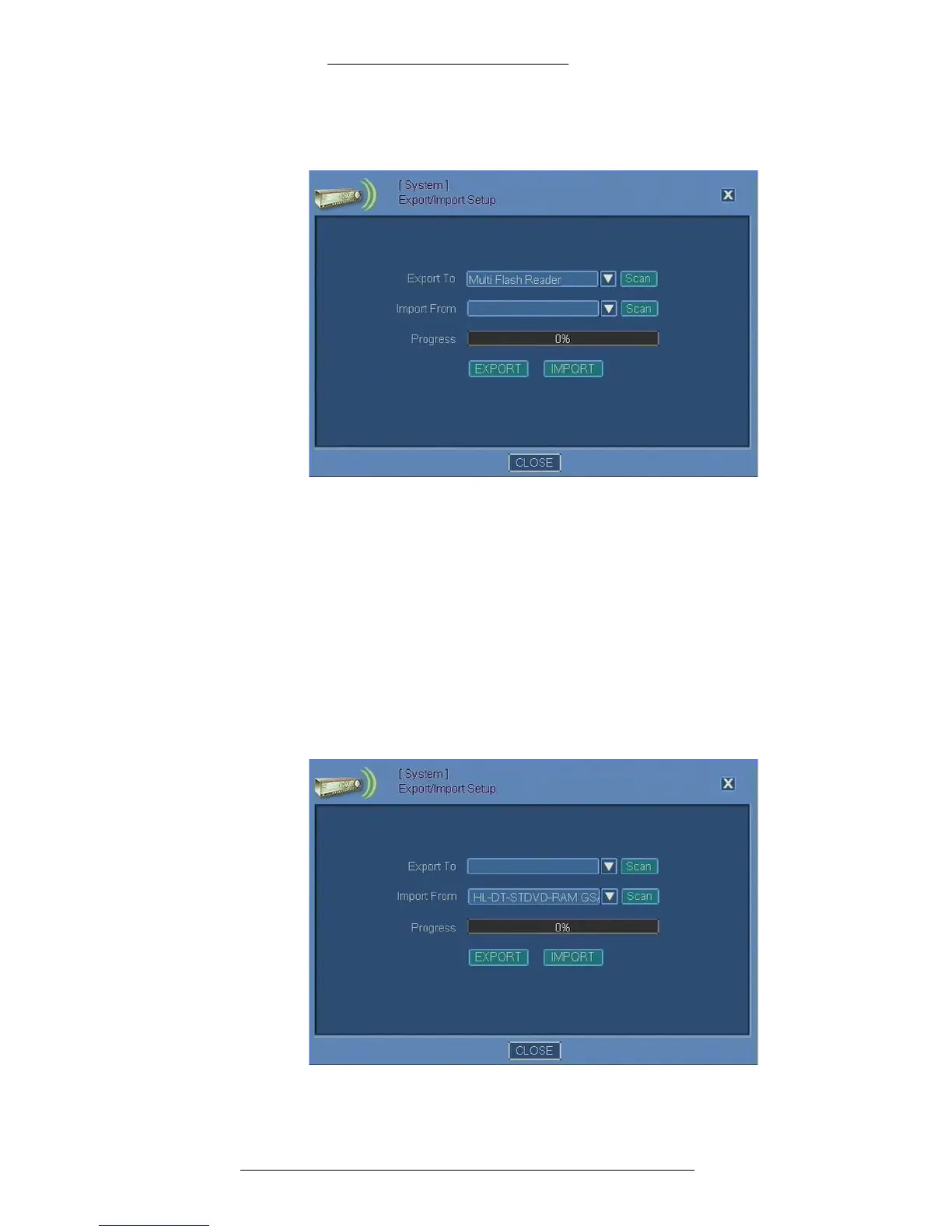
2. Insert the USB flash drive and press the Scan button next to the Export To
drop-down list.
3. When the DVR finishes scanning, select a device from the Export To
drop-down list.
4. Click the EXPOR
T button.
5. When the Pr
ogress bar indicates completion of the export process, click
Close.
T
o import settings:
1. From the Main menu select System>Export/Import Setup. The
Export/Import
Setup window opens.
2. Insert the USB flash drive and press the Scan button next to the Import
From drop-down list.



 To Next Page