WDR Software User Manual System Setup
24-10437-3 Rev. A 2-25
This document contains confidential and proprietary information of Weldex Corporation. 9/10/08
Sharpness – Use the arrows to adjust sharpness. Value range: 0-100.
Sensitivity – Us
e the arrows to adjust sensitivity level of motion detection. Value
range: 0-100. Default value: 80.
Show Motion Tracing – Select to ena
ble motion tracing. When enabled, the areas that
are affected by the motion will be highlighted in yellow on the screen. Motion
tracing is also available in live mode.
NOTE
Light changes and camera sensitivity may cause “false triggering” of
motion tracing even if the picture appears unchanged.
Default – Reset all camera settings to default values.
!
CAUTION
This function will restore all settings of all cameras to their default
values. Any custom configuration settings will be lost.
Save – Click to save the changes.
Cancel – Click to cancel t
he changes.
Close – Click to close the window.
T
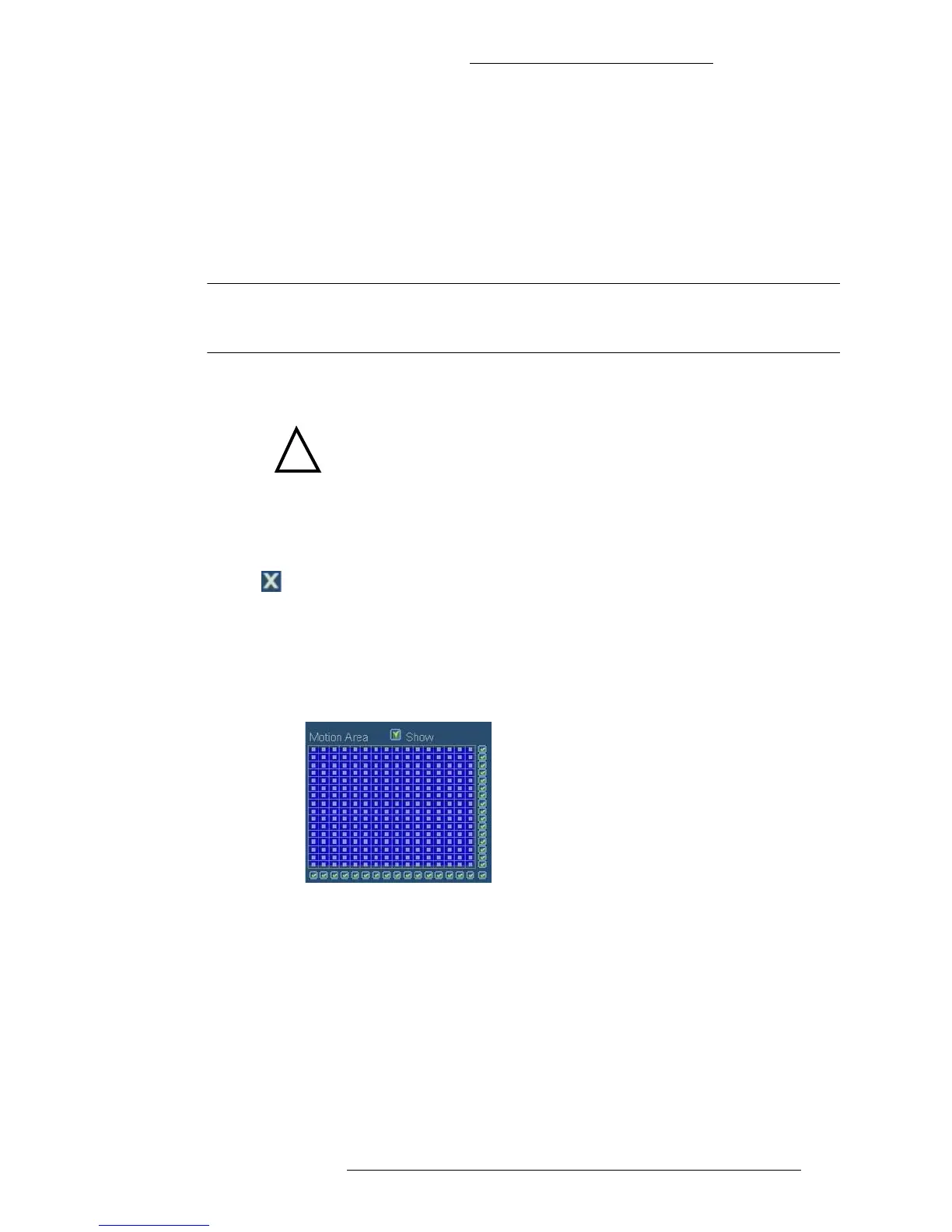
o define motion tracing area:
1. In the Camera window, select the Show check box to view area defined for
motion tracing. By default the entire area is selected and active
(motion-sensitive).
2. To precisely define the motion-sensitive area use either the check boxes
outlining the matrix (to select an entire row), or the individual matrix points.
Un-selected areas will have the “dot” mark removed. You may also define an
area by clicking and holding a mouse and dragging it diagonally (a
rectangular area will be selected).



 To Next Page