Xerox 4590/4110 Copier/Printer User Guide
8-10
8. Job Status
NOTE: Choose Select All to select all documents. Press this
button once more to deselect all documents.
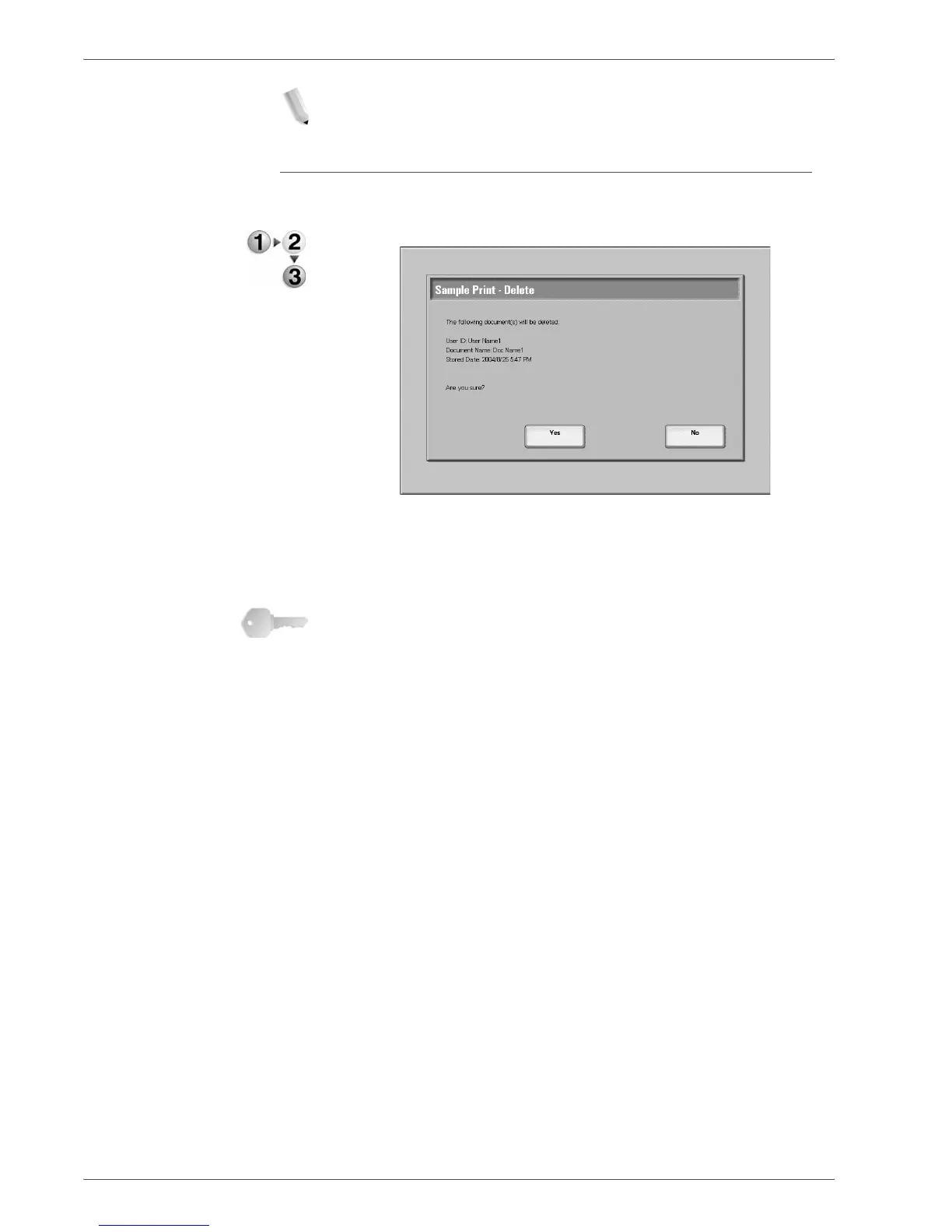
When You Select Delete
This deletes the sample print document.
1. Select Delete.
2. Make a selection.
Yes
This deletes the document.
KEY POINT: Once the document is deleted, it cannot be
recovered.
No
This cancels deleting the document.





 To Next Page