Media Management
English
8
Chapter
83
To select a medium, see Chapter 3
“Basic Song Playback – Selecting
Medium and Their Contents” on
page 17.
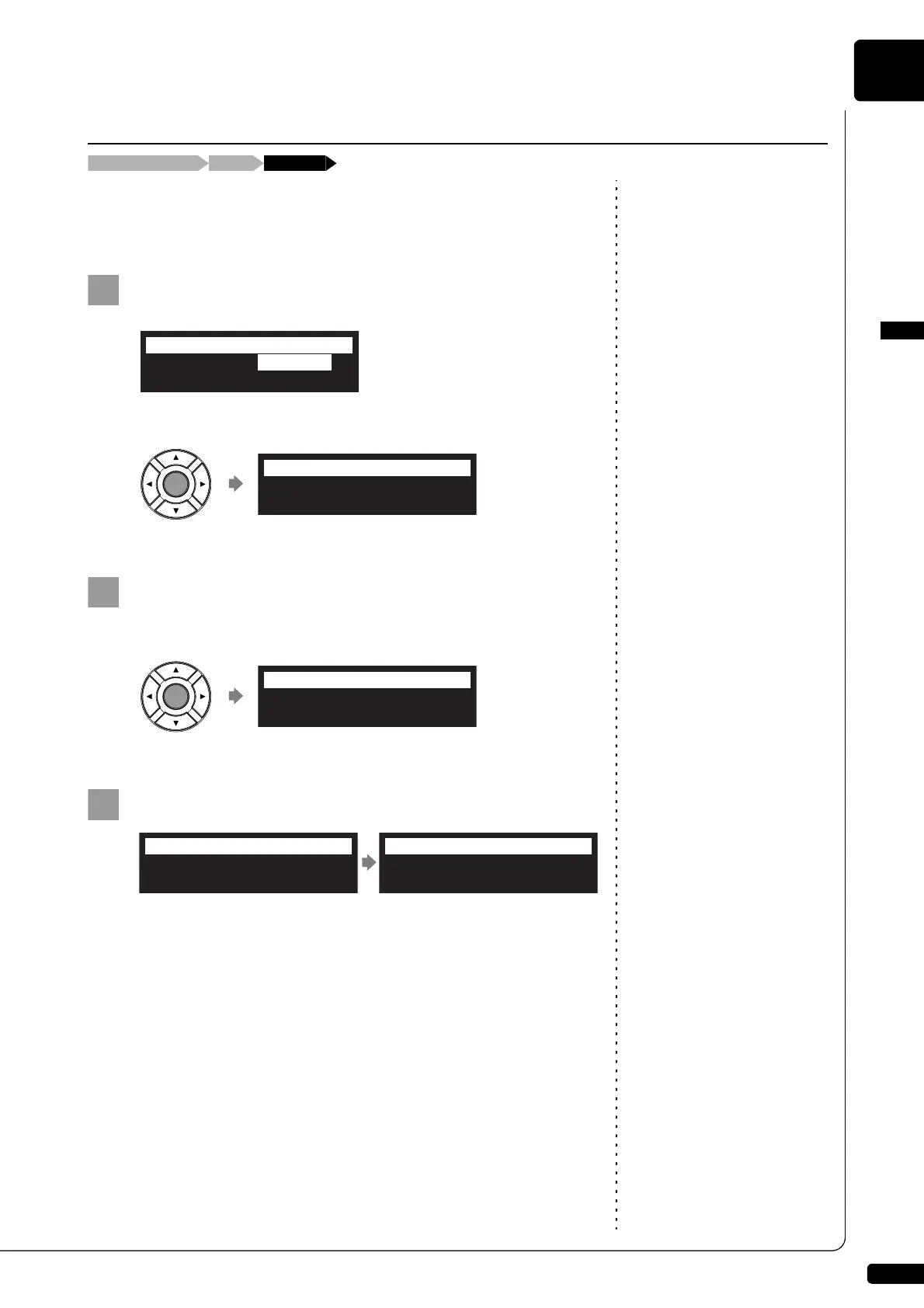
You can delete the entire contents in a medium.
This function is available for [Memory], [USB1], [USB2] and [FromToPC].
Select “DeleteAll” in the media function menu, then press
[ENTER].
The DeleteAll screen appears.
Press [ENTER].
“OK?” flashes in the first line of the screen.
Press [+/YES] to delete, [–/NO] to cancel.
After a while, the completion message appears.
Press any button to return to the media selection screen.
Deleting the Entire Contents in a Medium
[FUNC.]Media selection screen “DeleteAll”
*CopyAll *DeleteAll
=MEDIA MENU=
Media=Memory
=DeleteAll=
ENT
Media=Memory
=DeleteAll= OK? YES/NO
Completed.
Press any button.
=DeleteAll=
ANY







 To Next Page