Enhancing the Disklavier by Hooking Up Other Devices
10
Chapter
108
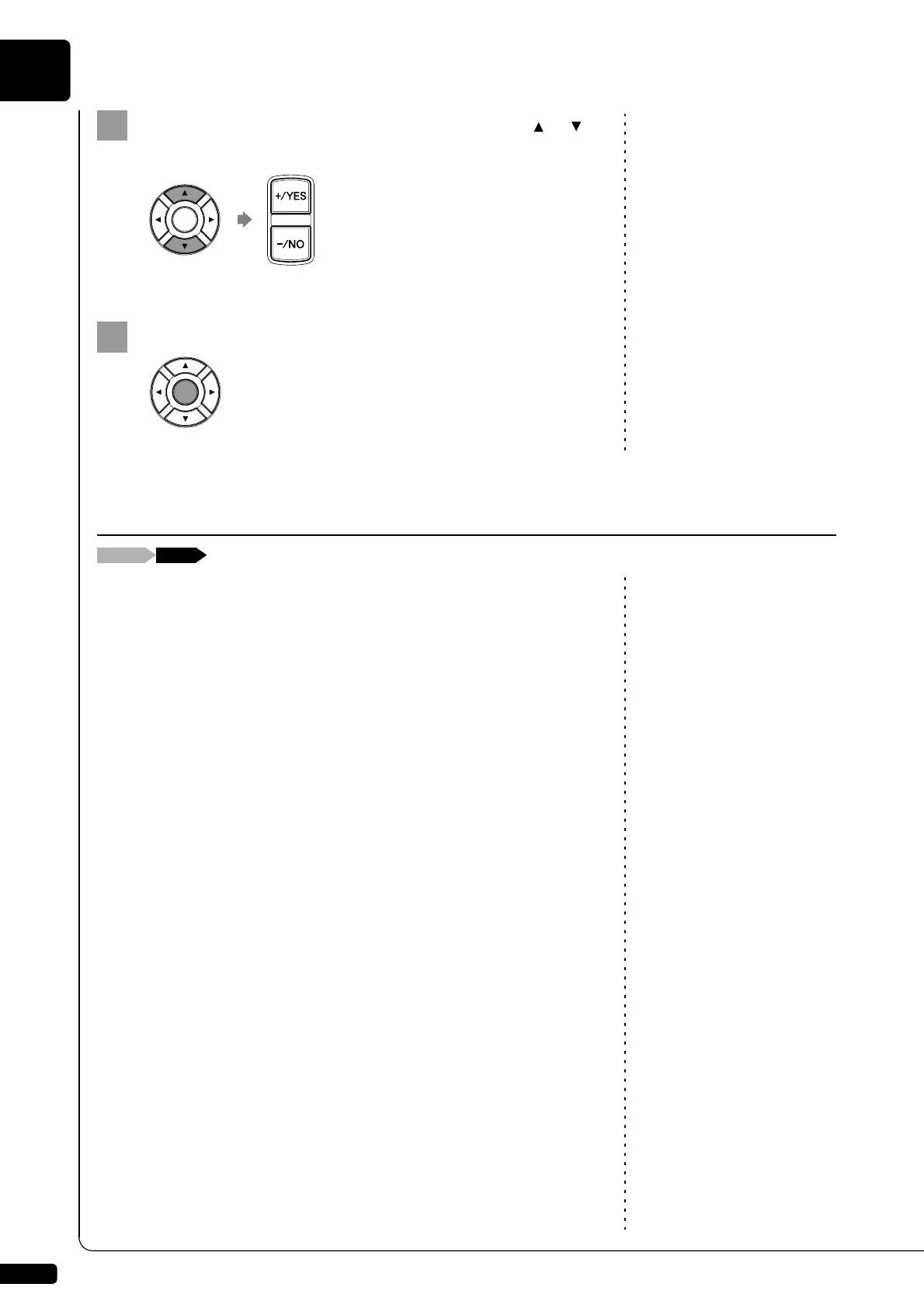
Select a desired option with the cursor buttons ([ ] [ ]),
then press [+/YES] and [–/NO] to change setting.
Press [ENTER] to complete the operation.
Besides the MIDI OUT options, more detailed setups for the keyboard
playing data transmission are available. The following options should be
set up in advance.
KBD OUT CH
Assigns the piano part to the desired channels.
01 thru 16:
Select the desired channel to which you assign the piano part.
Local
Selects whether you reproduce or not the piano part playing with the
Disklavier’s internal tone generator.
ON: Select this when you reproduce the piano part with the
Disklavier’s internal tone generator.
OFF: Select this when you reproduce the song (played on the
Disklavier) on the external MIDI device. This option inactivates
the internal tone generator to prevent both the internal and
external tone generator sound at the same time.
Setting the Disklavier for Keyboard Playing Data Transmission







 To Next Page