Advanced Recording
7
Chapter
54
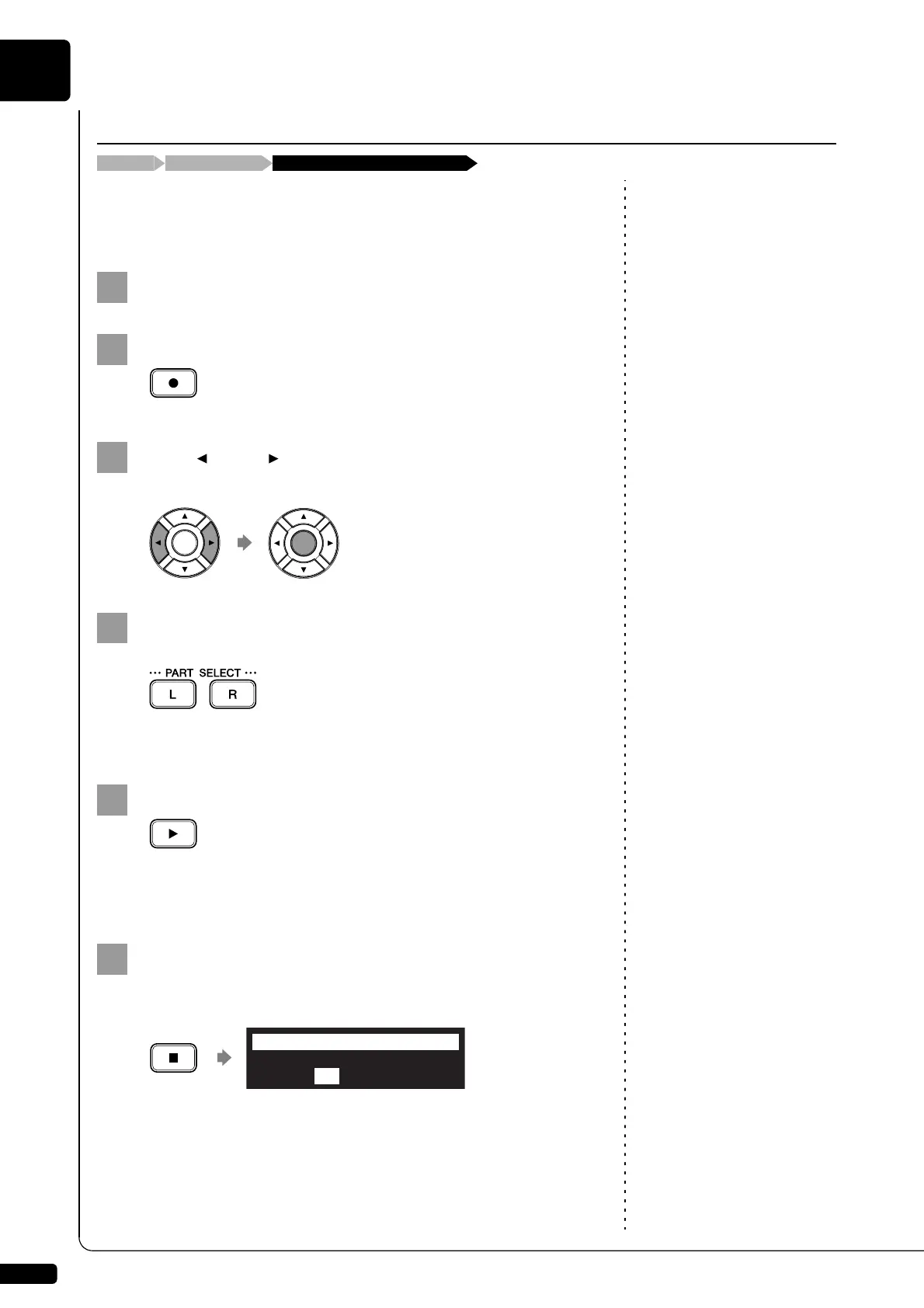
You can re-record the only one part left-hand or the right-hand of the
existing L/R song.
To select a medium and album, see
Chapter 3 “Basic Song Playback –
Selecting Medium and Their
Contents” on page 17.
Select a desired medium and album.
Press [RECORD].
Press [ ] and [ ] to select the L/R song that you want to
re-record, then press [ENTER].
Press [PART SELECT L] or [PART SELECT R] to select the
part to re-record.
The part set to “REC” will be re-recorded.
Press [PLAY].
Recording will start immediately, so be sure that you are ready to
play the part.
Press [STOP] when you finish playing your song.
The following screen appears.
Re-Recording One Part
[PART SELECT L] or [PART SELECT R]Select the L/R song[RECORD]
Save to Disk?
*SAVE *NEW *CANCEL
=Memory=
ENT







 To Next Page