Media Management
English
8
Chapter
73
Press [ENTER].
“OK?” flashes in the first line of the screen.
Press [+/YES] to rearrange, [–/NO] to cancel.
After a while, the completion message appears.
Press any button to return to the song selection screen.
Note:
The converted song will be newly
added to the end of the album.
The song format can be converted to other format.
This function is available for songs in the album on [Memory], [USB1],
[USB2] and [FromToPC].
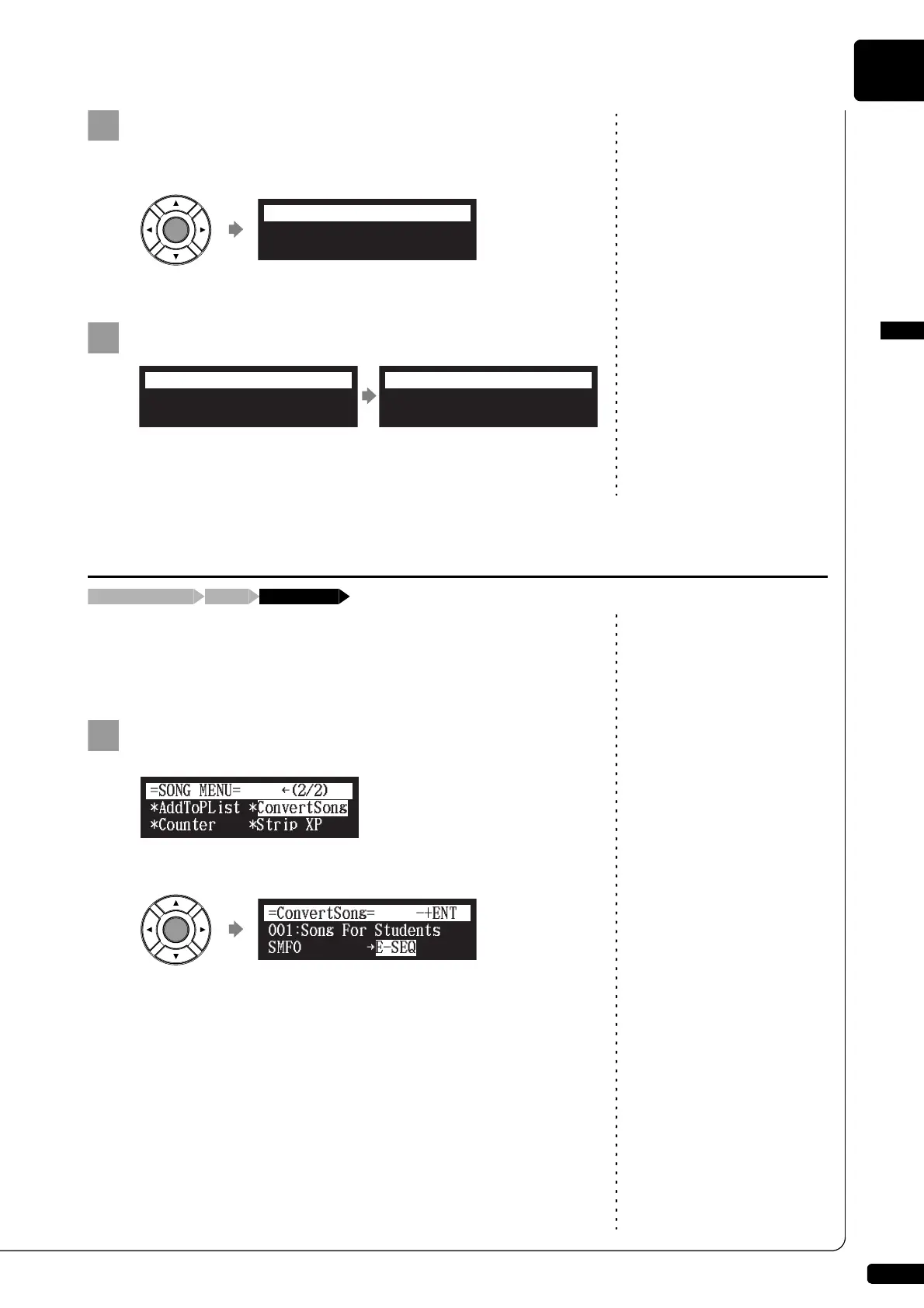
Select “ConvertSong” in the song function menu, then
press [ENTER].
The ConvertSong screen appears.
008:Interaction
006:Toccata and Fugue
=SortSong= OK? YES/NO
Completed.
Press any button.
=SortSong=
ANY
Converting Song Format
[FUNC.]Song selection screen “ConvertSong”
}
001:Song For Students
SMF0 E-SEQ
=ConvertSong=
-+ENT







 To Next Page