Advanced Recording
English
7
Chapter
57
Press [ ] and [ ] to select an option, then press [ENTER].
To change the tempo again or to reset the original tempo, repeat
steps 1 to 6.
For details on video synchronized
playback, see Chapter 4 “Advanced
Song Playback – Video
Synchronized Playback” on page 39.
By recording a song played on the Disklavier synchronized with the video
recording, later on, you can enjoy piano playback with the video. First set
up the camcorder, the DVD recorder, and the Disklavier, and then start
recording by following the procedures below.
■ Setting for Video Synchronized Recording
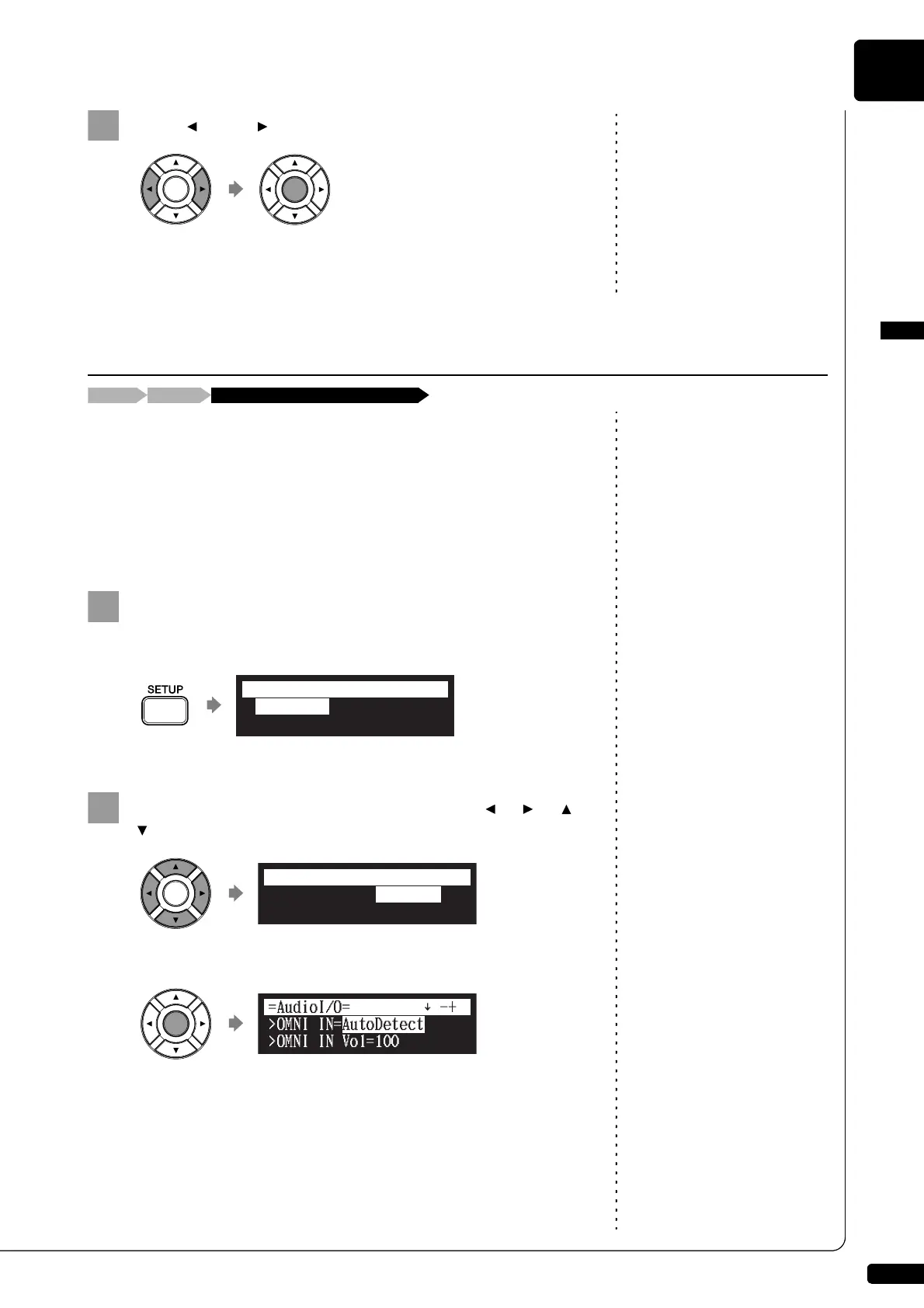
Press [SETUP] on the remote control.
The setup menu screen appears.
Select “AudioI/O” with the cursor buttons ([ ] [ ] [ ]
[ ]), then press [ENTER].
The audio I/O setting screen appears.
Video Synchronized Recording
Connect a camcorder and a DVD recorder[SETUP] “AudioI/O”
*TimerPlay
*MIDI
*AudioI/O
*M-Tune
=SETUP MENU=
(1/3)
*TimerPlay
*MIDI
*AudioI/O
*M-Tune
=SETUP MENU=
(1/3)
]







 To Next Page