Advanced Song Playback
English
4
Chapter
29
Press [PLAY] to start repeat playback.
To cancel the repeat mode, press [REPEAT] until “OFF”
appears on the screen.
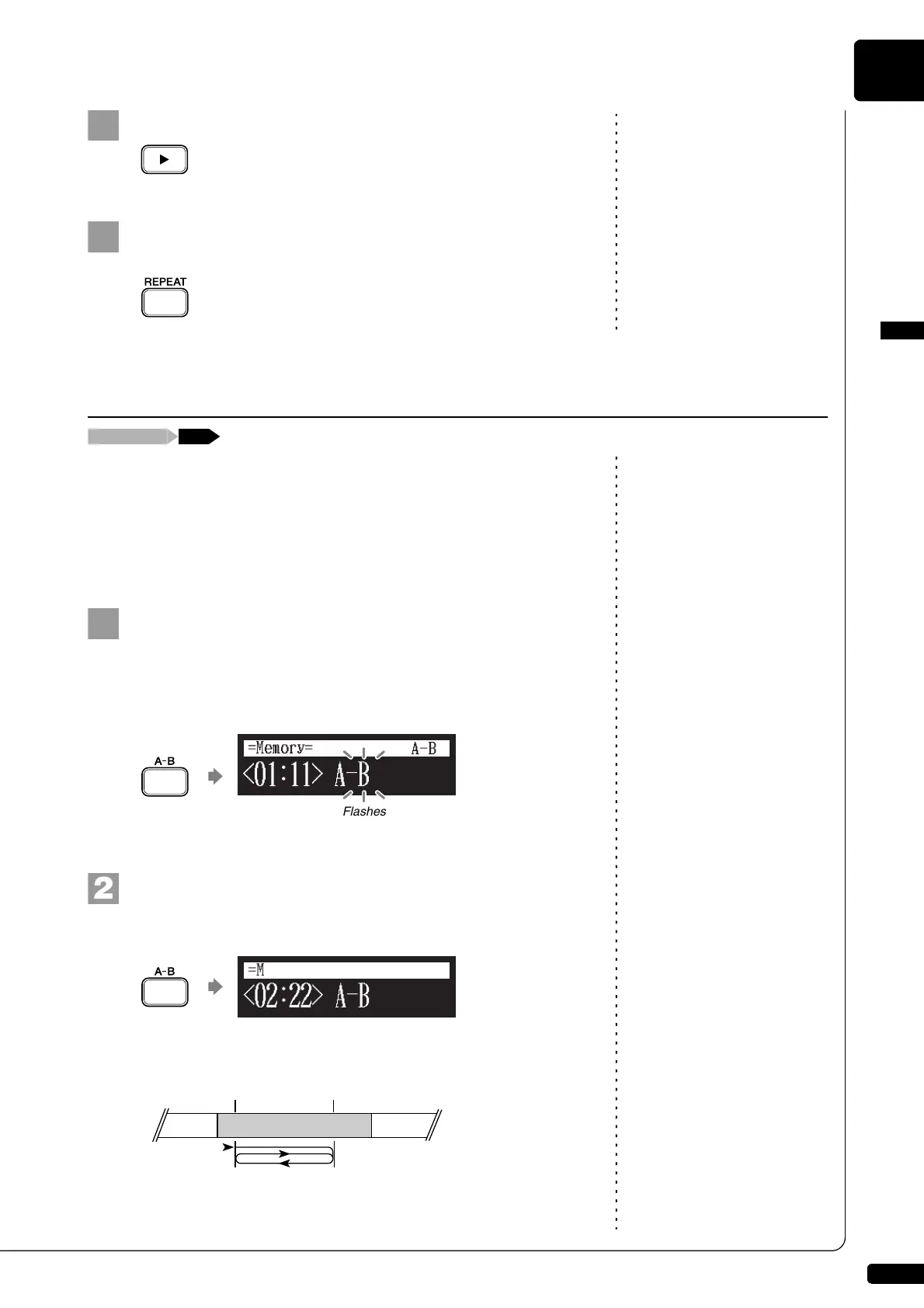
In the A-B repeat, playback is repeated between two specified points in a
song: point A and point B. This function is useful when practicing or
memorizing a difficult section of a song.
Once specified, points A and B are saved until another song is selected,
recording is started, or the Disklavier is turned off.
To set point A, play back a song and press [A-B] on the
remote control when the desired point is reached.
Point A is set.
The A-B repeat setting screen appears with the “B” flashing.
Note:
You cannot set point B that is
beyond the selected song.
To set point B, press [A-B] again.
Point B is set.
Playback starts from point A, continues up to point B and, returns to
point A and playback starts repeatedly.
Repeating a Specific Section of a Song (A-B Repeat)
=Memory=
A-B
Flashes
Point B
SONG 1 SONG 2 SONG 3
Point A
Start
Cycle







 To Next Page