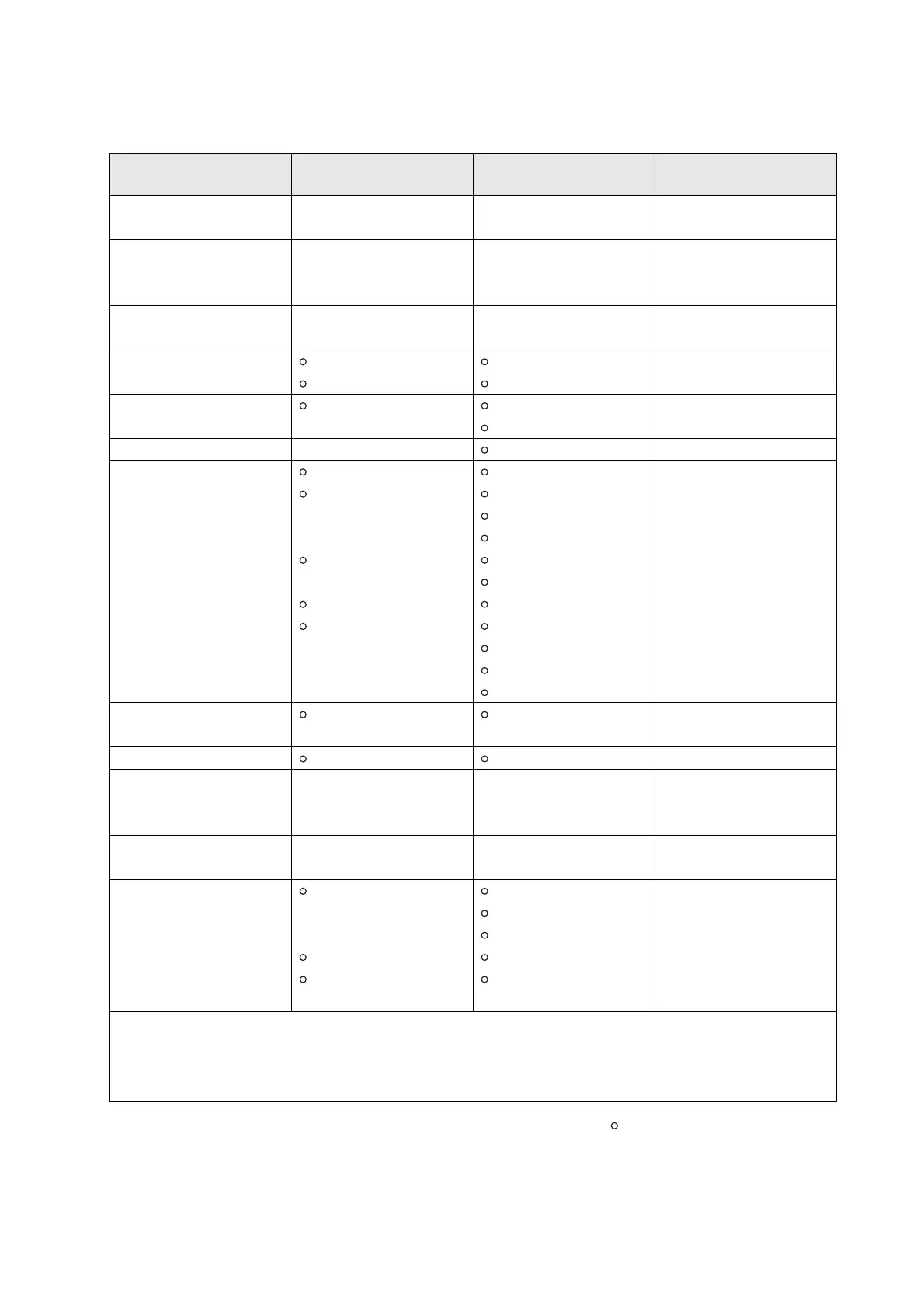
Mode 1 : OMNI ON. POLY Mode 2 : OMNI ON. MONO : YES
Mode 3 : OMNI OFF. POLY Mode 4 : OMNI OFF. MONO
× : NO
Yamaha Disklavier
Model: E3
MIDI IMPLEMENTATION CHART
Date: 18-Mar-2011
Version: 1.00
Function... Transmitted Recognized Remarks
Basic Default 1-16 1-16 Memorized
Channel Changed 1-16 1-16
Default 3 3
Mode Messages × 3, 4 (m=1) *2, *3
Altered **************** ×
Note 0-127 0-127
Number : True voice **************** 0-127
Velocity Note ON 9nH, v=1-127 v=1-127
Note OFF 8nH, v=0-127
After Key s *5
Touch Ch s × *1, *2
Pitch Bend × 0-24 semi *1, *2
0, 32 *1, *2 Bank Select
7, 11 *1
1, 5, 10 × *1, *2
6, 38 × *2 Data Entry
64 Hold1 (Sustain)
Control 65 × *2 Portament
66 *4 *2 Sostenuto
Change 67 Soft (Shift) Pedal
71-74, 84 × *2
91, 93, 94 × *2 Effect Depth
96-101 × *1,*2
Prog 0-127 0-127 *2
Change : True # ****************
System Exclusive
: Song Pos × ×
Common : Song Sel × ×
: Tune × ×
System : Clock × ×
Real Time : Commands × ×
Aux : All Sound OFF (120, 126, 127)
:
Reset All Cntrls
× (121)
: Local ON/OFF ×
: All Notes OFF (123-125)
Messages : Active Sense
: Reset × ×
Notes *1 = Received (transmitted) if switch is on.
*2 = Only ESBL Part can recognized.
*3 =
m is always treated as 1 regardless of its
value.
*4 =
Transmit if this model has a Sostenuto Pedal.
*5 = Applying further pressure on the key does not output
key aftertouch information. Instead, key position is
transmitted as additional information.







 To Next Page