Advanced Recording
English
7
Chapter
55
The following table gives a description of each of the options.
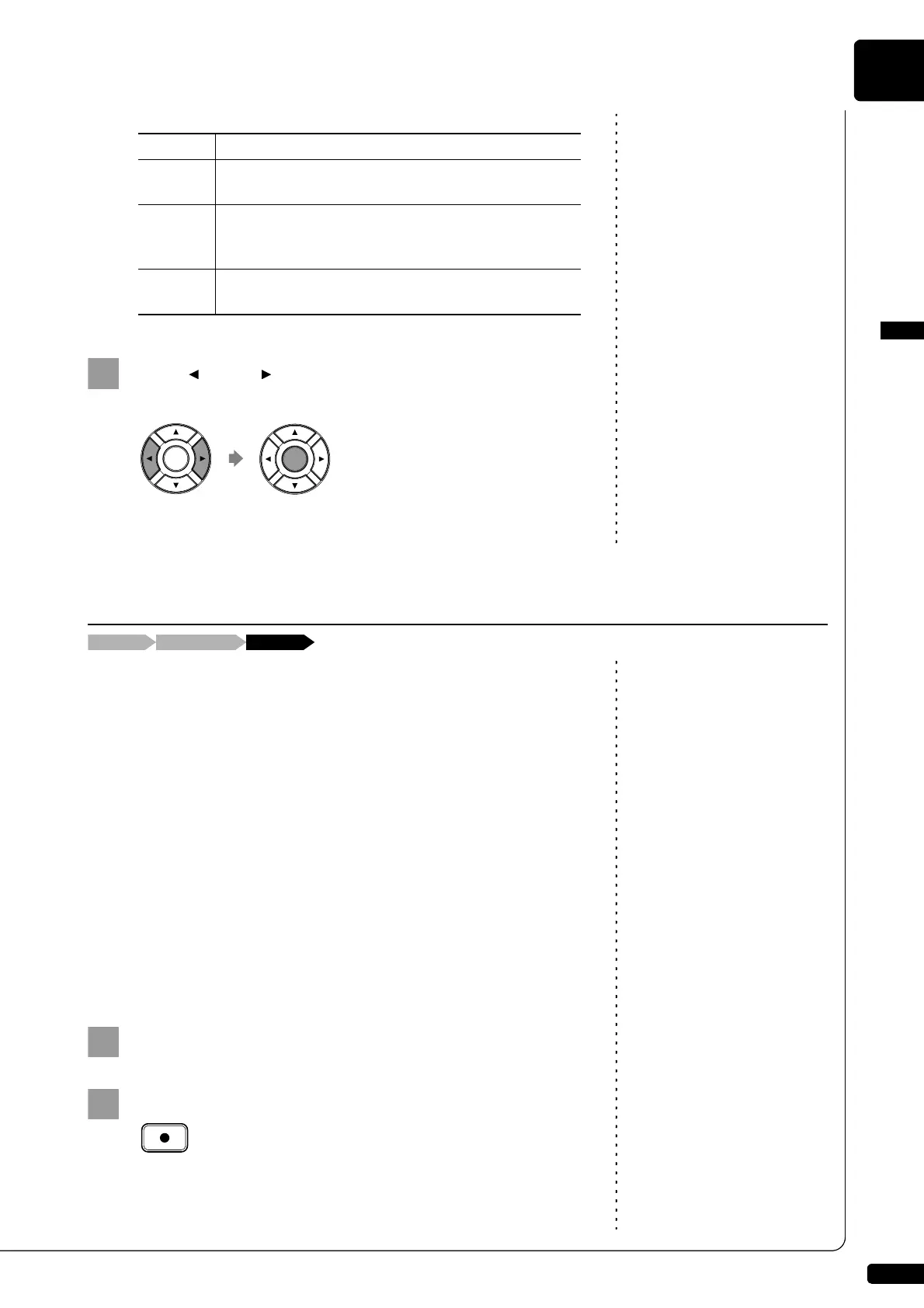
Press [ ] and [ ] to select an option, then press
[ENTER].
The re-recorded part is saved as indicated or canceled.
This function allows you to change the default tempo of a song and save
the change. It should not be confused with the playback tempo function
described in Chapter 4 “Advanced Song Playback – Changing the
Playback Tempo” in which tempo changes are lost when the Disklavier is
turned off.
The tempo of a song can be changed many times. This function can be
used when recording a very complex song that is difficult to play at a fast
tempo. First, record the song at a tempo you can manage, then change the
tempo afterwards. For example, you could record a difficult left-hand part
at a slow tempo, use this function to change the tempo, then record the
right-hand part at the normal tempo.
If a song’s time format is minutes and seconds, tempo changes are
specified as a percentage of the original tempo.
If a song’s time format is measures and beats, tempo changes are
specified in beats per minute.
To select a medium or album, see
Chapter 3 “Basic Song Playback –
Selecting Medium and Their
Contents” on page 17.
Select a desired medium and album.
Press [RECORD].
Option Description
SAVE
The re-recorded part is saved with the other existing
part under the current song number.
NEW
The re-recorded part is saved under a new song
number. The existing parts are kept under the current
song number.
CANCEL
The re-recorded part is discarded. The existing parts
are kept under the current song number.
Changing the Default Tempo
Select the song[RECORD] [FUNC.]×3







 To Next Page