Advanced Song Playback
4
Chapter
38
■ About Song Playback Screen
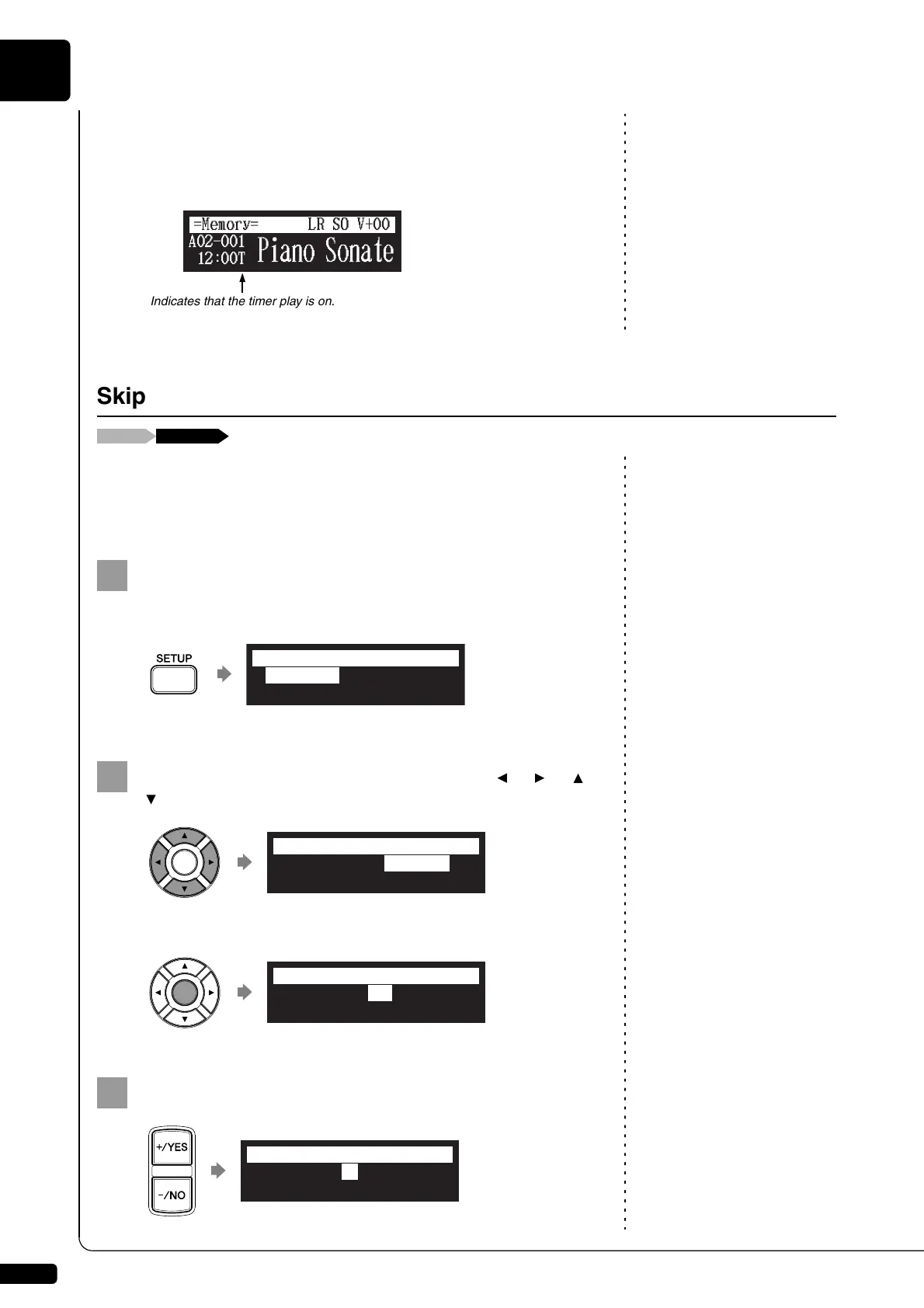
When the song playback is stopped — with the timer play function is set to
ON and the current time is displayed — “T” flashes to the right side of the
current time.
When there is a blank part created at the beginning of the recorded song,
turning on this function automatically skips the unwanted part and starts
playback from the actual beginning of the song.
Press [SETUP] on the remote control.
The setup menu screen appears.
Select “Playback” with the cursor buttons ([ ] [ ] [ ]
[ ]), then press [ENTER].
The playback setting screen appears with the cursor flashing.
Press [+/YES] and [–/NO] to change setting.
Indicates that the timer play is on.
Skipping the Blank Part at the Beginning of a Song
*TimerPlay
*MIDI
*AudioI/O
*M-Tune
=SETUP MENU=
(1/3)
*Network *Playback
*Shortcut
=SETUP MENU=
(2/3)
>SkipSpace=OFF
=Playback=
-+
>SkipSpace=ON
=Playback=
-+







 To Next Page