Basic Song Playback
English
3
Chapter
23
In the stop or pause mode, fast forward and reverse allow you to quickly
locate a desired position in a song.
Reverse can also be used to return a song to the beginning, ready to play
again.
■ Fast Forward
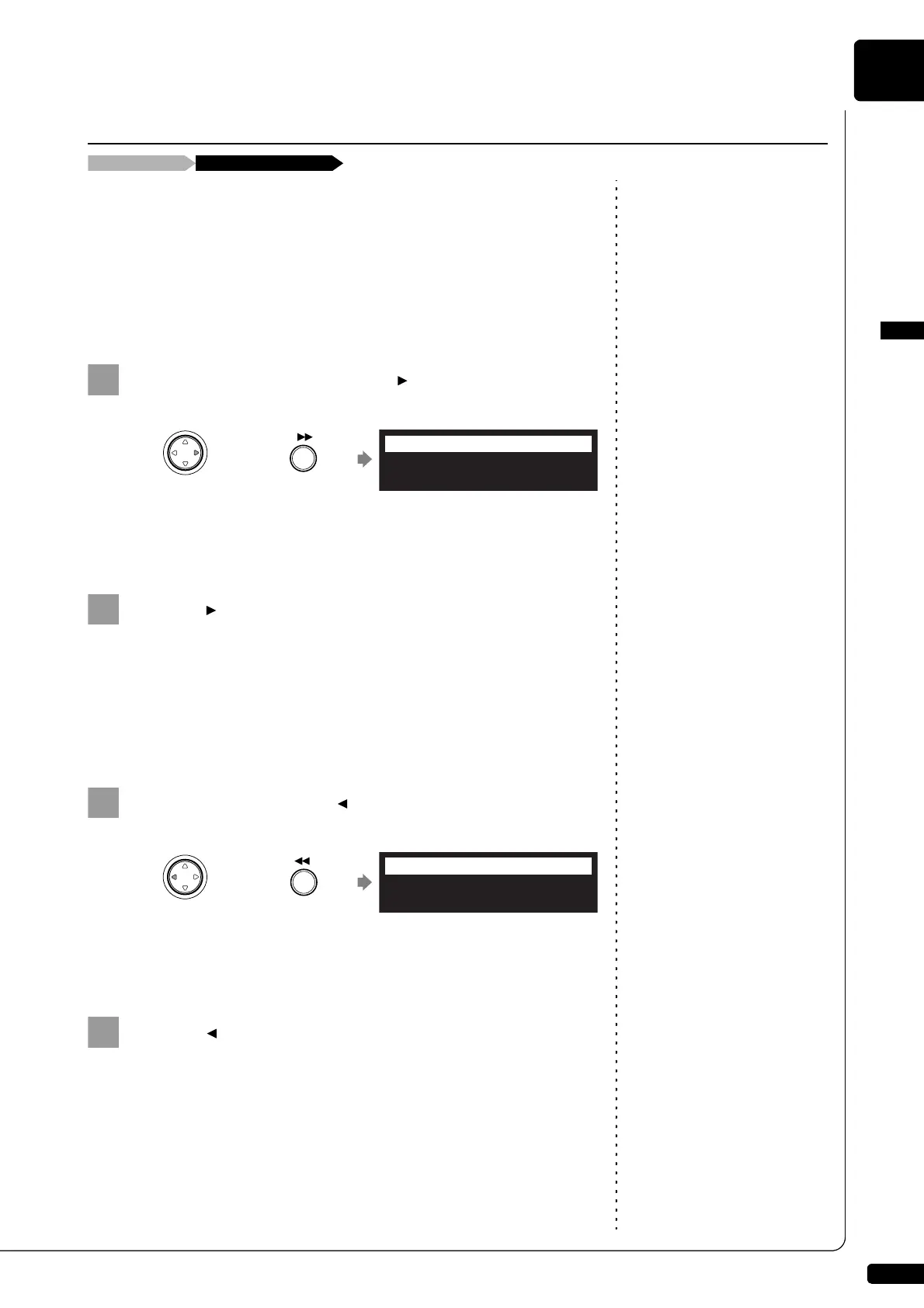
In the stop or pause mode, hold [ ] on the control unit or
press [FORWARD] on the remote control.
[PLAY/PAUSE] on the control unit flashes quickly and the counter
shows the current position.
Release [ ] on the control unit, or press [FORWARD] on
the remote control again to return to the pause mode.
If you fast forward a song all the way to the end, it will be paused at
the end of the song.
■ Fast Reverse
In the pause mode, hold [ ] on the control unit or press
[REVERSE] on the remote control.
[PLAY/PAUSE] on the control unit flashes quickly and the counter
shows the current position.
Release [ ] on the control unit, or press [REVERSE] on
the remote control again to return to the pause mode.
If you reverse a song all the way to the beginning, it will be paused
at the beginning of the song.
Fast Forward & Reverse
Stop or pause mode [FORWARD] or [REVERSE]
Control unit Remote control
or
<00:15> FORWARD
=Memory=
LR SO V+00
Control unit Remote control
or
<02:22> REWIND
=Memory=
LR SO V+00







 To Next Page