110
11
Chapter
Other Settings
The internal XG tone generator has already been tuned to match the
acoustic piano (A3=440 Hz). However, you can re-tune the internal XG
tone generator in accordance with the pitch of the acoustic piano by
following the procedure below.
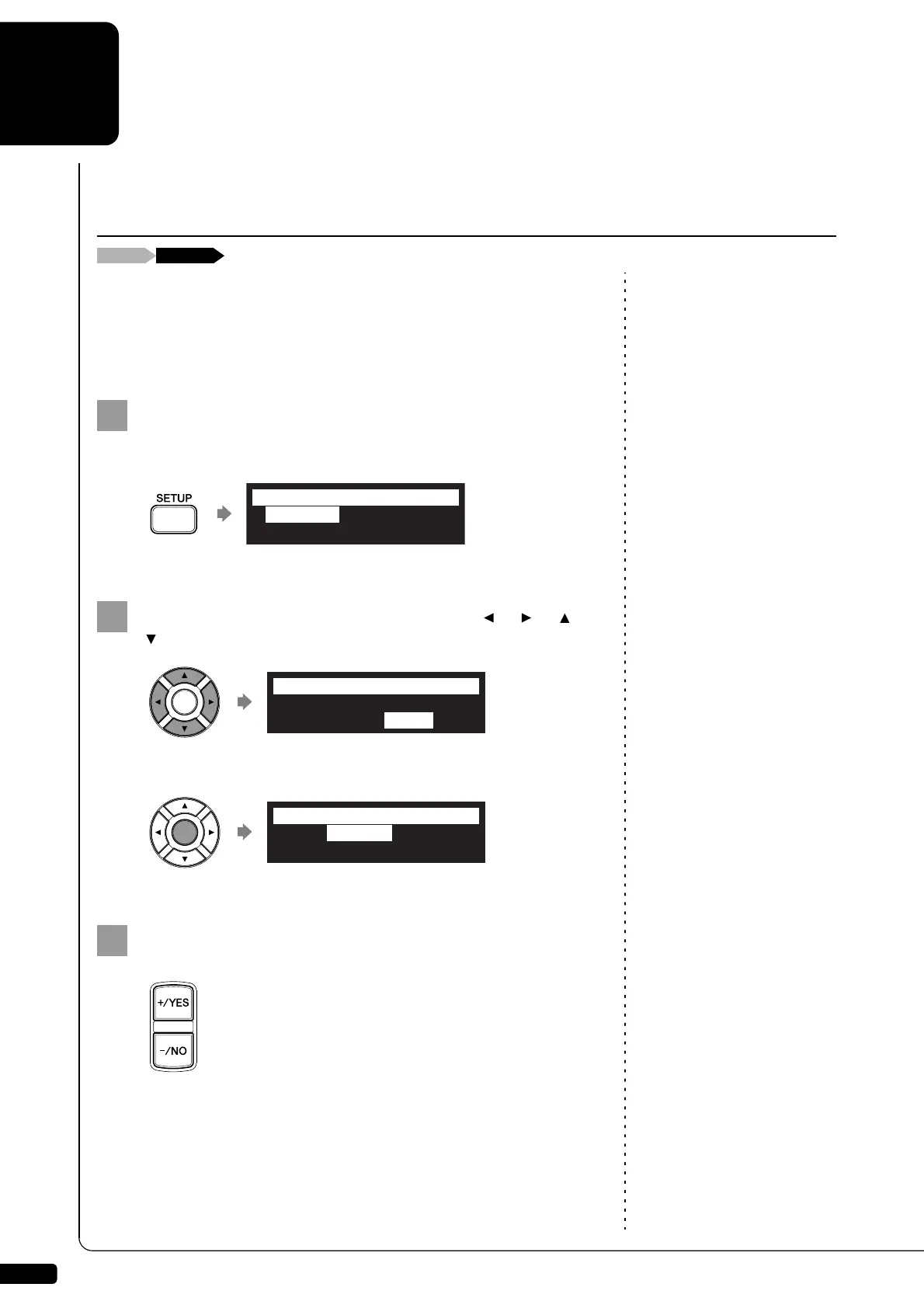
Press [SETUP] on the remote control.
The setup menu screen appears.
Select “M-Tune” with the cursor buttons ([ ] [ ] [ ]
[ ]), then press [ENTER].
The TG Master Tune setting screen appears.
Playing the keyboard, press [+/YES] and [–/NO] to tune the
pitch of the internal XG tone generator.
The same note will sound simultaneously on the XG tone
generator’s digital piano and on the acoustic piano as soon as you
play the keyboard.
The pitch of the internal XG tone generator can be adjusted in a
range of –50 cent to +50 cent.
Tuning the Tone Generator (TG Master Tune)
*TimerPlay
*MIDI
*AudioI/O
*M-Tune
=SETUP MENU=
(1/3)
*TimerPlay
*MIDI
*AudioI/O
*M-Tune
=SETUP MENU=
(1/3)
>Tune= 000cent
=TG Master Tune=
-+







 To Next Page