Advanced Song Playback
4
Chapter
34
You can temporarily adjust the L/R balance of an audio CD.
Balance adjustments are effective until another song is selected, recording
is started, or the Disklavier is turned off.
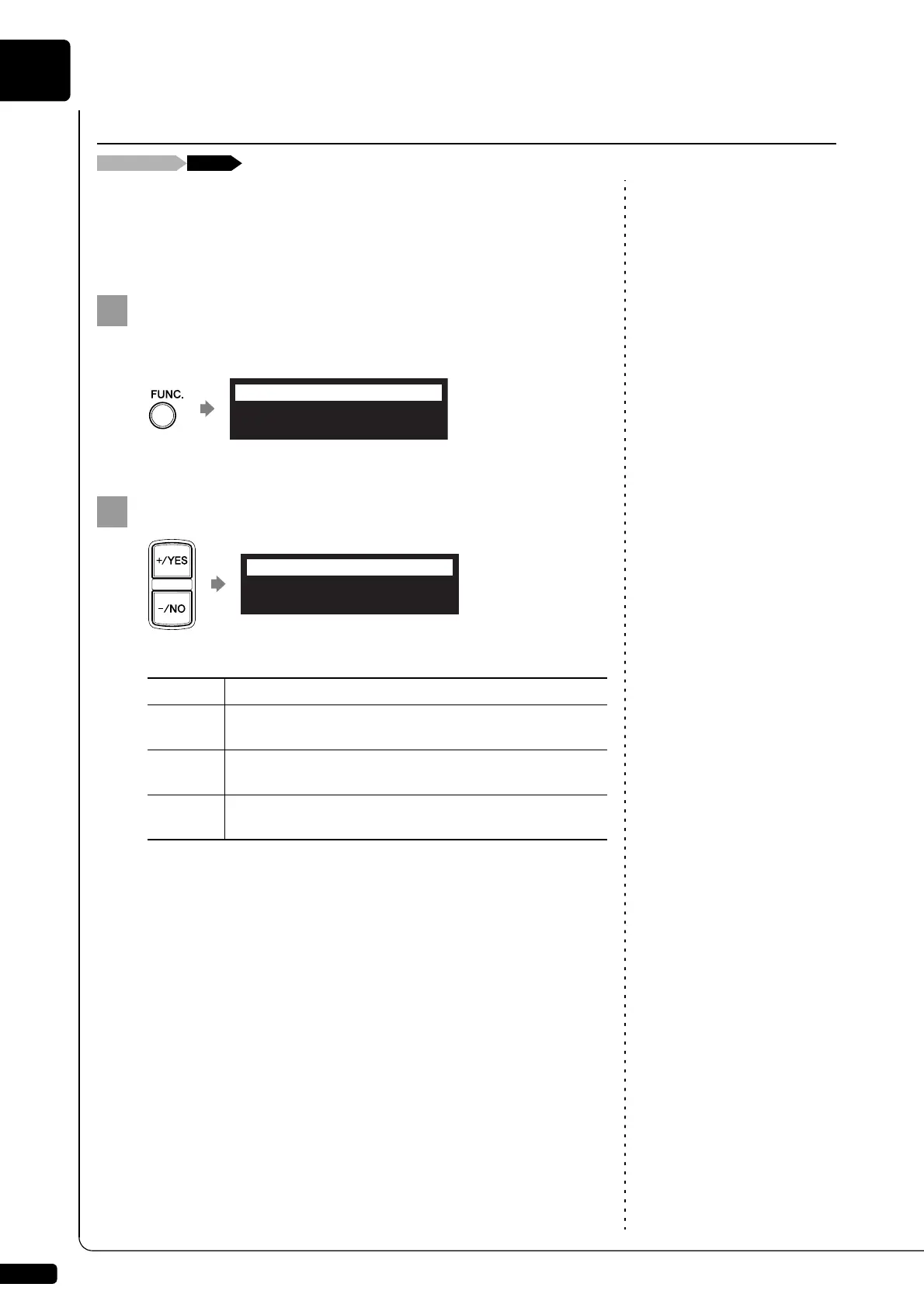
During the song playback, press [FUNC.] several times.
The audio pan setting screen appears.
Press [+/YES] and [–/NO] to change the audio pan.
The following pan settings are available:
Adjusting the L/R Balance of Audio
Option Description
Left
Audio of the L channel is output to both of the L and R
channels.
Center
Audio of the L channel is output to the L channel, and the
R channel is output to the R channel.
Right
Audio of the R channel is output to both of the L and R
channels.







 To Next Page