Internet Direct Connection (IDC)
9
Chapter
96
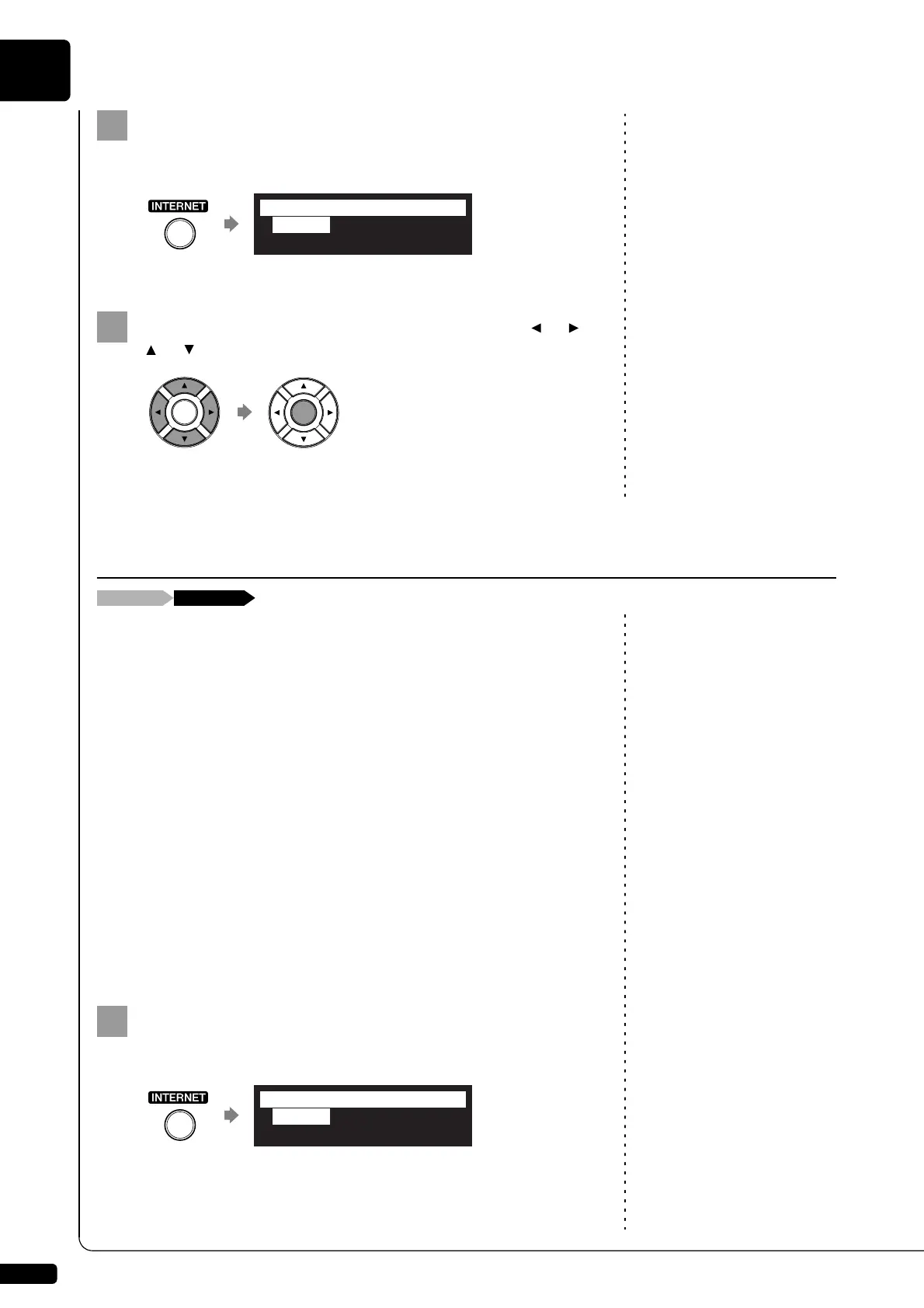
Press [INTERNET] on the remote control.
The Internet menu screen appears.
Select a desired menu with the cursor buttons ([ ] [ ]
[ ] [ ]), then press [ENTER].
Perform operations on the screen that appears.
You can confirm your current account information of IDC service. You can
also log out from the IDC service.
Note:
ID and password are not required for
free contents (such as free channel
of DisklavierRadio).
Login
Select this to log in to the IDC service. You need to enter your ID and
password.
Logout
If you wish to use another IDC account or prevent the current account from
being used by others, select this to log out from the IDC service.
Account Information
Select this to confirm your account information.
Subscription Status
Select this to confirm your DisklavierRadio subscription status.
Press [INTERNET] on the remote control.
The Internet menu screen appears.
*D-Radio
*Update
*MyAccount
=Internet=
(1/1)
Checking Your Account Information
*D-Radio
*Update
*MyAccount
=Internet= (1/1)







 To Next Page