Media Management
8
Chapter
66
Press [+/YES] to create a new album, [–/NO] to cancel.
After a while, the completion message appears.
Press any button to return to the album selection screen.
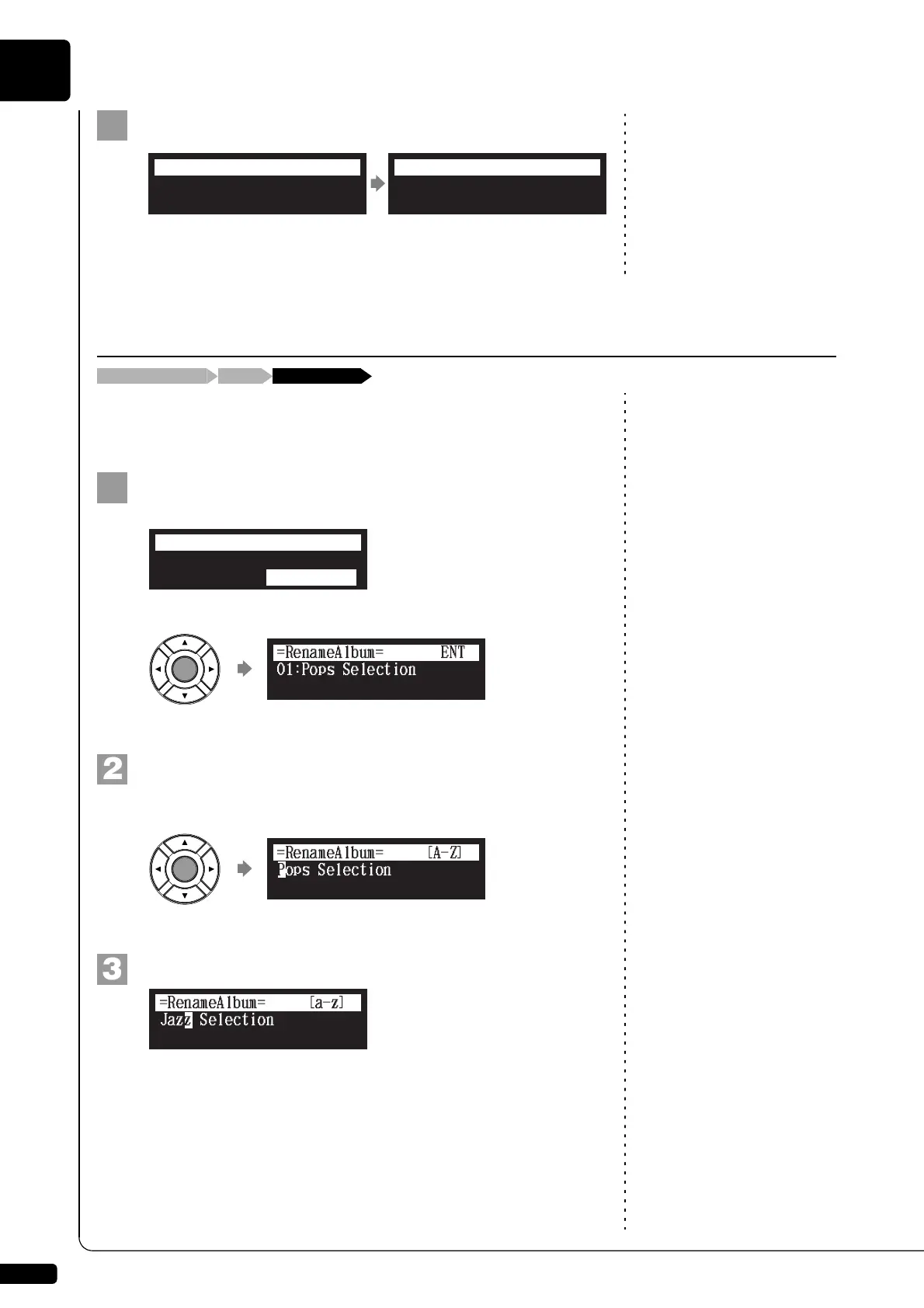
You can rename the albums which already named.
This function is available only for albums on [Memory].
Select “RenameAlbum” in the album function menu, then
press [ENTER].
The RenameAlbum screen appears.
Press [ENTER].
The album title editing screen appears.
Enter a new title to the selected album.
You can enter up to 64 characters.
Follow the instructions in “Entering Characters” on page 47.
Completed.
Press any button.
=NewAlbum=
ANY
Renaming an Album
“RenameAlbum”[FUNC.]Album selection screen
*CopyAlbum
*NewAlbum
*DeleteAlbum
*RenameAlbum
=ALBUM MENU=
(1/2)
Jazz Selection
=RenameAlbum=
[a-z]







 To Next Page