Media Management
8
Chapter
74
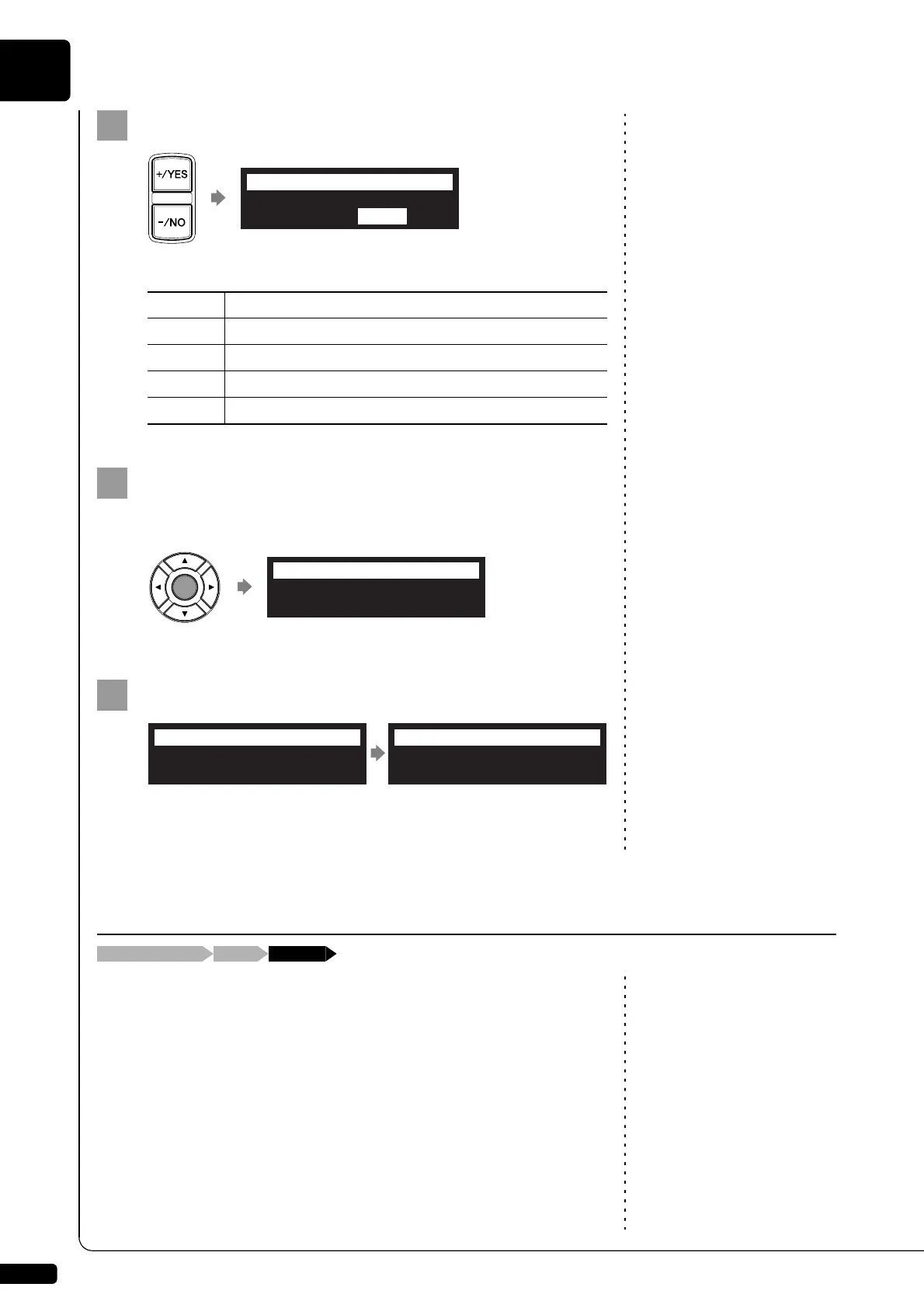
Press [+/YES] and [–/NO] to select a song format.
This following options are available:
Press [ENTER].
“OK?” flashes in the first line of the screen.
Press [+/YES] to convert, [–/NO] to cancel.
After a while, the completion message appears.
Press any button to return to the song selection screen.
The counter display of a song can be changed from “measures and
beats”(metronome) to “minutes and seconds” or vice versa.
This function is available for songs in the album on [Memory], [USB1],
[USB2] and [FromToPC].
Option Song Format
E-SEQ
E-SEQ format
SMF0
SMF (Standard MIDI File) format 0
SMF1
SMF (Standard MIDI File) format 1
Piano1
E-SEQ format to play on all Disklavier in correct tempo
001:Song For Students
SMF0 Piano1
=ConvertSong=
-+ENT
001:Song For Students
SMF0 Piano1
=ConvertSong=OK? YES/NO
Executing...
=ConvertSong=
Completed.
Press any button.
=ConvertSong=
ANY
Changing the Counter Display
[FUNC.]Song selection screen “Counter”







 To Next Page