Advanced Recording
English
7
Chapter
53
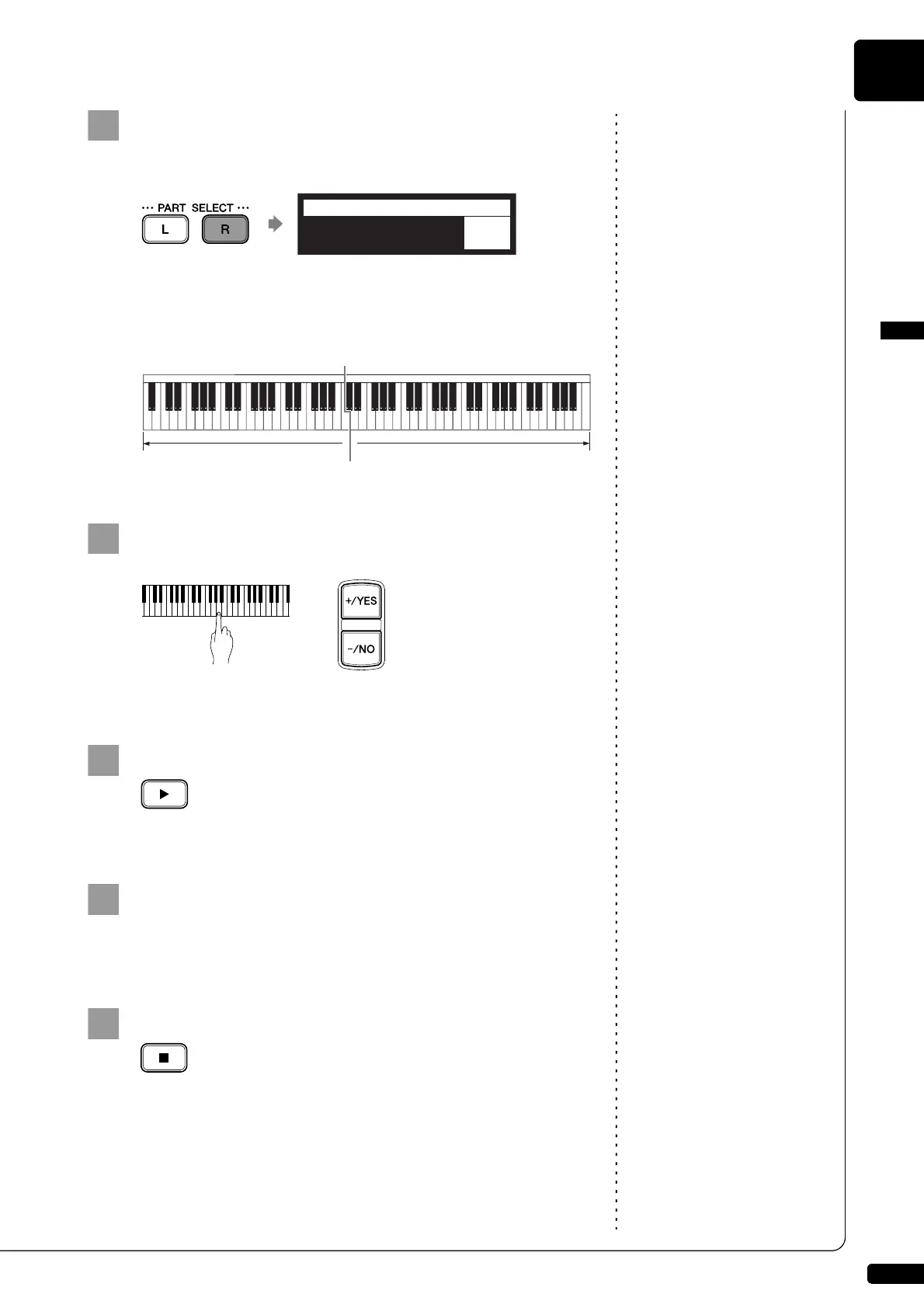
Press [PART SELECT R] to set both parts to record.
The split point setting screen appears.
The above display shows that the default keyboard split point is
note C3, or middle C. In this case, note C3 and notes below are
saved as the left-hand part and notes above C3 are saved as the
right-hand part, as shown in the following figure.
To change the split point, press a key on the keyboard or
[+/YES] and [–/NO] to select a different key.
The split point can be set from note A-1 to note C7.
Press [PLAY].
The Disklavier is now ready for you to play.
Starts playing your song with the left- and right-hand parts
and the pedal part simultaneously.
Recording will start as soon as you touch a key.
Press [STOP] when you finish playing your song.
The recorded song is loaded.
LR=REC SPLIT=C3
=Memory=
-+
Left-hand part Right-hand part
C3







 To Next Page