Basic Song Playback
3
Chapter
20
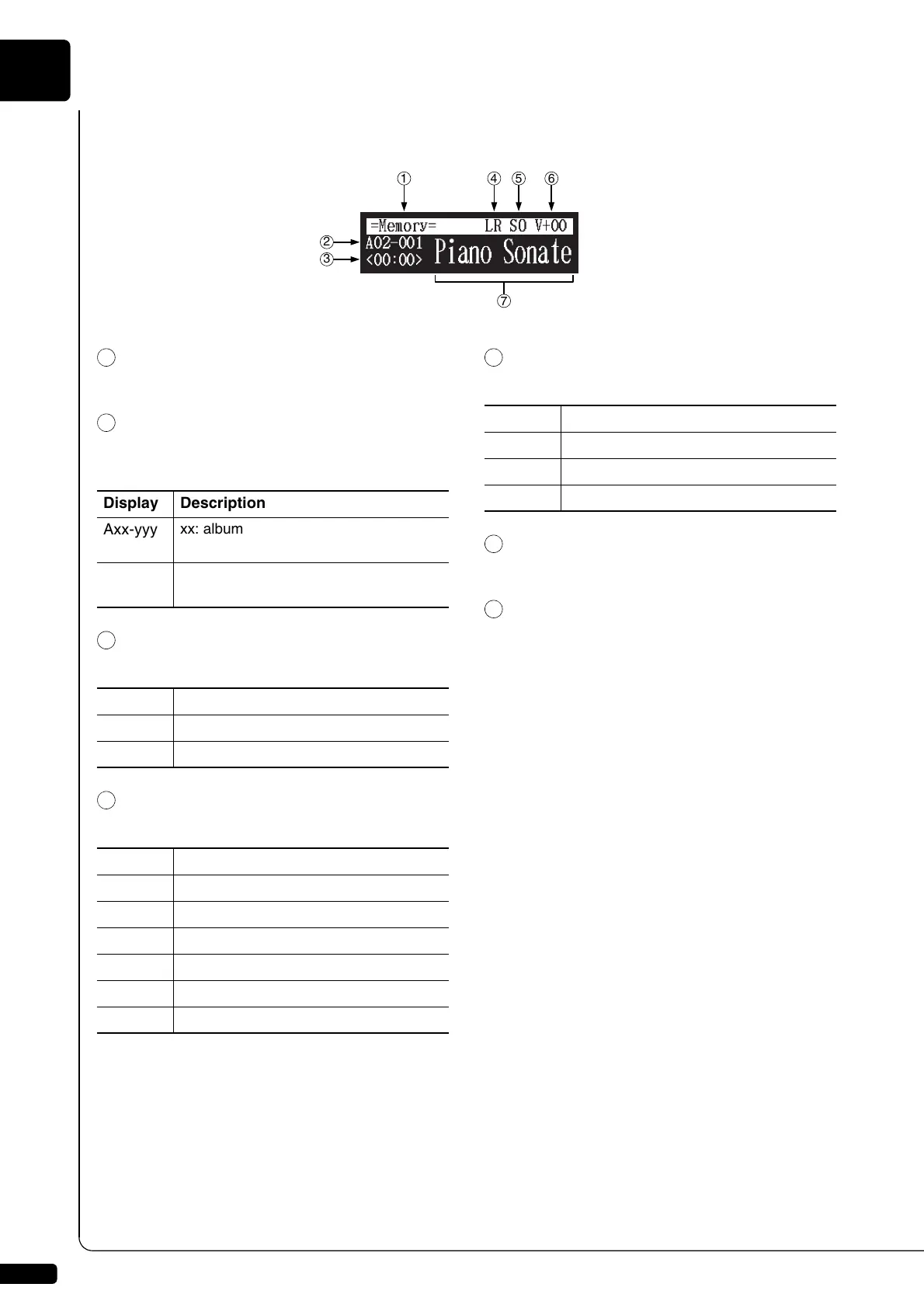
■ Song Playback Screen
Here are a few things that you will often see during playback.
Media
The selected medium is displayed here.
Album/Song Number
The number of the selected album and song is
displayed here.
Counter
Playing time is indicated in one of two formats.
Song Type
The type of the selected songs is displayed here.
Song Format
The format of the selected song is displayed here.
Volume
The current volume setting is displayed here.
Song Title
The title of the selected song is displayed here. If
the title is long, it scrolls across the display.
7
2
3
1 4 5 6
Display Description
Axx-yyy
xx: album number (01 to 99)
yyy: song number (001 to 999)
Pxx-yyy
xx: playlist number (01 to 99)
yyy: song number (001 to 999)
Display Description
xx:yy
Minutes (xx) and seconds (yy)
xxx-y
Measures (xxx) and beats (y)
Display Description
LR
PianoSoft
XP
PianoSoft recorded on the PRO model
PS
SmartPianoSoft
SK
SmartKey
YM
PianoSoft·PlusAudio
AU
Stereo audio
Display Description
S0
SMF (Standard MIDI File) format 0
S1
SMF (Standard MIDI File) format 1
ES
E-SEQ format







 To Next Page