Advanced Song Playback
4
Chapter
32
■ Adjusting the TG Balance
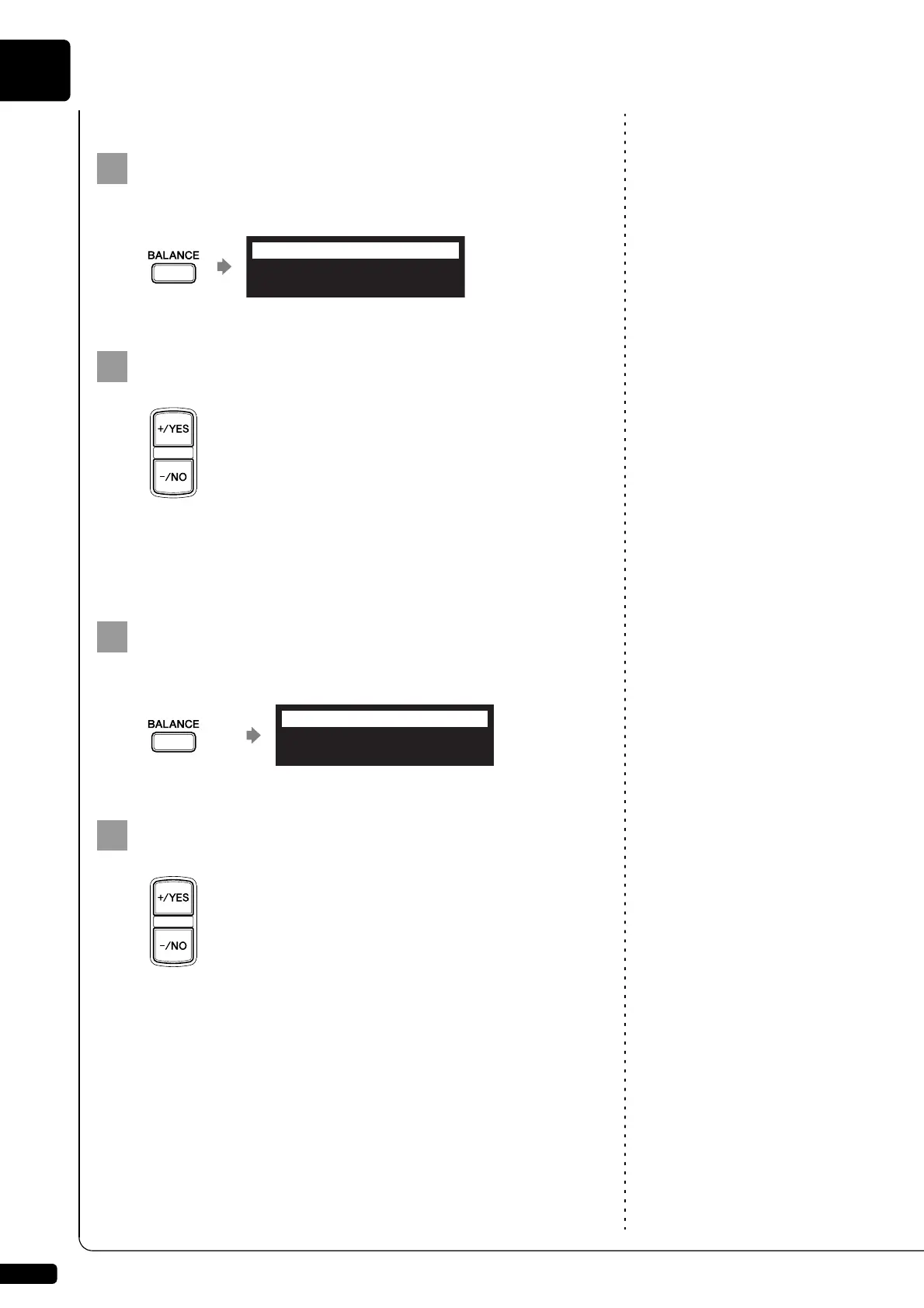
Press [BALANCE] on the remote control.
The TG balance setting screen appears.
Note:
You can also use the dial on the
control unit to adjust the volume.
Press [+/YES] and [–/NO] to adjust the volume of the tone
generator.
Tone generator volume can be adjusted in a range of 10 to 127.
■ Adjusting the Audio Balance
Press [BALANCE] twice on the remote control.
The audio balance setting screen appears.
Note:
You can also use the dial on the
control unit to adjust the volume.
Press [+/YES] and [–/NO] to adjust the volume of the
audio.
Audio volume can be adjusted in a range of 10 to 127.
TG BALANCE 100
=BALANCE=
-/+
AUDIO BALANCE 100
=BALANCE=
-/+







 To Next Page