P1036102-007 ZXP Series 7 Card Printer Service Manual 207
Replacement Procedures for Factory Installed Options
Procedures: Contact Station Module
Test and Adjustment
For these tests, you will need contact station upgrade tool (P1037750-403).
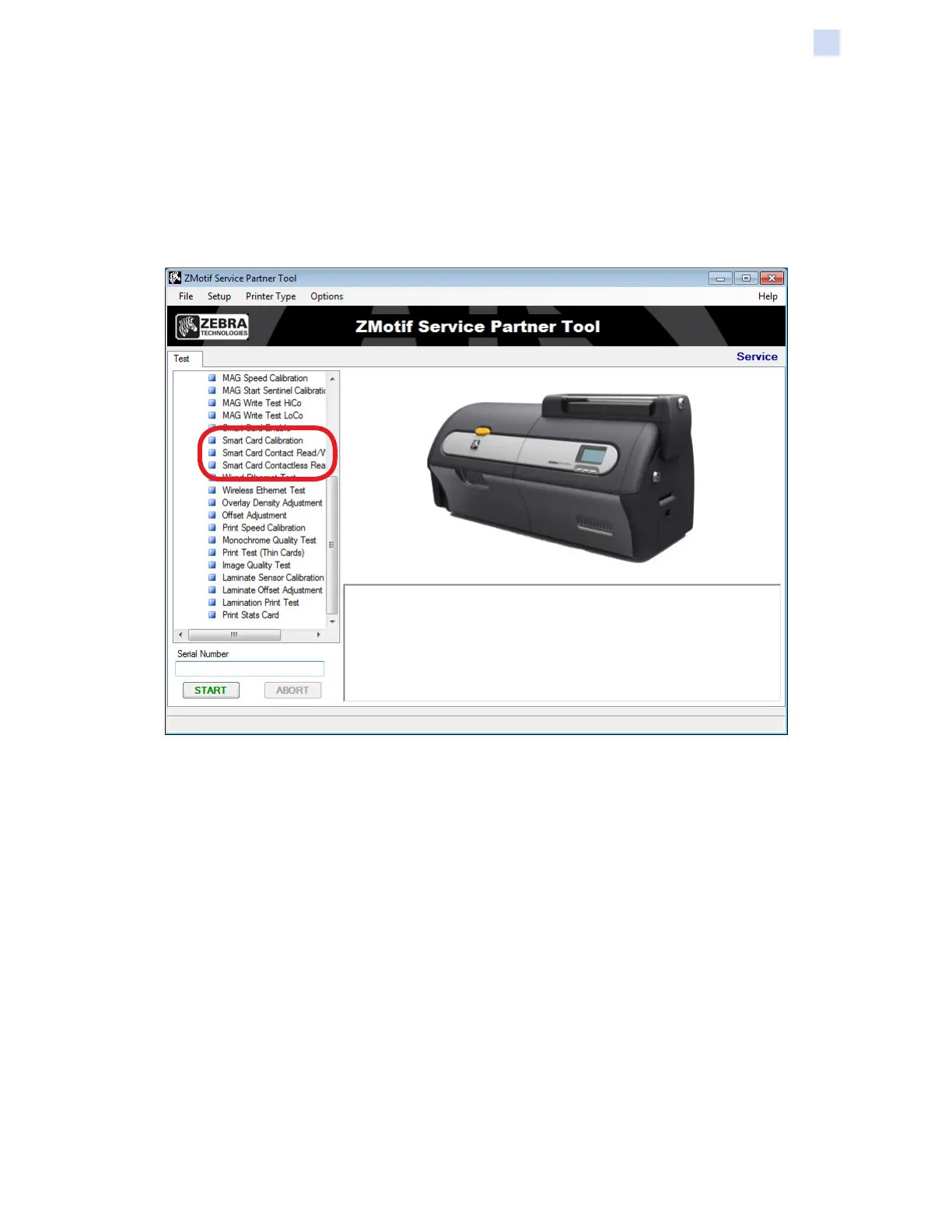
Step 1. Launch the ZMotif Service Partner Tool.
Step 2. Run Smart Card Enable, Smart Card Calibration, and Smart Card Contact
Read/Write Test.


 To Next Page
 Loading...

