OPERATION
Carl Zeiss Operating the motorized microscope via the touchscreen of the TFT display Axio Imager
118 430000-7344-001 M70-2-0020 e 06/2009
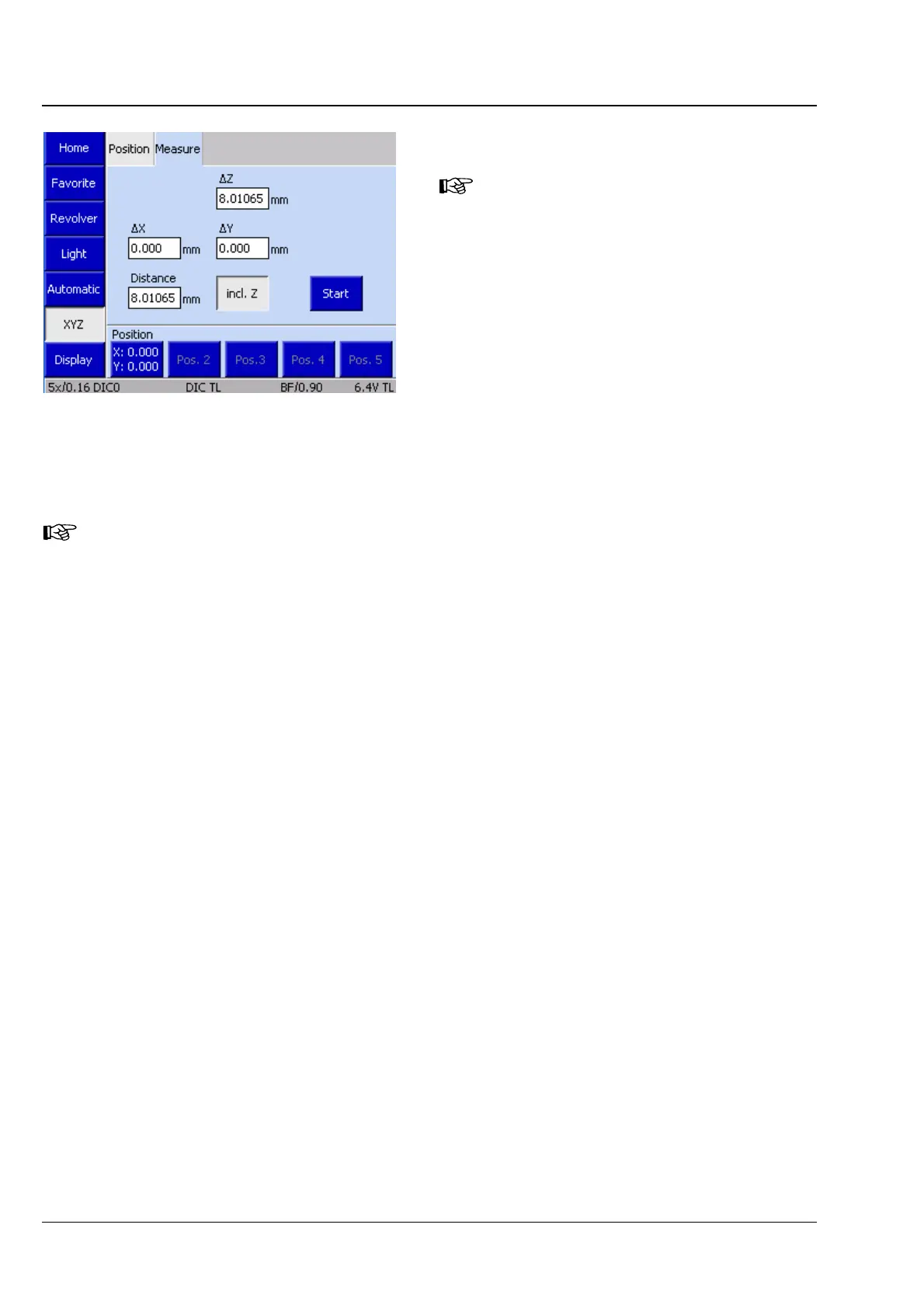
(2) Measure tab
This tab will be accessible only if you
use a motorized (CAN bus) stage.
Otherwise, the Start button and a
display for the Z-distance ΔZ are
displayed on the Position tab.
Using the controls on the Measure tab, the
operator can perform simple distance
measurements in millimeters (mm). Three options
are available for these measurements:
− Distance between two manually set positions
− Distance between a manually set position and a
defined position
− Distance between two defined positions
If the Z distance shall be measured, activate the with Z button.
• Move to initial position.
• Press the Start button. On doing so, the display fields ΔX, ΔY and ΔZ will be set to zero.
In the fields, ΔX, ΔY and ΔZ, every stage movement is displayed.
The position buttons function as described under (1) Position tab above.
Fig. 4-54 Microscope -> XYZ-> Measure








 To Next Page