START-UP
Carl Zeiss Unpacking and installing the microscope Axio Imager
32 430000-7344-001 M70-2-0020 e 06/2009
3 START-UP
The Axio Imager microscope can be installed, converted and started up by the customer.
On request, the microscope is also installed or converted by Zeiss Service with costs.
Before installing and starting-up the microscope, be sure to carefully read the notes on
instrument safety (see Section
1).
3.1 Unpacking and installing the
microscope
The basic instrument is supplied packed to
commercial standards in a polyethylene case with
cardboard packaging.
It contains the following components:
Stand, binocular tube, objectives, eyepieces,
condenser, HAL 100 illuminator, microscope mat
and various small parts, such as DIC slider, spare
lamp, dust cover, tool bag with tools.
The following components are factory-installed to
the microscope stand: Mechanical stage, specimen
holder, objectives, polarizer, filter holder, reflected-
light illumination and adjusting aid for HBO/XBO
lamps.
Additional optional accessories are supplied in a
separate box.
• Remove all components from the packaging
observing the provided instructions for
unpacking the instrument.
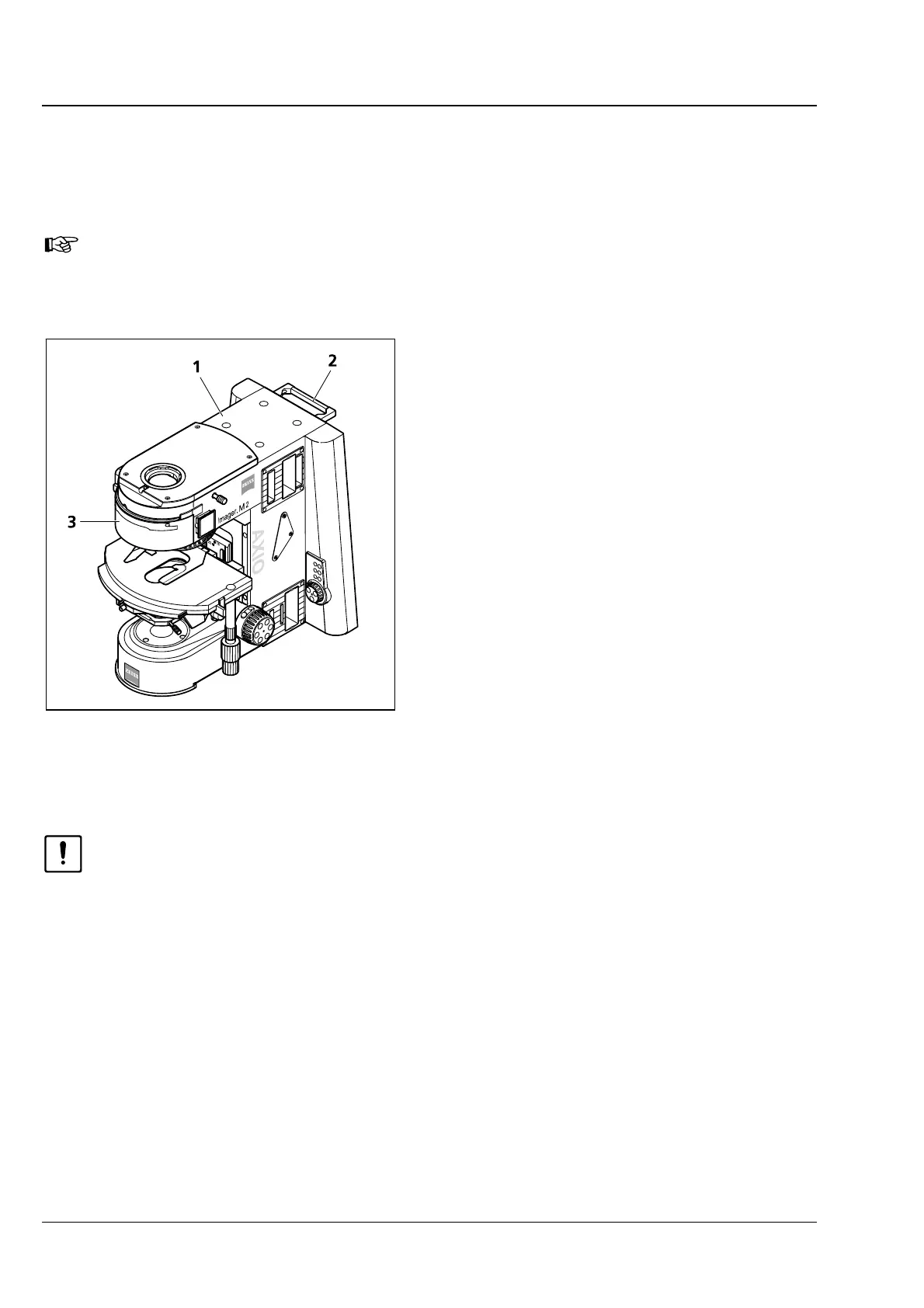
You can carry the stand using the handle (
3-1/2) on the rear side of the stand. The second
point of engagement must never be located on the microscope stage, as the guide may get
damaged otherwise. The grip recess on the cover part
3-1/3) constitutes a safe second point
of engagement.
• Use the delivery form to check the delivered items for completeness.
• Place the instrument (3-1/1) onto a vibration-free, flat worktable.
• Keep the original packaging for storage or for returning the instrument to the manufacturer, or
dispose of it properly.
Fig. 3-1 Setting up the microscope








 To Next Page