OPERATION
Carl Zeiss Operating the motorized microscope via the touchscreen of the TFT display Axio Imager
136 430000-7344-001 M70-2-0020 e 06/2009
4.8.7 User page
From this page, the user can access three other
pages:
− User selection
− User configuration
− Admin
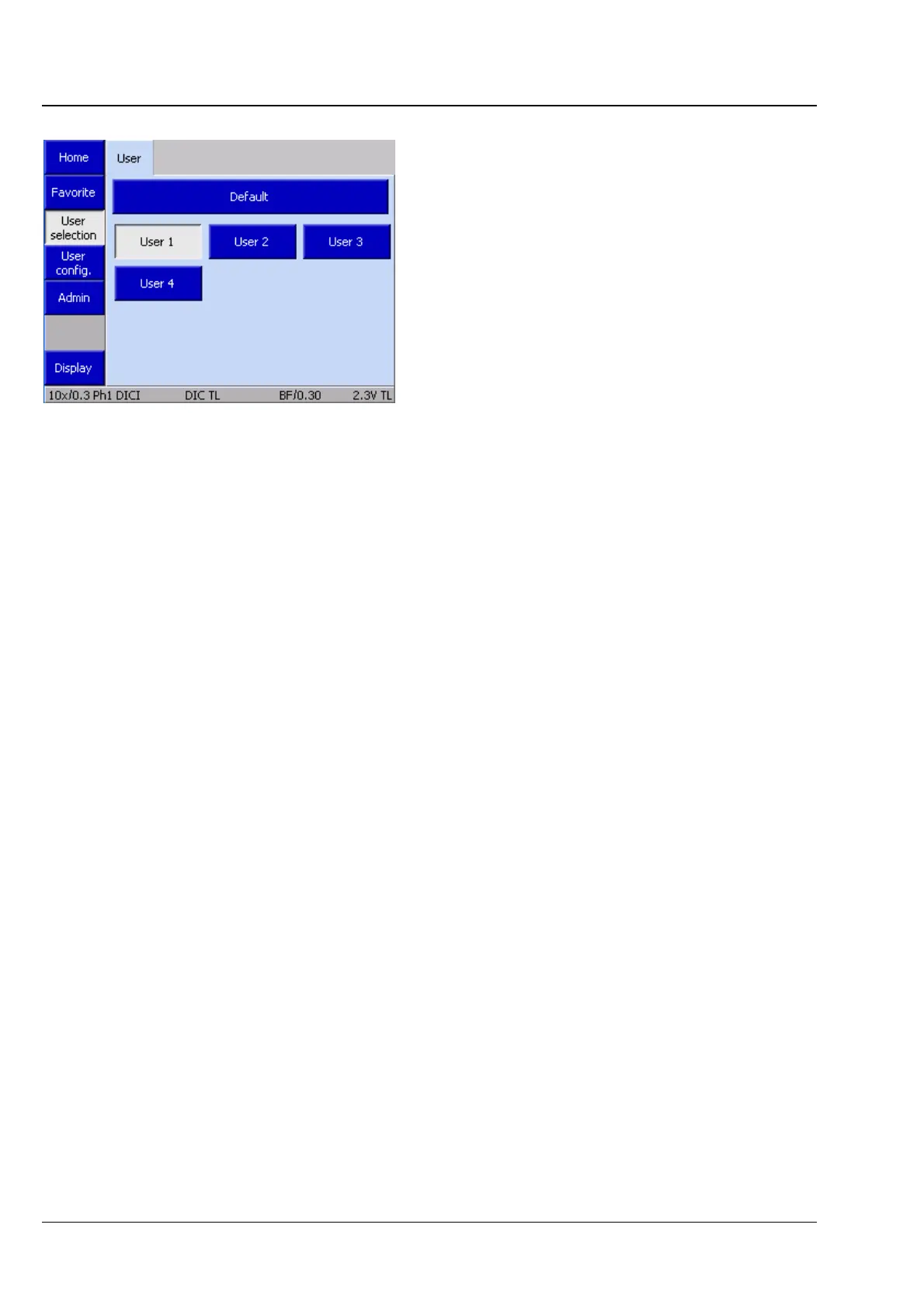
4.8.7.1 User selection page
The User selection page contains a tab which
serves to select a previously created and configured
user.
A default user may be chosen as well. This user
contains the Standard settings for the assignment
of the buttons located on the instrument and the
docking station, based on an automatic
assignment plan. Hardware settings may be
assigned and are retained after switch-off. Light
manager values will be saved.
Fig. 4-92 Microscope -> User -> user selection








 To Next Page